
SpeechLive Legal
Dictation, specialist legal speech recognition and AI-assisted drafting for law firms. Create letters, file notes and matter documents with your team.
Explore SpeechLive LegalPhilips SpeechLive brings dictation, transcription, speech recognition and AI drafting together in one complete solution.
Dictate a letter for your typist, speak directly into a document or turn a meeting and supporting files into a structured first draft. Choose the features your team needs, with local onboarding, training and support from VoiceX across Australia and New Zealand.
Dictation, specialist legal speech recognition and AI-assisted drafting for law firms. Create letters, file notes and matter documents with your team.
Explore SpeechLive LegalDictation, professional speech recognition and AI-assisted drafting for business. Create reports, meeting notes and client correspondence in your organisation’s format.
Explore SpeechLive ProfessionalStart with a dictation, conversation or recording. Send it to your typist, turn it into text with speech recognition or use an AI Assistant to prepare a structured draft. You and your team review the result before it is finalised.
Capture dictations, meetings or consultations using the SpeechLive Mobile App, browser recorder, digital dictation recorders or professional dictation microphones.
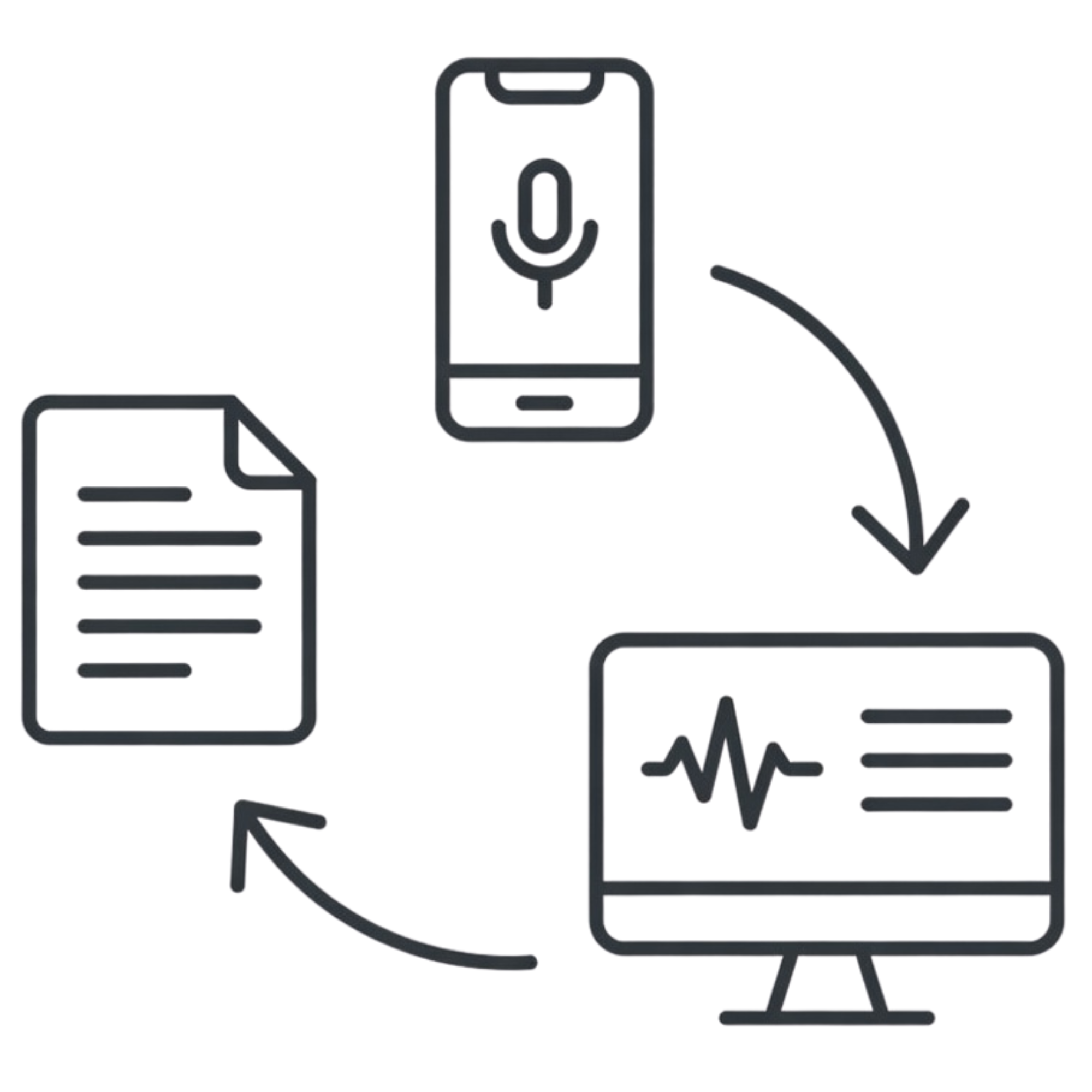
Send recorded work securely to your typist, transcription team or the SpeechLive Transcription Service.
Transcribe audio with speech recognition or a typist. Add AI drafting to turn recordings and supporting files into documents in your preferred format.
Check transcripts against the saved audio and AI drafts against their sources. Your team stays in control of the finished document.
SpeechLive stores dictations and file attachments for Australian and New Zealand accounts in Microsoft Azure in Victoria, Australia. Philips lists ISO/IEC 27001 certification for information security management.

Watch our overview of dictation, transcription and speech recognition. For a closer look at your own documents and team setup, arrange a VoiceX demonstration.
Give authors an easy way to send dictations, typists a shared worklist and administrators a clear view of progress. SpeechLive Workflow connects your team from the first recording to the completed document.
Record with the SpeechLive Mobile App, a digital dictation recorder or a dictation microphone. Send the recording for transcription or review.

Find work in one queue, control audio playback, transcribe dictations and check speech-recognised text against the recording.

Manage users, licences and teams, allocate work and track progress from a central account.
SpeechLive Legal Direct and SpeechLive Professional Direct add speech recognition to SpeechLive Pro or SpeechLive Enterprise. For structured document drafting, choose SpeechLive Enterprise with SpeechLive Legal AI Assistant or SpeechLive Professional AI Assistant. Each AI Assistant includes its corresponding speech recognition module.
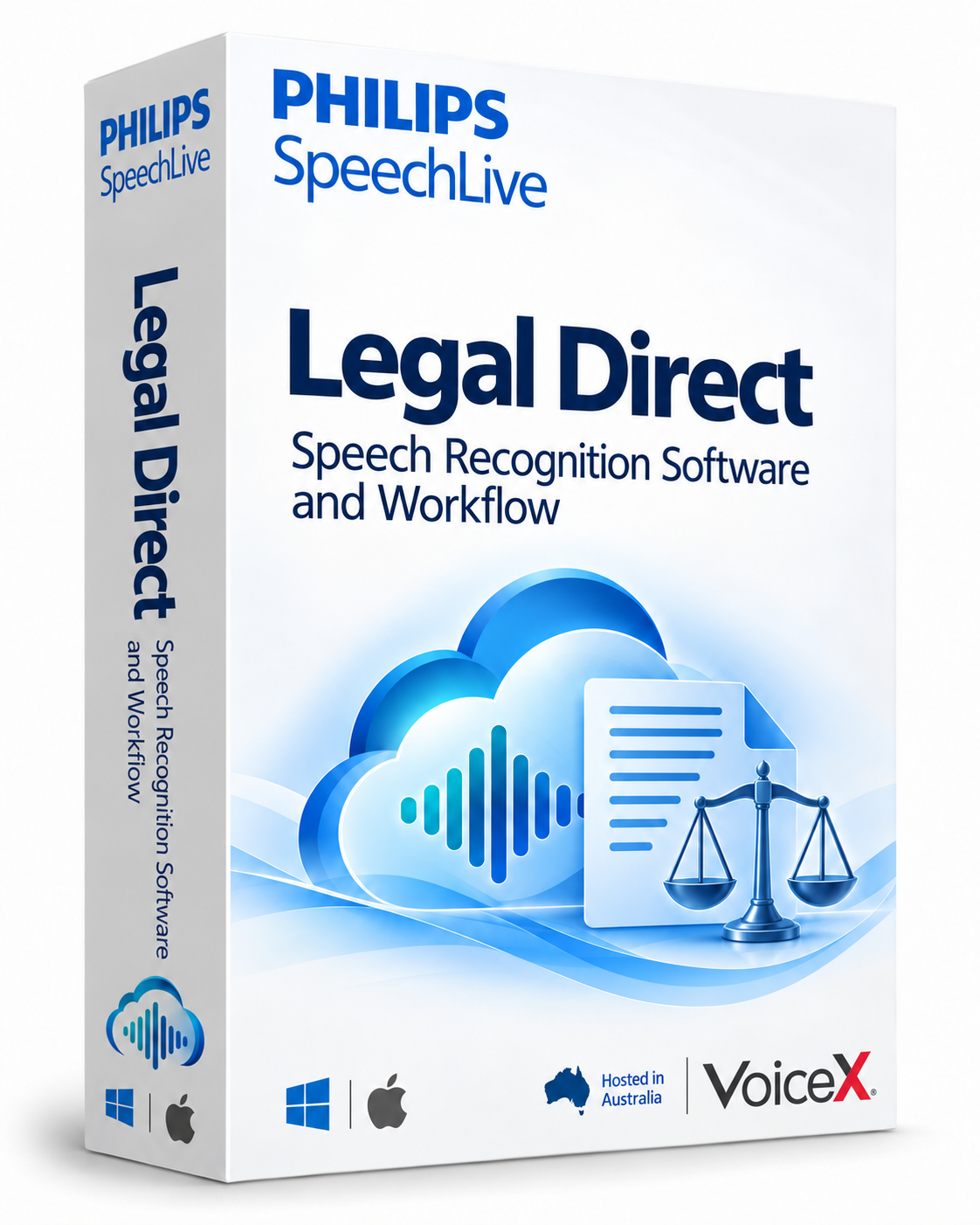
Speech recognition for legal work
Dictate letters and matter notes at the cursor on Windows or Mac, or transcribe saved recordings with specialist legal vocabulary and Smart Transcript. Use the SpeechLive Desktop App, SpeechLive Mobile App or browser to suit the way you work.
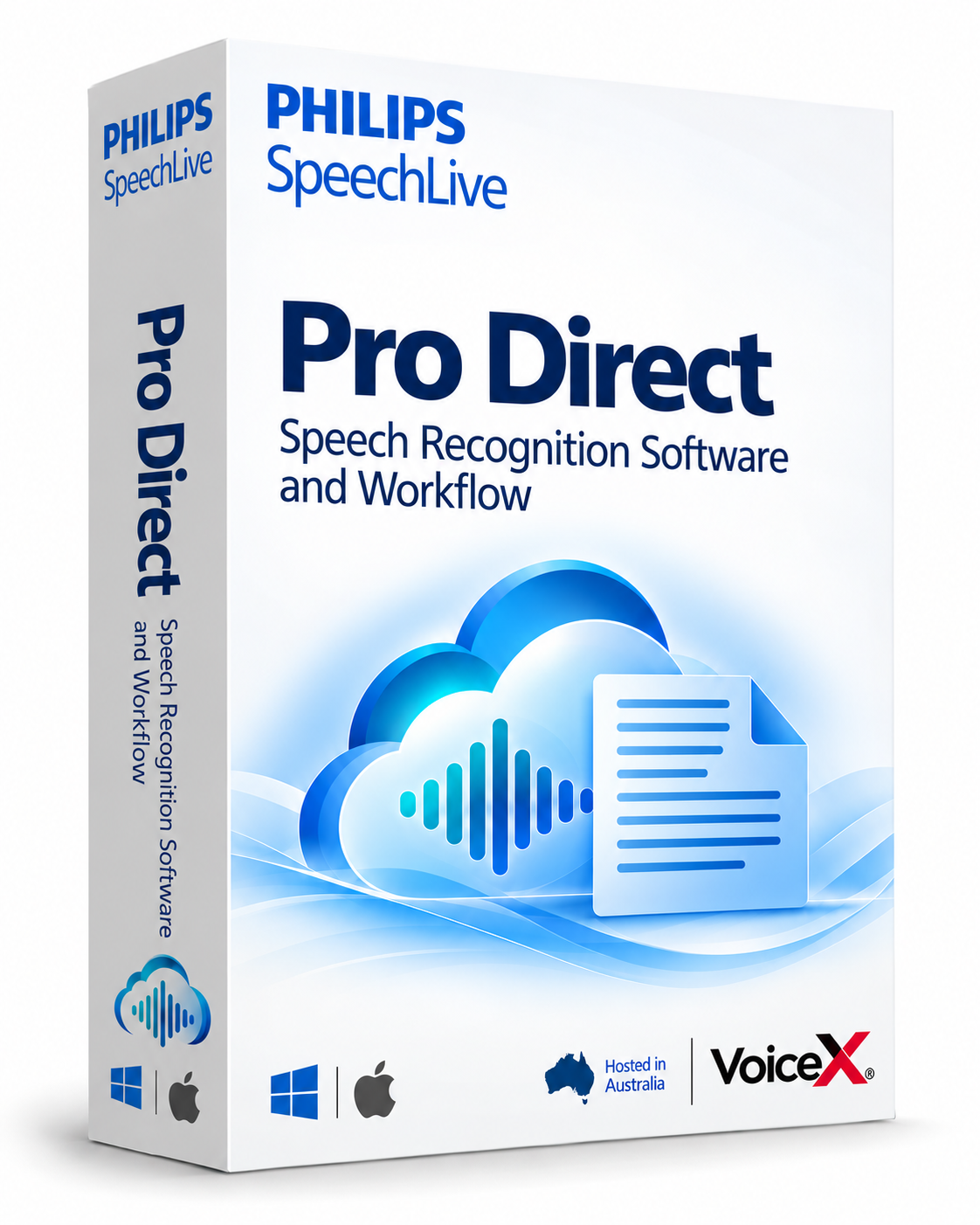
Speech recognition for business
Dictate reports and emails at the cursor on Windows or Mac, or transcribe saved recordings with Smart Transcript. Personalise vocabulary for your business terms, with access through the SpeechLive Desktop App, SpeechLive Mobile App and browser.
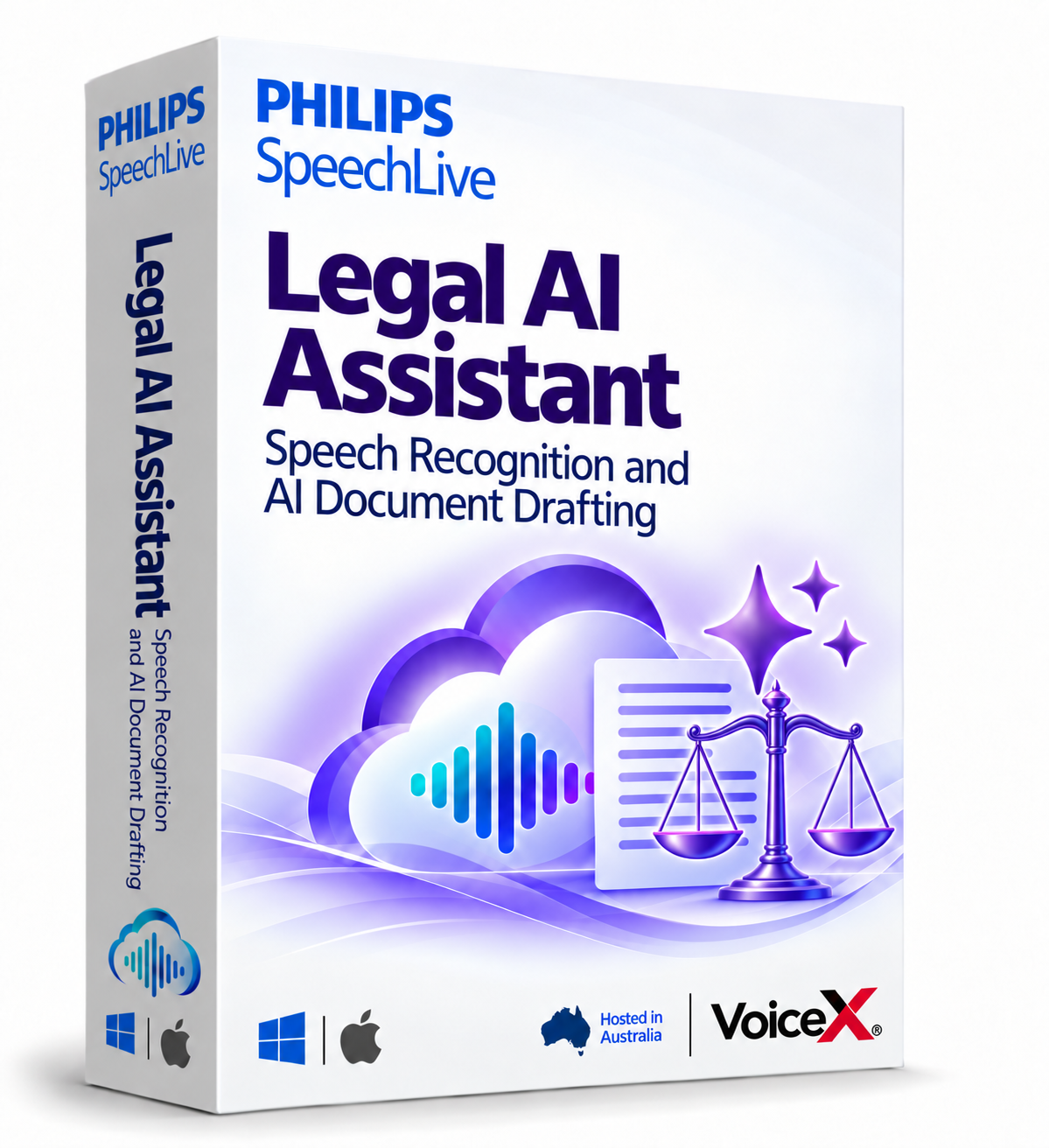
Speech recognition + AI legal drafting
Turn client conversations, instructions and supporting files into draft file notes, letters and legal documents using your firm’s templates.
Includes SpeechLive Legal Direct.
Speech recognition + AI business drafting
Turn meetings, observations and supporting files into draft reports, client notes and correspondence using your organisation’s templates.
Includes SpeechLive Professional Direct.
Compare SpeechLive plans and module features · Explore SpeechLive integrations · Try SpeechLive
Start with SpeechLive Basic, SpeechLive Pro or SpeechLive Enterprise for dictation and transcription. Add speech recognition to SpeechLive Pro or SpeechLive Enterprise, or choose SpeechLive Enterprise with an AI Assistant for document drafting.
A practical starting point for secure cloud dictation and transcription with author and typist functionality.
For teams that need work allocation, reporting and the option to add speech recognition.
For organisations that need integrations, central administration or AI-assisted document drafting.
Use your phone on the move, a professional recorder between appointments or a SpeechMike at your desk. VoiceX supplies the microphones, recorders and foot controls to suit your SpeechLive setup.

Record and send dictations from your smartphone while the details are fresh, wherever your work takes you.
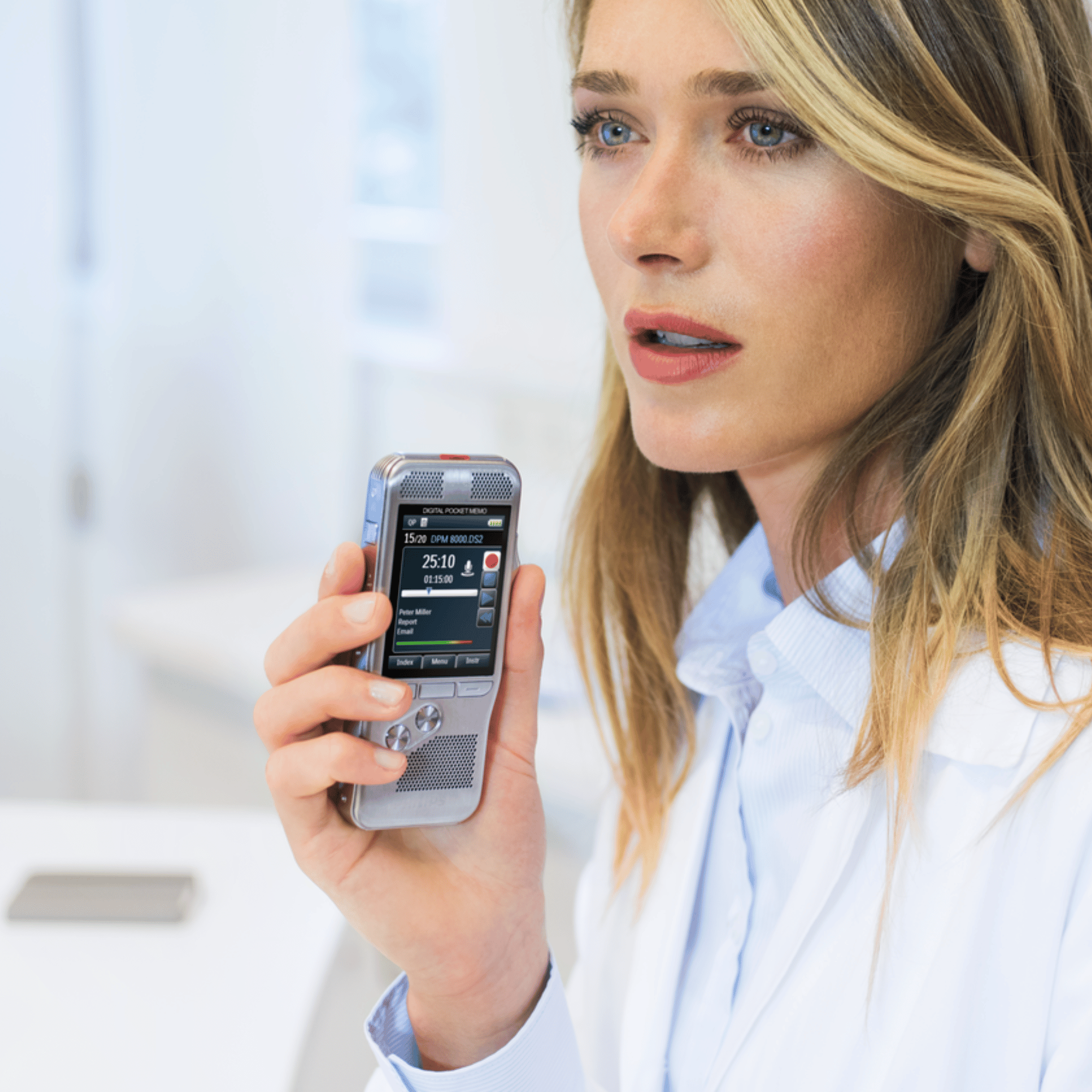
Capture dictations with a Philips PocketMemo or supported Olympus / OM SYSTEM recorder, then upload them into SpeechLive for transcription or review.
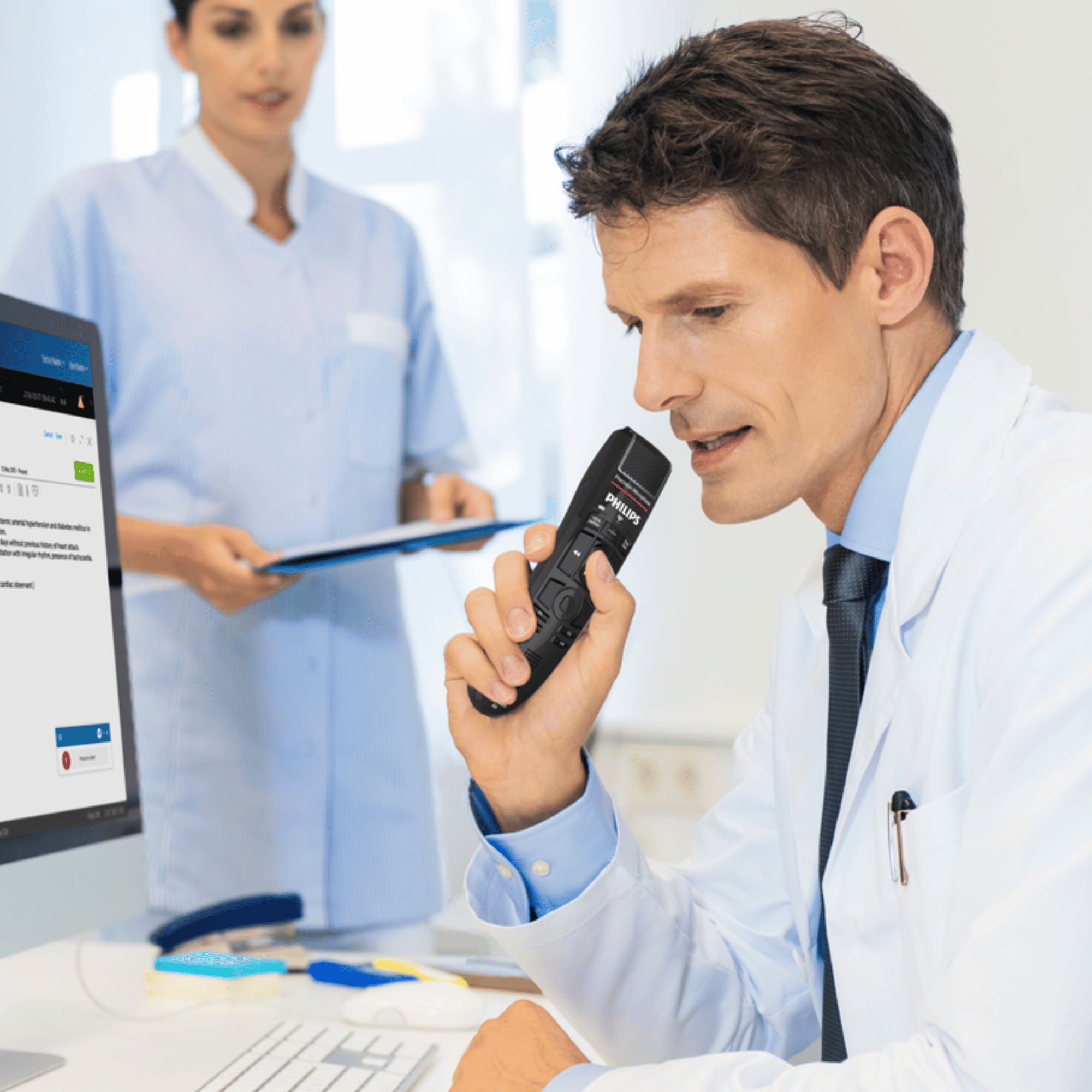
Choose a Philips SpeechMike for desk-based dictation and speech recognition, or SpeechMike Ambient for dictation and conversation capture.
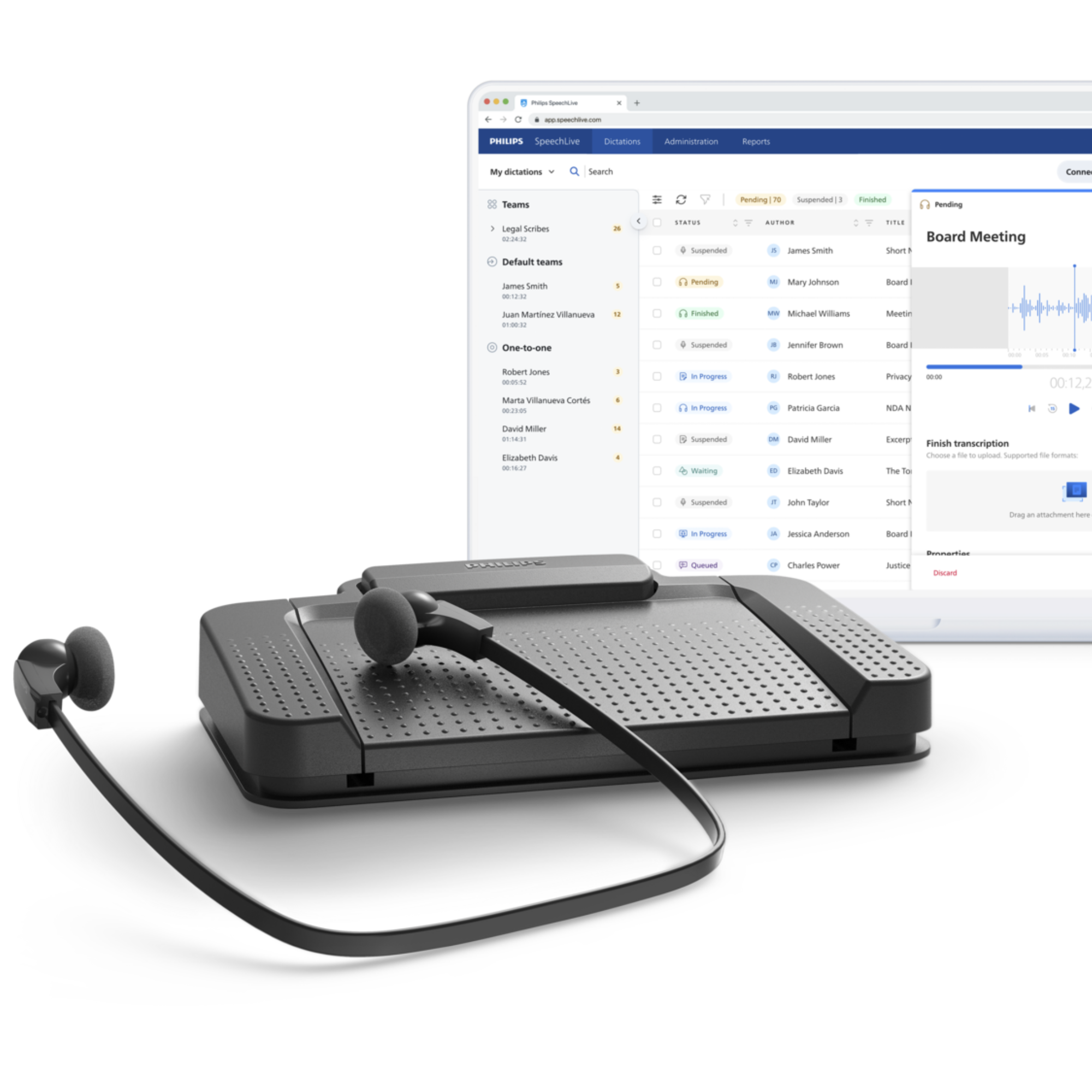
Control playback while typing, or use a supported foot control for hands-free dictation and microphone control.
The SpeechLive Desktop App and SpeechLive Mobile App are included with your subscription. Use your browser to manage dictations, worklists and documents. Speech recognition and AI drafting are available with the relevant module.
With SpeechLive Legal Direct or SpeechLive Professional Direct, dictate at the cursor on Windows or Mac, edit by voice and capture discussions with MultiSpeak. On Windows, automatically upload recordings from supported recorders and folders.
Explore the SpeechLive Desktop AppRecord dictations on your iPhone or Android phone and send them to your team. Capture audio offline and upload when reconnected, with speech recognition and AI features available through your licensed module.
Explore the SpeechLive Mobile AppExplore the SpeechLive Enterprise–Actionstep integration in this VoiceX video. See how the two platforms work together and talk to our team about the options for your legal practice.
Watch the VoiceX demonstration
See SpeechLive Enterprise and Actionstep working together.
Watch on YouTubeSend dictations to the optional SpeechLive Transcription Service and receive documents prepared by professional typists. It is a pay-as-you-go option for overflow, leave cover or teams without an in-house typist.
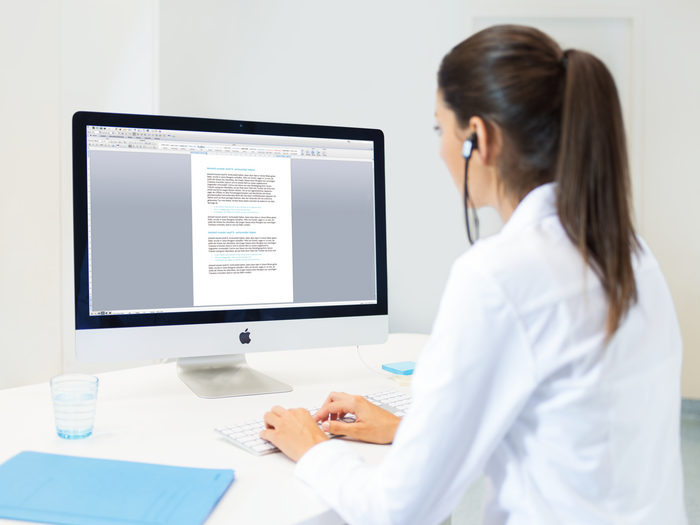
Prepare letters, matter notes and legal drafts with SpeechLive Legal.
Capture clinical dictations and support medical transcription with audio available for review and correction.
Bring worklists, routing, status tracking and browser-based access together for your transcription team.
Support dictation, role-based access and document creation for distributed teams.
Create reports, client notes and correspondence with SpeechLive Professional.
Combine central administration, licence management and reporting across departments.
Both provide real-time speech recognition at the cursor and transcription of saved recordings, with voice commands and personalised vocabulary. SpeechLive Legal Direct adds specialist legal recognition. SpeechLive Professional Direct supports business and professional documentation.
SpeechLive Legal AI Assistant and SpeechLive Professional AI Assistant focus on structured document drafting using voice input, source material and templates. SpeechLive Legal AI Assistant includes SpeechLive Legal Direct, and SpeechLive Professional AI Assistant includes SpeechLive Professional Direct.
SpeechLive Basic suits straightforward dictation and transcription. SpeechLive Pro adds enhanced administration and reporting, with optional speech recognition. SpeechLive Enterprise offers additional management and integration options for larger organisations.
Yes. Use supported digital dictation recorders, Philips SpeechMike microphones and foot controls alongside the desktop and mobile apps. Explore the hardware options.
An optional pay-as-you-go transcription service is available for teams that want additional transcription capacity.
Yes. VoiceX provides local onboarding, implementation, training and ongoing support. Visit SpeechLive Support & Training.
VoiceX supplies and supports Philips SpeechLive across Australia and New Zealand. We help set up your users, connect your dictation hardware and train authors, typists and administrators using the documents they prepare every day.
From your first trial to new team members and ongoing questions, our Australian support team helps you get more from SpeechLive.
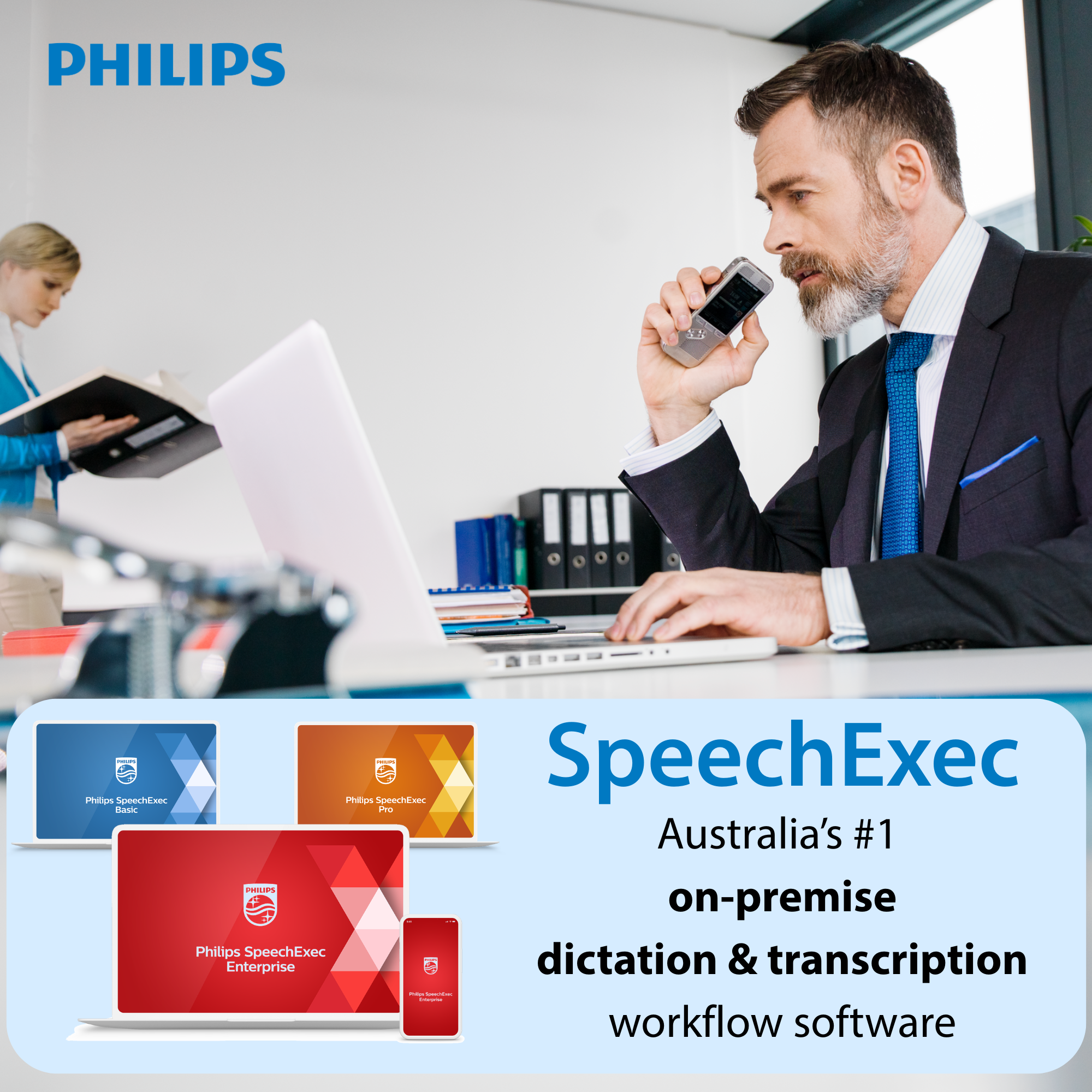
Philips SpeechExec supports authors, typists and administrators in a locally managed environment. VoiceX can help you compare SpeechLive and SpeechExec for your organisation.
SpeechLive Pro and SpeechLive Enterprise author and typist accounts receive 200 free minutes per user to try SpeechLive Legal Direct or SpeechLive Professional Direct. This one-off allowance is included in trial and paid accounts and remains available until used while the account is active.
See how dictation, transcription, speech recognition and AI drafting fit the way your team prepares documents. Start a trial or explore the SpeechLive options for your organisation.