Find the right speech recognition software for your needs
Speech recognition software helps people create documents by voice instead of typing. Start with the category that best matches the person using the software, then compare the available products inside that pathway.
Medical Speech Recognition
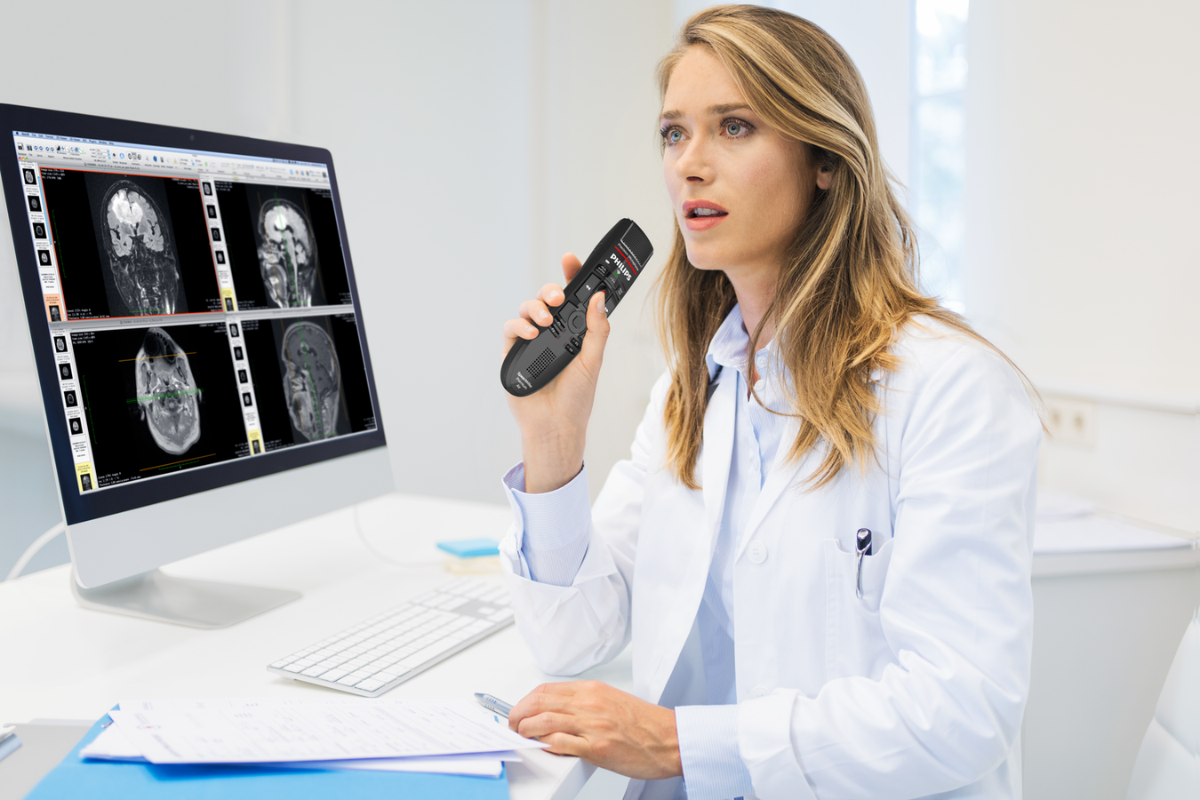
For doctors, specialists, hospitals and healthcare teams creating clinical notes, referrals, reports, letters and patient documentation by voice.
Includes Dragon Medical One, Lexacom Echo and relevant SpeechLive medical dictation pathways.
View medical options →
Legal Speech Recognition
For lawyers, barristers, courts and legal support teams creating advices, file notes, correspondence, contracts and other legal documents.
Includes Dragon Legal Anywhere, SpeechLive Legal AI Assistant and relevant SpeechLive legal dictation options.
View legal options →
Professional Speech Recognition
For business, government, finance, insurance and professional users creating reports, emails, forms, case notes and longer documents by voice.
Includes Dragon Professional v16, Dragon Professional Anywhere and relevant SpeechLive speech recognition options.
View professional options →
Student, NDIS & Accessibility Speech Recognition
For students, accessibility users and NDIS-funded clients who need speech-to-text support for study, writing, communication or reduced typing strain.
Includes Dragon Professional options, compatible microphones and practical setup guidance.
View student & NDIS options →
Which speech recognition option fits best?
The right speech recognition product depends on who is using it, what they are writing, and whether they need medical vocabulary, legal vocabulary, cloud access, installed Windows software or accessibility-focused setup support.
Medical users
Medical users usually need healthcare vocabulary, fast correction, accurate patient documentation and support for clinical letters, referrals, reports and notes. Dragon Medical One is the advanced medical pathway, while Lexacom Echo provides a simpler medical speech-to-text option for many healthcare users.
Legal users
Legal users often need speech recognition for correspondence, file notes, advice, contracts, witness statements, affidavits and legal documents. Dragon Legal Anywhere is suited to verbatim legal speech recognition, while SpeechLive Legal AI Assistant can support legal documentation where speech recognition and AI-assisted drafting are suitable.
Professional users
Professional users may need speech recognition for reports, emails, forms, case notes, minutes and general document creation. Dragon Professional v16 suits users who want installed Windows software, while Dragon Professional Anywhere and SpeechLive options suit selected cloud-based requirements.
Student, NDIS and accessibility users
Students and accessibility users often need speech-to-text software to reduce typing, support study, complete written tasks or improve independence. Product selection should consider the user’s device, training needs, microphone choice and whether funding or support documentation is required.
Speech recognition, AI transcription and AI scribe are not the same
These tools are often searched for together, but they solve different documentation problems. Choosing the right category helps avoid paying for software that does not align with how the user works.
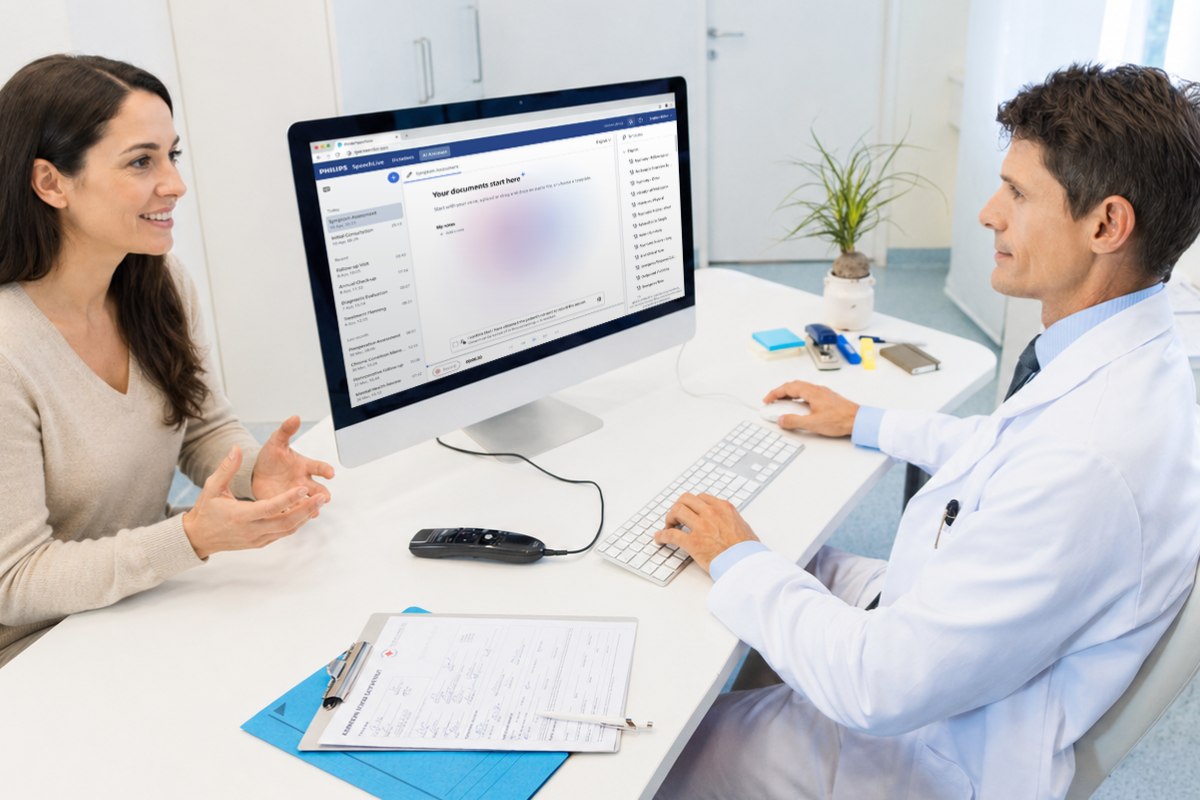
AI smart transcription: converts recorded speech or audio into text, whether from a single author or multiple speakers, often with AI assistance for punctuation, formatting or readability depending on the platform. Learn more about AI-powered Smart Transcription →
AI scribe: uses an audio file or consultation conversation to draft structured documentation based on personalised templates. Learn more about AI Scribes →
Cloud or installed speech recognition?
Some speech recognition software runs as installed Windows software, while other products are cloud-based subscriptions. The best choice depends on the user, organisation, document type and IT requirements.
Cloud speech recognition
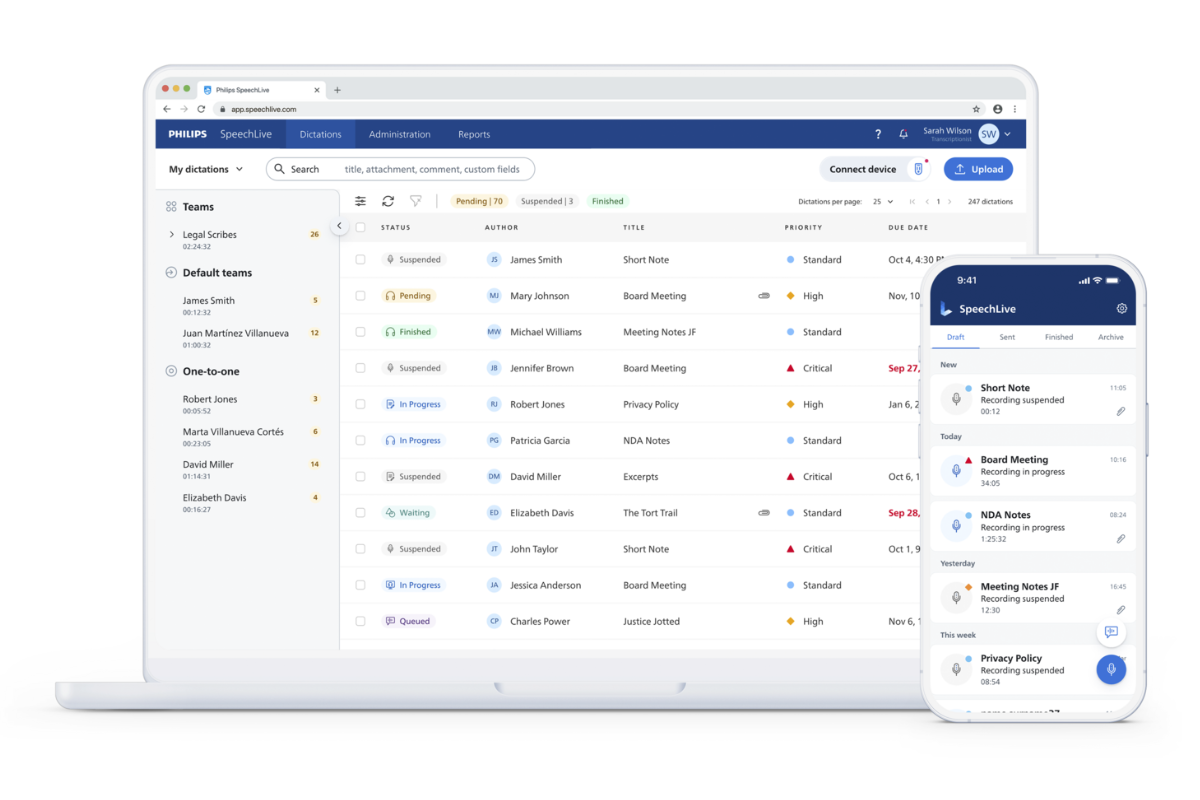
Cloud options suit users who work across locations or prefer subscription licensing. Cloud-based speech recognition and documentation options include Dragon Medical One, Dragon Legal Anywhere, Dragon Professional Anywhere, SpeechLive and Lexacom Echo.
Learn about speech recognition solutions →
Installed Windows speech recognition
Installed software can suit users who prefer locally installed desktop software. Dragon Professional v16 is the primary Windows speech recognition option for professional users who need desktop dictation, computer control, voice navigation, or custom commands.
View professional speech recognition →
Related shop categories
Speech recognition performs best when the software, microphone and documentation process are matched to the user. These related categories help complete the setup.
Why choose VoiceX?
Since 2003, VoiceX has supplied specialist document creation technology for professionals across Australia and New Zealand.
We help medical, legal, professional, student and NDIS users choose suitable speech recognition software, microphones and support pathways. VoiceX can assist with product selection, trial guidance, onboarding and practical setup advice.
VoiceX can help with
✓ Medical, legal, professional and accessibility use cases
✓ Dragon, SpeechLive and Lexacom product selection
✓ Trial guidance and onboarding
✓ Microphone and headset recommendations
✓ Support for Australia and New Zealand customers
Speech recognition FAQs
What is the best speech recognition software in Australia?
The best option depends on the user and document type. Dragon Medical One is commonly used for advanced medical dictation, Lexacom Echo is a simpler medical speech-to-text pathway, Dragon Professional suits business and general document creation, and legal users may need a legal-specific speech recognition option.
Which speech recognition software is best for doctors?
Doctors usually need medical vocabulary and software that can support clinical documentation. Dragon Medical One is the advanced medical speech-recognition platform, while Lexacom Echo may suit healthcare users seeking a simpler medical speech-to-text option.
Is there speech recognition software for NDIS and accessibility users?
Yes. Speech recognition can help reduce typing, support written communication and improve independence for some users. The right option depends on the user’s computer, writing needs, microphone choice, training requirements and funding or support documentation.
Is Dragon still the best speech recognition software?
Dragon remains a leading platform for many professional, medical and legal users, especially where accurate dictation, specialist vocabulary and voice-based document creation are important. The best product still depends on the user and environment.
Is speech recognition the same as AI transcription or AI scribe?
No. Speech recognition converts dictated speech into text. AI transcription converts recorded audio into text. AI scribe tools use audio from consultations or conversations to draft structured documentation. Professional users should review the final content before final publishing.
Do I need a special microphone for speech recognition?
A quality microphone helps speech recognition capture your voice more clearly. Many users choose a Philips SpeechMike, OM SYSTEM RecMic, professional headset or approved wireless microphone depending on where and how they dictate.