Shop speech recognition microphones for Dragon Medical One, Dragon Professional v16, Dragon Professional Anywhere, Dragon Legal Anywhere, SpeechLive, Lexacom Echo and accessibility speech-to-text.
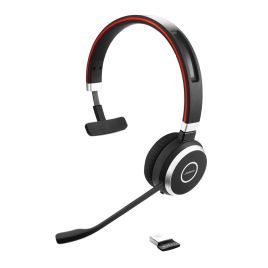
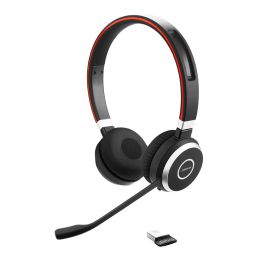
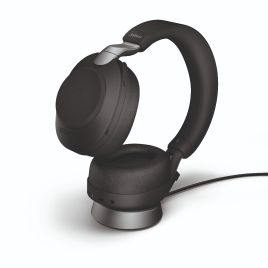
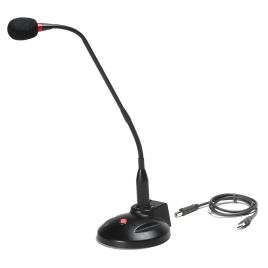
The right microphone gives your speech recognition software a cleaner, more consistent voice signal. VoiceX recommends handheld dictation microphones, USB headsets, desktop microphones and selected wireless options for medical dictation, legal drafting, professional reports, study work and everyday voice-to-text.
Speech recognition works best when the software can hear a clear, steady voice signal. A good microphone does not replace clear dictation, correct setup or user training, but it can make Dragon, SpeechLive, Lexacom Echo and other speech-to-text solutions easier to use day to day.
The best microphone depends on the software, work environment and dictation style. A doctor dictating clinical notes, a lawyer drafting long documents, a student using Dragon for study support and an office professional creating reports may each need a different setup.
Desktop dictation control
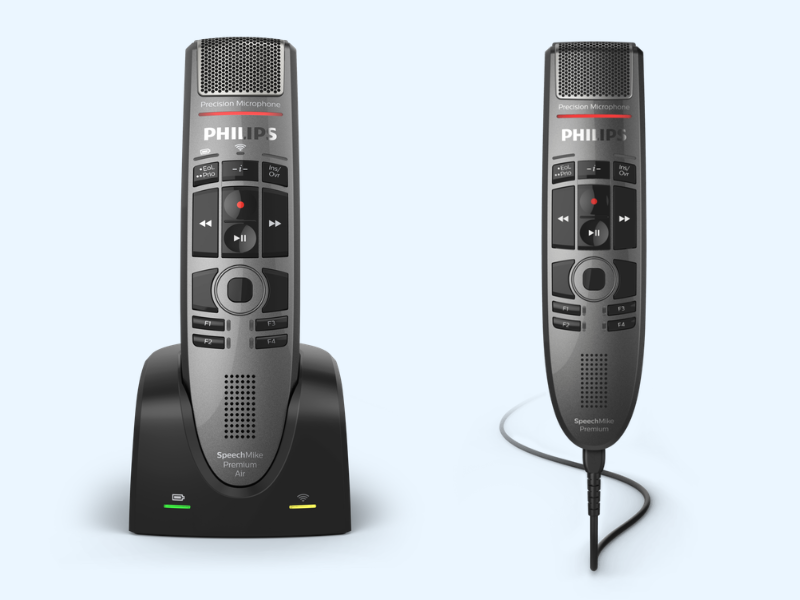
Handheld Dictation Microphones
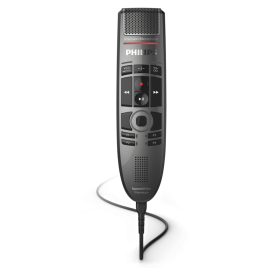
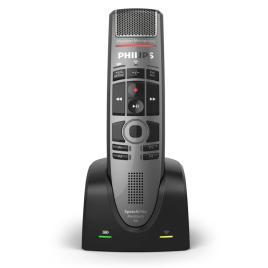
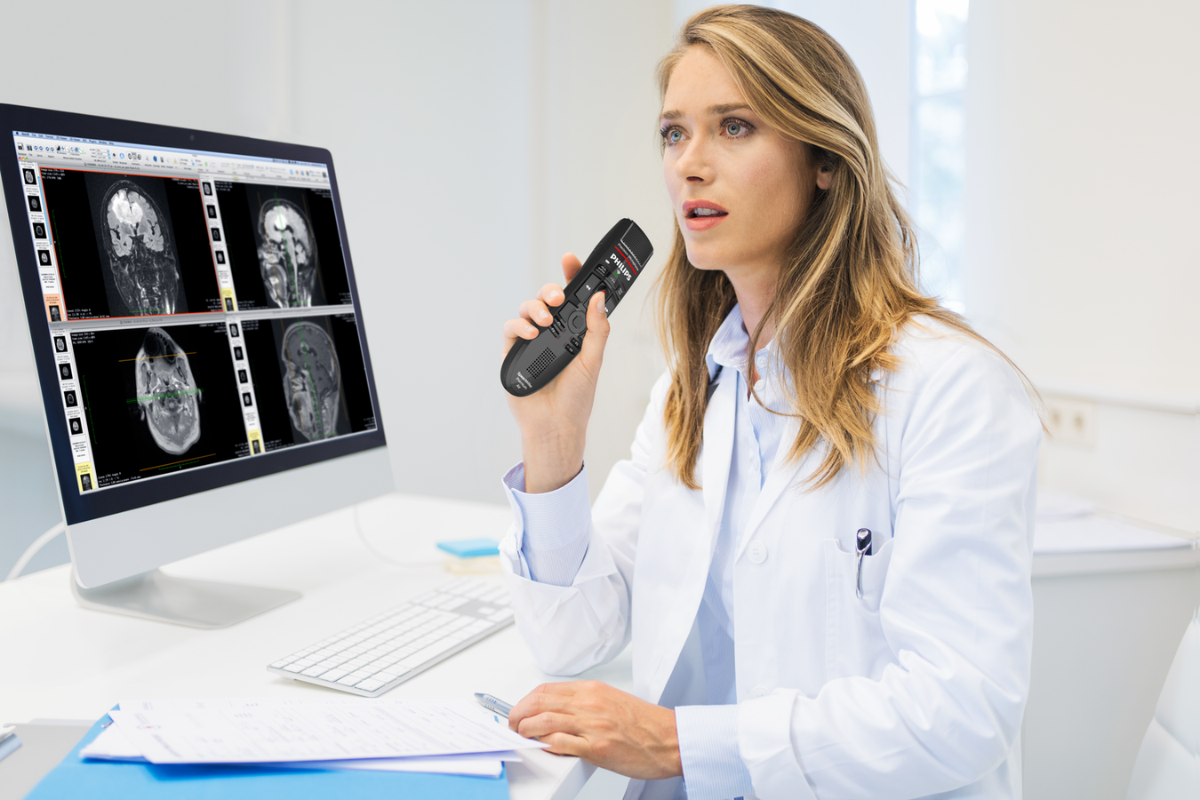
Handheld microphones suit users who want a dedicated dictation device with close voice pickup, physical controls and a familiar desktop dictation feel.
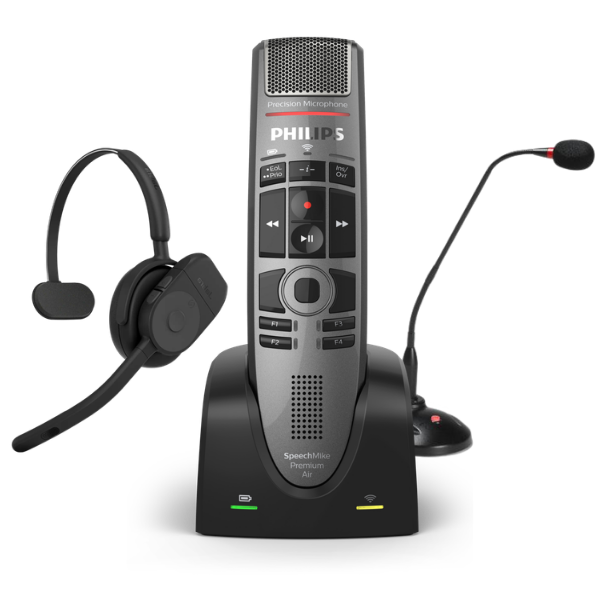
Philips SpeechMike and OM SYSTEM / Olympus RecMic models are commonly used with Dragon and other speech recognition environments, subject to model and software compatibility.
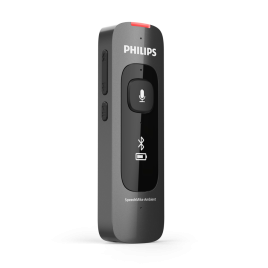
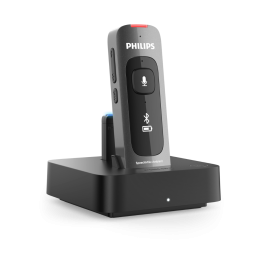
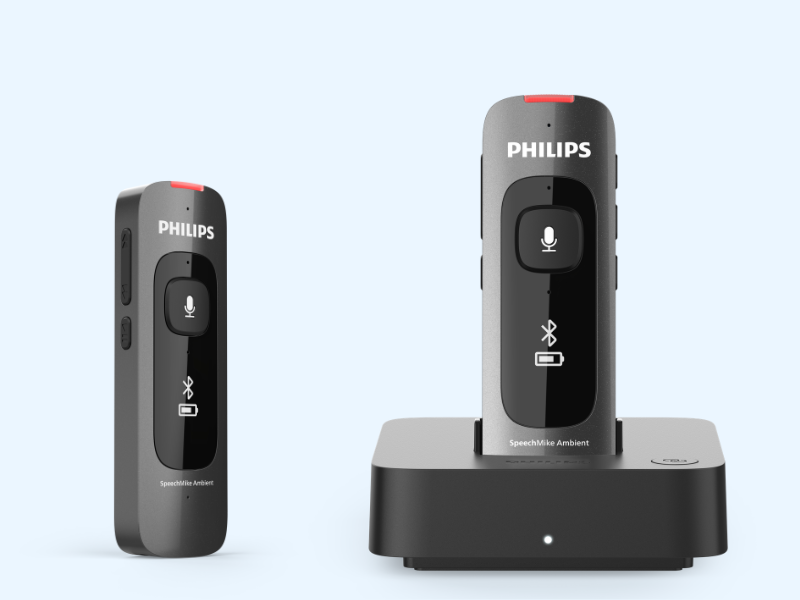
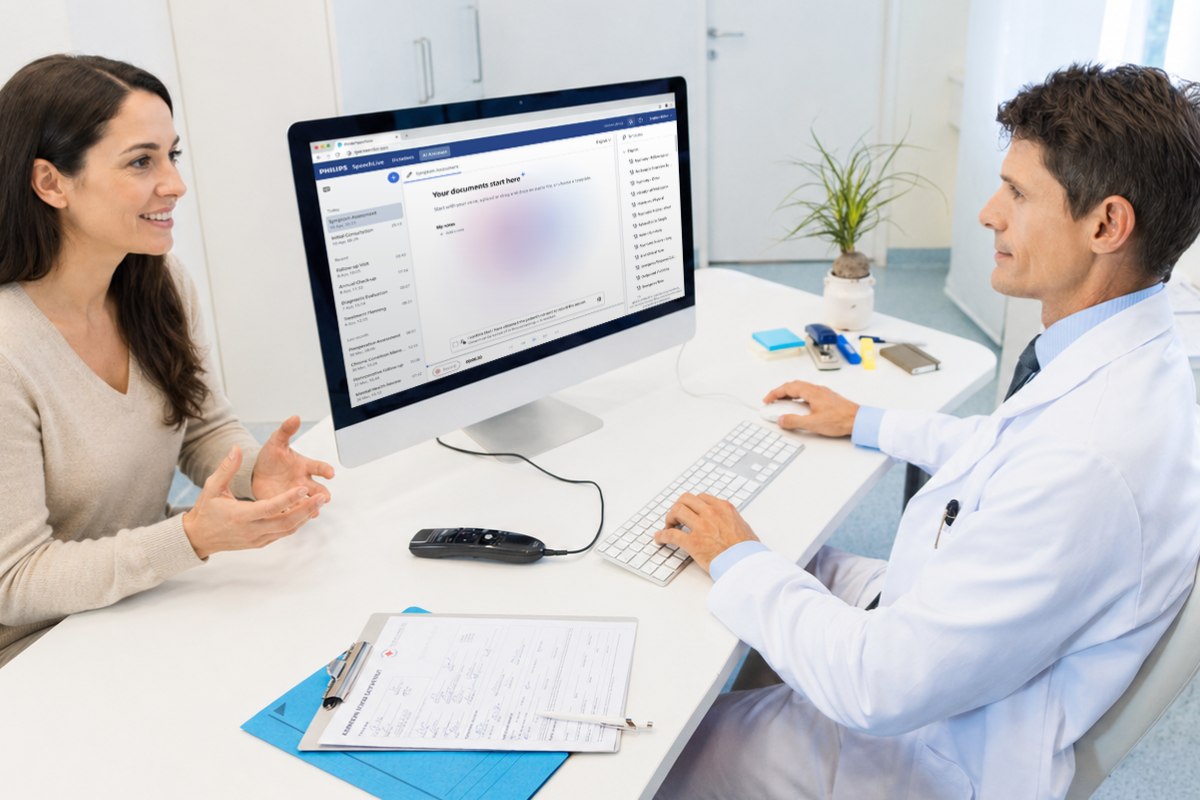
Philips SpeechMike Ambient is designed for professionals who need more than traditional single-speaker dictation. It supports close-range dictation like a SpeechMike, while also adding ambient voice capture for consultations, meetings and AI-assisted document creation.
This makes it a strong option where speech recognition, recorded conversations and AI scribe-style capture are starting to overlap, especially for users moving beyond standard desktop dictation.
What matters when choosing a speech recognition microphone?
A microphone does not replace a good software setup, clear speech or user training, but it plays an important role. The aim is to give your speech recognition software a clean and consistent voice signal.
Handheld, headset or desktop?
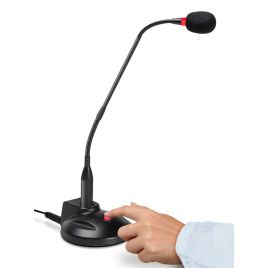
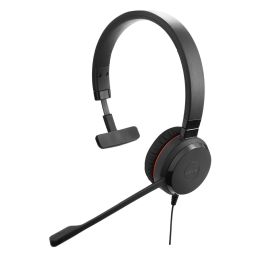
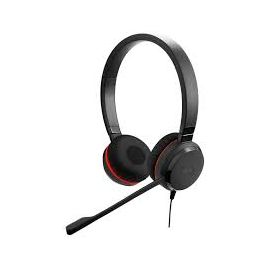
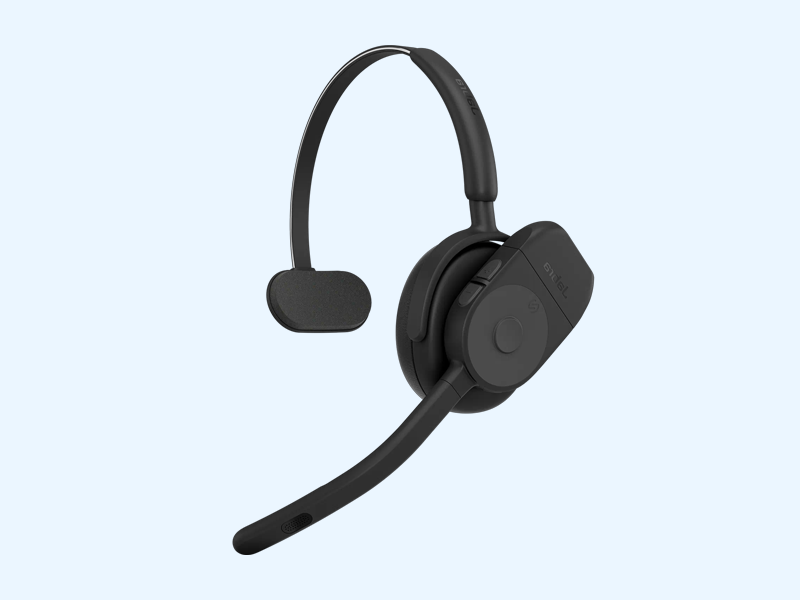
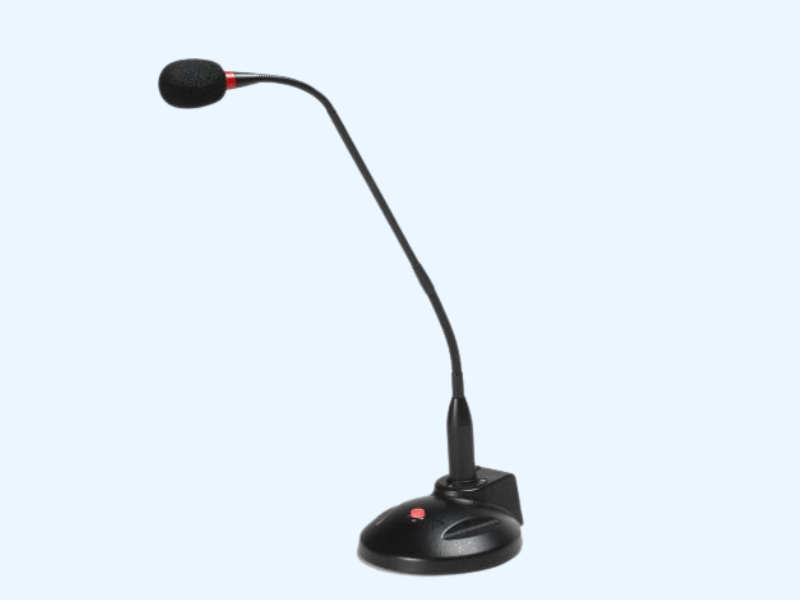
Handheld microphones suit focused desktop dictation. Headsets suit hands-free use and consistent microphone placement. Desktop microphones can work well for fixed workstation dictation.
Wired or wireless?
Wired USB microphones are usually simpler for fixed desk use. Wireless options can be convenient, but charging, connection stability, pairing and software support all need to be considered.
How noisy is the room?
Speech recognition is easier in a quiet room. In shared clinics, reception areas, open offices or busy home environments, closer microphone placement and better noise handling become more important.
Speech recognition microphone or AI scribe microphone?
These terms are often mixed together, but they do not always mean the same thing. A speech recognition microphone is usually chosen for one person dictating clearly into software. An AI scribe or ambient microphone is usually chosen for capturing a consultation, meeting or conversation.
Some devices can overlap. Selected Philips SpeechMike Premium models may support desk-based conversation capture where the model, firmware and software compatibility allow it. Philips SpeechMike Ambient sits in a newer category as an ambient voice capture and AI scribe companion, rather than a traditional single-speaker dictation microphone.
Related products and solutions
Speech recognition works best when the software, microphone and setup are matched properly. These related pages help compare software options, dictation microphones and AI scribe use cases.
Speech Recognition Software
Browse the full VoiceX speech recognition software range for medical, legal, professional, student and accessibility use.