Call Us: 1300 551 778
ODMS Pro R8 software range
ODMS Pro R8 is built for organisations that want professional dictation and transcription software installed locally, with audio files managed inside their own environment. It continues the familiar Olympus ODMS approach while supporting current OM SYSTEM hardware, Windows environments, secure audio handling and structured author-to-typist work.
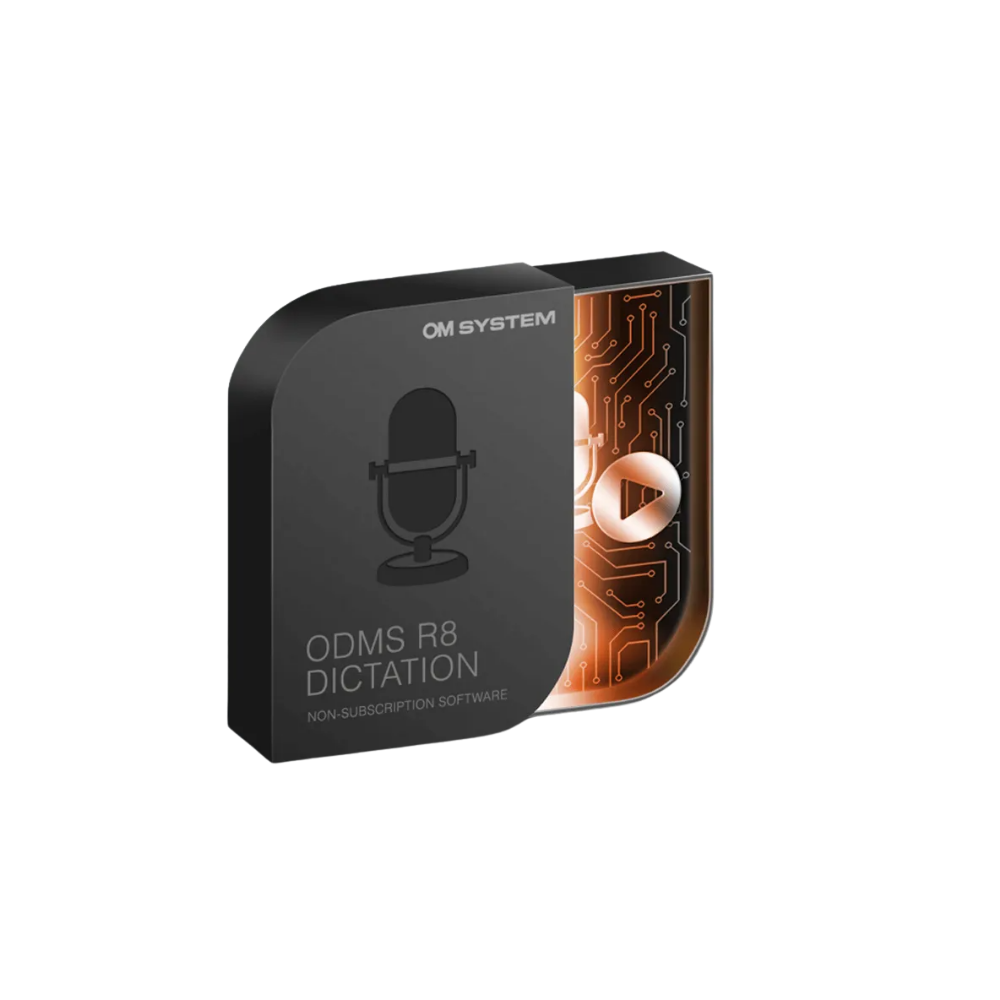
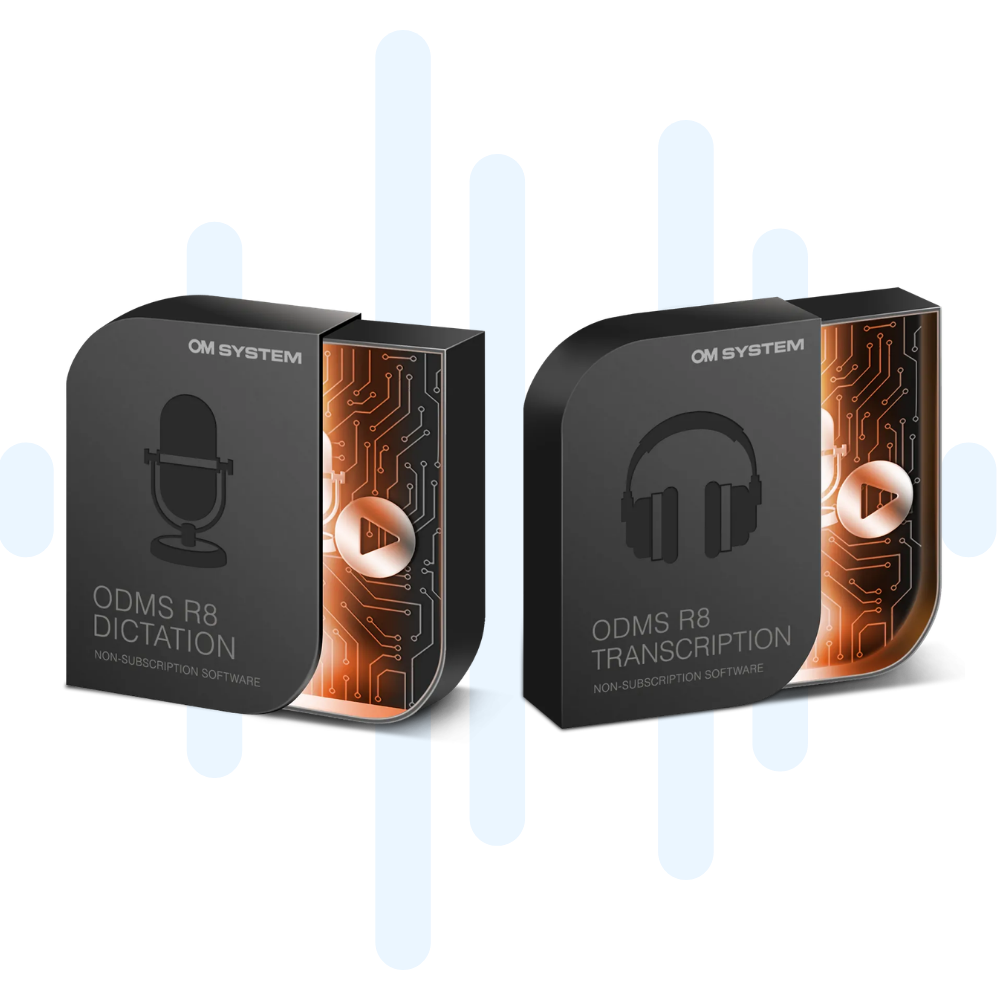
Author software for recording, editing and sending dictations from compatible OM SYSTEM and Olympus recorders, RecMic microphones and supported audio sources.
Shop ODMS Pro Dictate R8 →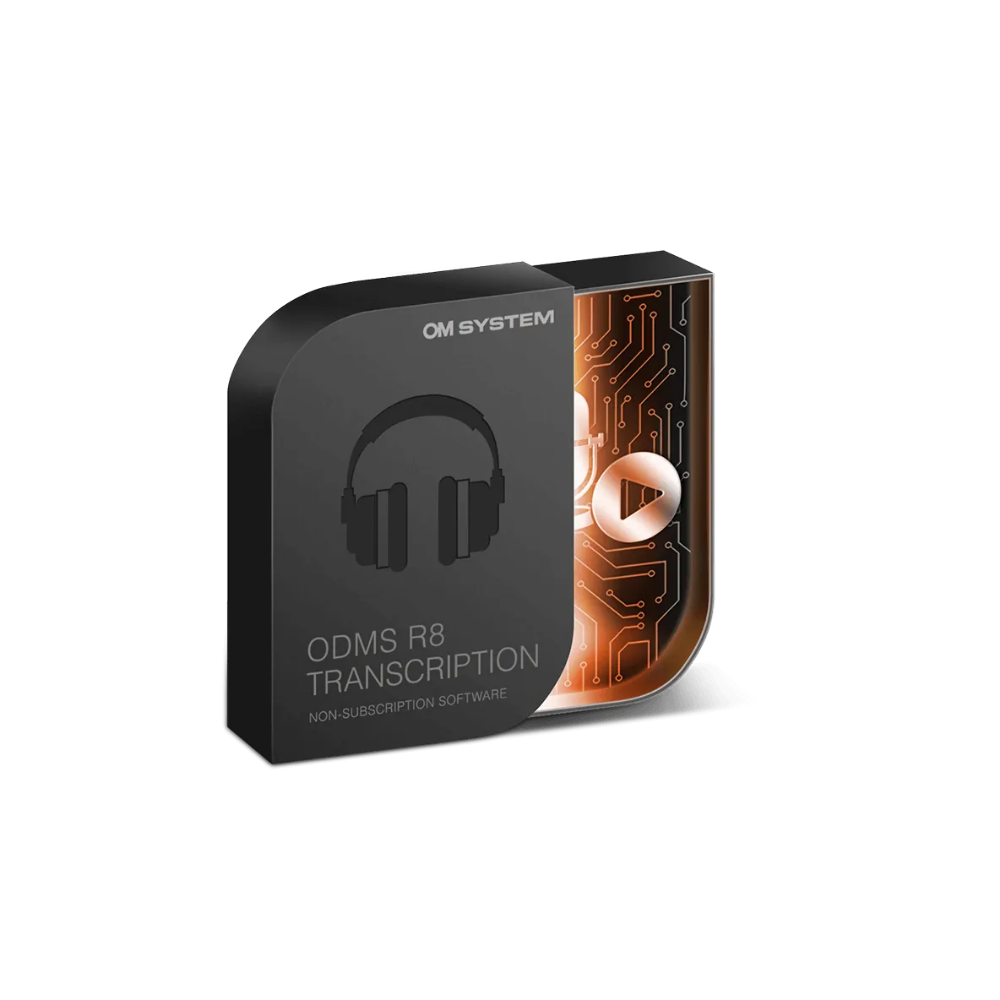
Typist software for receiving, organising, playing back and transcribing dictation files with professional foot control support and focused audio handling tools.
Shop ODMS Pro Transcribe R8 →
Existing Olympus ODMS Pro R7 users are eligible to upgrade to ODMS Pro R8 at a discounted price. Same core software path, lower upgrade cost.
View ODMS R8 upgrade options →On-premise dictation workflow
ODMS Pro R8 is designed for teams that want dictation and transcription managed on-premise. Authors can record, review and send dictations. Typists can receive, play back and complete work using a dedicated transcription interface. Audio files can stay within your own Windows environment rather than moving the process to a cloud platform.
For many medical practices, legal firms, government teams and professional offices, that matters. ODMS Pro R8 gives those teams a familiar Olympus-style setup with the current OM SYSTEM software release, one-time licence purchasing and support for secure audio handling.
VoiceX can help assess whether ODMS Pro R8 is still the right fit. We can review your current Olympus or OM SYSTEM recorders, foot controls, transcription hardware and Dragon speech recognition requirements, and determine whether ODMS Pro R8, ODMS Cloud or SpeechLive is the better path.
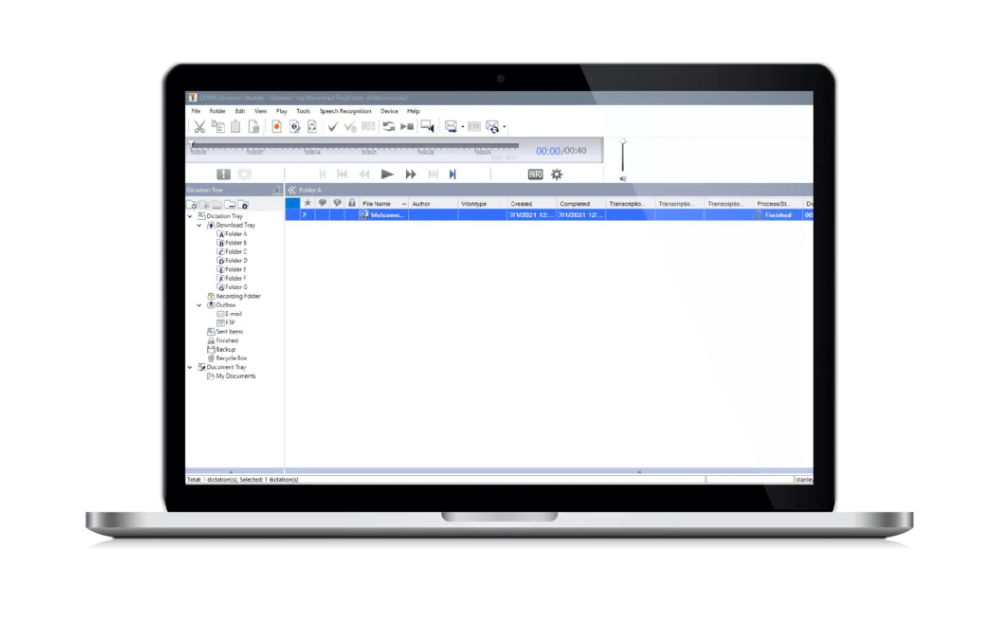
Key ODMS Pro R8 features
ODMS Pro R8 is not just a recorder download utility. It is a local dictation and transcription software platform with tools for reviewing audio, organising files, routing work, protecting recordings and supporting author-to-typist document production.
ODMS Pro R8 is available as a one-time software purchase, with no ongoing subscription licence for each author or typist.
Supports 256-bit AES-encrypted audio files, helping protect sensitive legal, medical, and business recordings within your own environment.
Dictations can be routed by shared storage or email, helping reduce manual file movement between authors and typists.
Mark urgent dictations, track progress and keep authors and typists clearer on what needs attention first.
Authors can add comments and index marks so typists have more context when completing the document.
Organise audio files using folders, filters, author information and work type details to keep dictation queues easier to manage.
Record audio from online meetings such as Teams, Zoom, and Webex for review, transcription, or record-keeping.
ODMS Pro R8 supports Dragon Professional v16, allowing users to convert dictated audio into text while keeping review and correction in the workflow.
Dictation Module and Transcription Module
ODMS Pro R8 is sold as separate Dictation and Transcription modules. That keeps the setup clean: authors get the tools they need to create and send recordings, while typists get the playback and transcription controls they need to complete the work.
Hardware for ODMS Pro R8
ODMS Pro R8 is a natural fit for organisations already using Olympus or OM SYSTEM dictation hardware. VoiceX can help match the software with the recorders, microphones and transcription accessories your team actually uses.
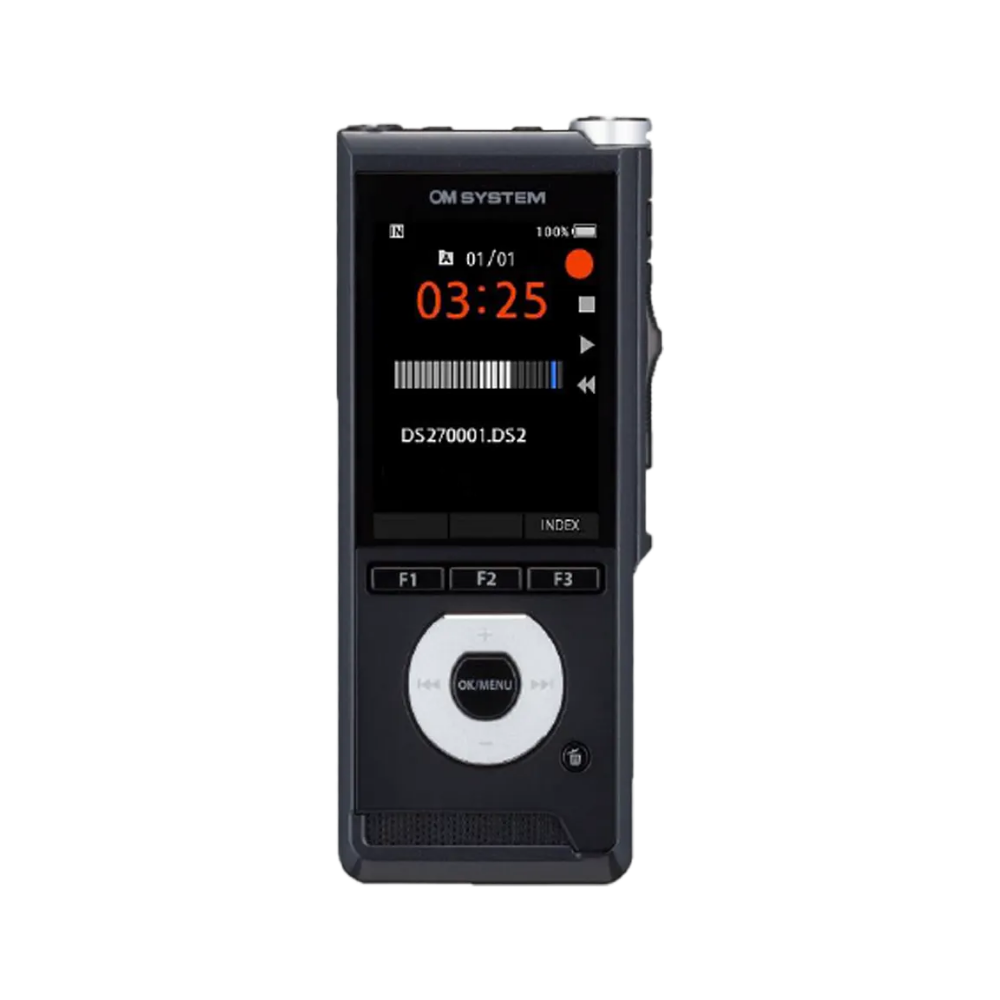
Use compatible OM SYSTEM and Olympus DS Series recorders for professional portable dictation, docking, upload and file transfer into ODMS Pro R8.
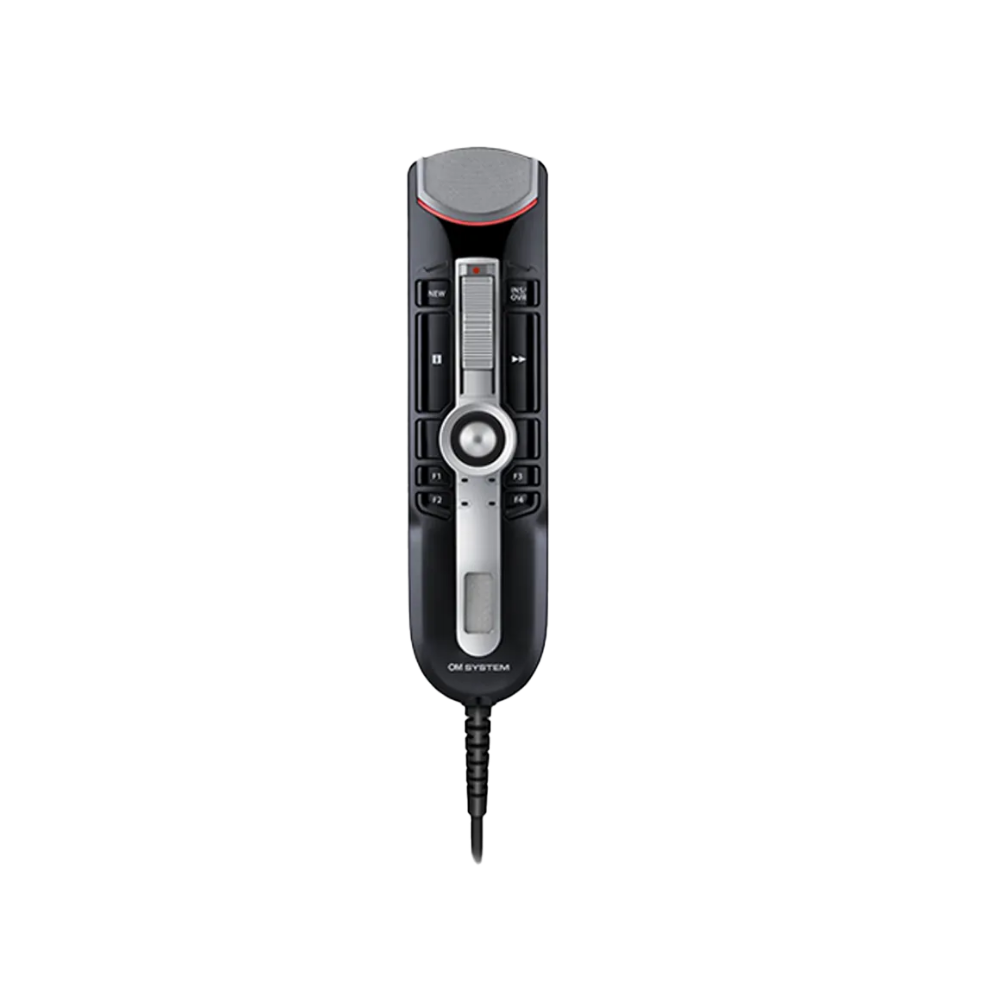
Use supported RecMic microphones for desktop dictation, recording control and Dragon speech recognition workflows.
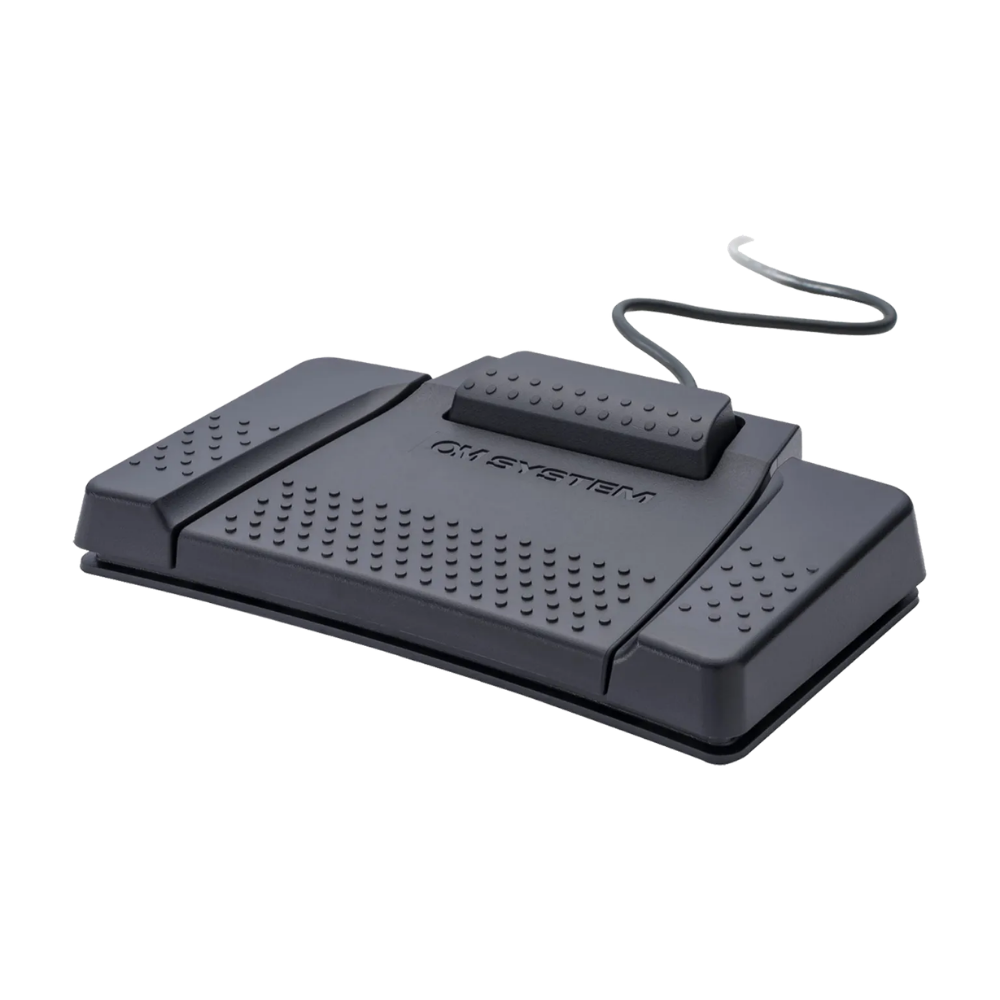
Pair the Transcription Module with compatible foot controls and headsets so typists can work efficiently with professional playback control.
ODMS Pro R8 and Dragon speech recognition
ODMS Pro R8 supports Dragon Professional v16, allowing users to automatically convert dictated audio into text while keeping the review and correction process in the hands of the author, assistant or typist.
Speed up your dictation workflow by adding Dragon Professional v16 speech recognition software to your ODMS Pro R8 workflow.
On-premise or cloud?
ODMS Pro R8 is an excellent choice for teams seeking locally installed software and on-premise file control. Cloud dictation and transcription workflow solutions offer the flexibility of working from different computers and locations without local software installation on every workstation.
Create dictations using a recorder or mobile app and send them to your typist without relying on email or complex file-sharing processes. Cloud platforms can also make it easier to track transcription status in real time.
For teams that need Mac access, mobile dictation or AI-assisted document creation, compare ODMS Cloud and SpeechLive before deciding on the best long-term option.
ODMS Cloud is the OM SYSTEM cloud option for teams that want browser-based access, cloud storage and smartphone app recording rather than installed desktop software.
It may suit teams standardising on OM SYSTEM hardware and looking for a cloud-based replacement for traditional Olympus-style dictation.
Learn about ODMS Cloud →
SpeechLive is the broader cloud dictation and transcription workflow from Philips, with browser access, mobile dictation, author and typist tools, administration options and Australian hosting.
It also provides a pathway to AI Speech Recognition and the SpeechLive Legal AI Assistant for teams moving beyond traditional transcription.
Learn about SpeechLive →Buy or upgrade ODMS Pro R8
ODMS Pro R8 Dictation Module and Transcription Module can be purchased online from VoiceX. You can also build a full setup with compatible recorders, foot controls, transcription headsets, installation and support options.
Replacing older Olympus ODMS software? VoiceX can help confirm the right R8 licence, upgrade option and hardware combination before you purchase.
Author software for recording, editing, organising and sending professional dictations.
Shop Dictation Module →
Typist software for playback, foot control use, transcription and organised audio file handling.
Shop Transcription Module →
Discounted upgrade options for eligible users moving from Olympus ODMS Pro R7 to ODMS Pro R8.
View upgrade options →ODMS Pro R8 FAQs
A few practical answers for teams comparing ODMS Pro R8, ODMS Cloud, Olympus replacements and other dictation workflow options.
No. ODMS Pro R8 is locally installed, on-premise dictation and transcription software. For cloud-based dictation from OM SYSTEM, compare ODMS Cloud. For a broader cloud dictation workflow with AI options, compare SpeechLive.
ODMS Pro R8 is the current OM SYSTEM release in the professional ODMS software family. Many customers still search for it as Olympus ODMS because OM SYSTEM is the new name for Olympus Audio.
Yes. Authors use the Dictation Module and typists use the Transcription Module. VoiceX can help confirm the right mix before purchasing.
Yes. ODMS Pro R8 supports Dragon Professional v16 and can be used to convert dictated audio into text for review and correction.
ODMS Pro R8 supports selected virtual and remote desktop environments, including Remote Desktop Services, Citrix, VMware Horizon and Azure Virtual Desktop.
Yes. VoiceX can help check compatibility, supply the right licences, assist with installation and support Australian and New Zealand teams using ODMS Pro R8.
ODMS Pro R8 works best when the software, recorder, typist hardware and Windows environment are matched properly. VoiceX can help you choose the correct Dictation Module, Transcription Module, recorder, foot control and support option.