
Call Us: 1300 551 778
SpeechExec by Philips is the on-premise software range for professional digital dictation, transcription and author-to-typist document creation.
Choose SpeechExec Basic or Pro for smaller Windows-based dictation teams, or SpeechExec Enterprise for larger organisations that need central administration, virtual desktop support and more control over users, storage and workflow.
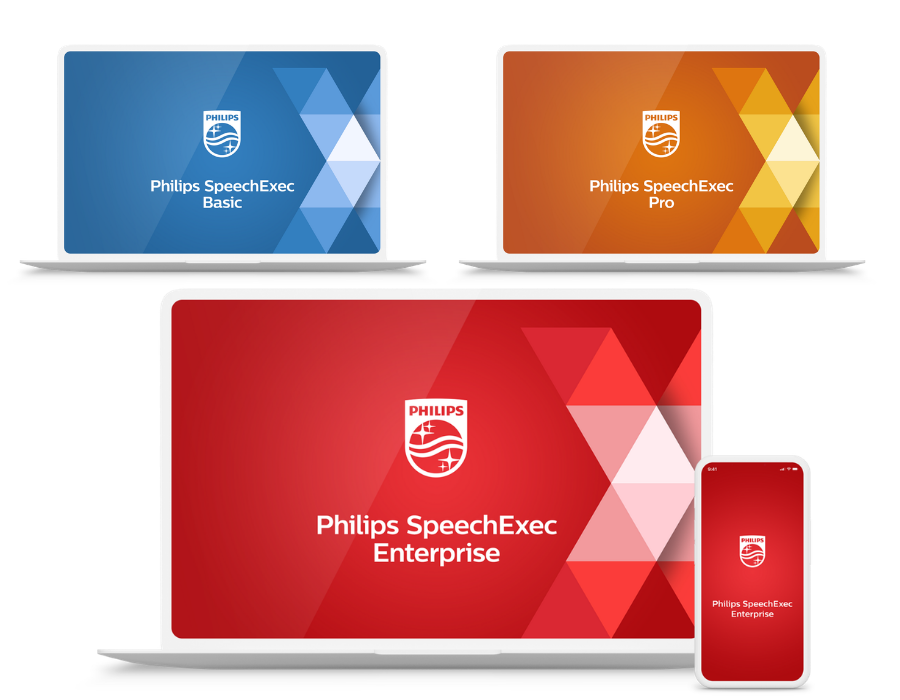
The SpeechExec range
SpeechExec is the Philips software range for professional dictation and transcription. It gives authors, typists, office managers and IT teams a familiar way to capture voice recordings, move dictations to the right person, and complete documents with the right level of control for the organisation.
A straightforward option for smaller teams that need local dictation and transcription software. Simple dictation and transcription. Nothing more. Nothing less.
A stronger local setup for professional authors and typists, with direct dictation, more workflow tools, encryption and optional integration with Dragon Professional v16 speech recognition.
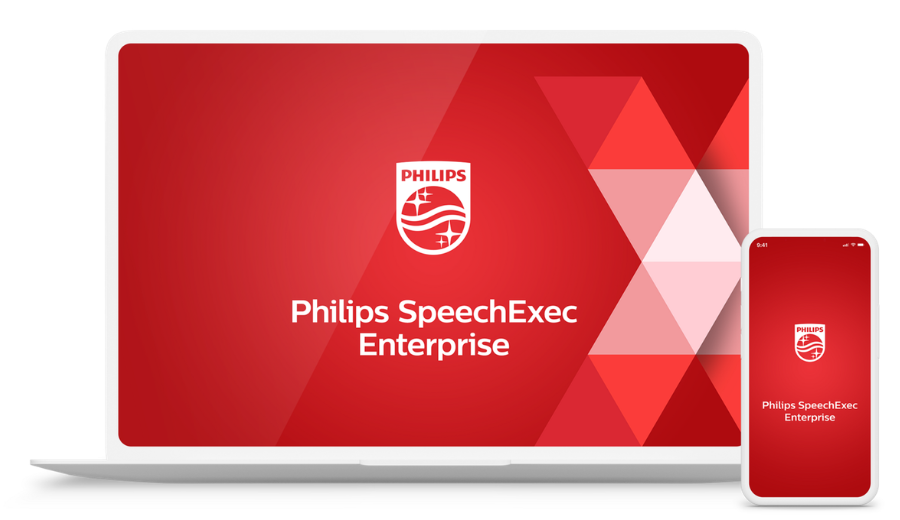
For larger organisations that need central administration, server-based management, virtual desktop support, and greater control over users, storage, and routing.
On-premise dictation software
SpeechExec is designed for organisations that still need dictation and transcription managed within their own environment. Authors can record, dictations can be sent via LAN, email or FTP, and documents can be completed by a typist, assistant or transcription team — without moving the whole process into a cloud platform.
That is why SpeechExec remains a strong fit for medical practices, legal firms, courts, government departments and professional offices that require structured document production, local control, familiar author-to-typist workflows and clear IT oversight.
For smaller teams, this may be a local SpeechExec Basic or SpeechExec Pro setup. For larger organisations, it may be a managed SpeechExec Enterprise environment with central administration, virtual desktop support, reporting, mobile dictation and speech recognition options.

Local on-premise workflow
SpeechExec is designed for organisations that want dictation and transcription managed locally. It can support simple shared-folder setups, email or FTP routing, flexible licence models, and larger enterprise environments where IT needs central administration and virtual desktop support.
Create a central dictation workflow using shared folders, allowing work to be routed from author to typist to archive.
Send and receive dictations by email or FTP where that approach suits the users, location and IT requirements.
SpeechExec Basic and Pro V12 use per-user subscription licensing, with one-year and two-year options available from VoiceX. SpeechExec Enterprise uses centrally managed concurrent licensing for larger environments.
SpeechExec Enterprise supports Microsoft Remote Desktop Services, Citrix Virtual Apps and Desktops and VMware Horizon environments.
SpeechExec can form part of a complete professional dictation setup using Philips PocketMemo recorders, SpeechMike dictation microphones and ACC-series transcription foot controls.
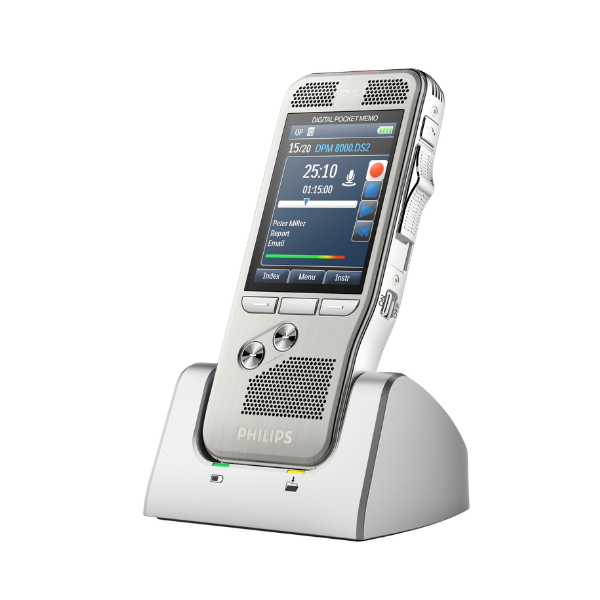
Professional portable recorders for authors who want to dictate away from the computer and download recordings into SpeechExec.
Shop professional voice recorders →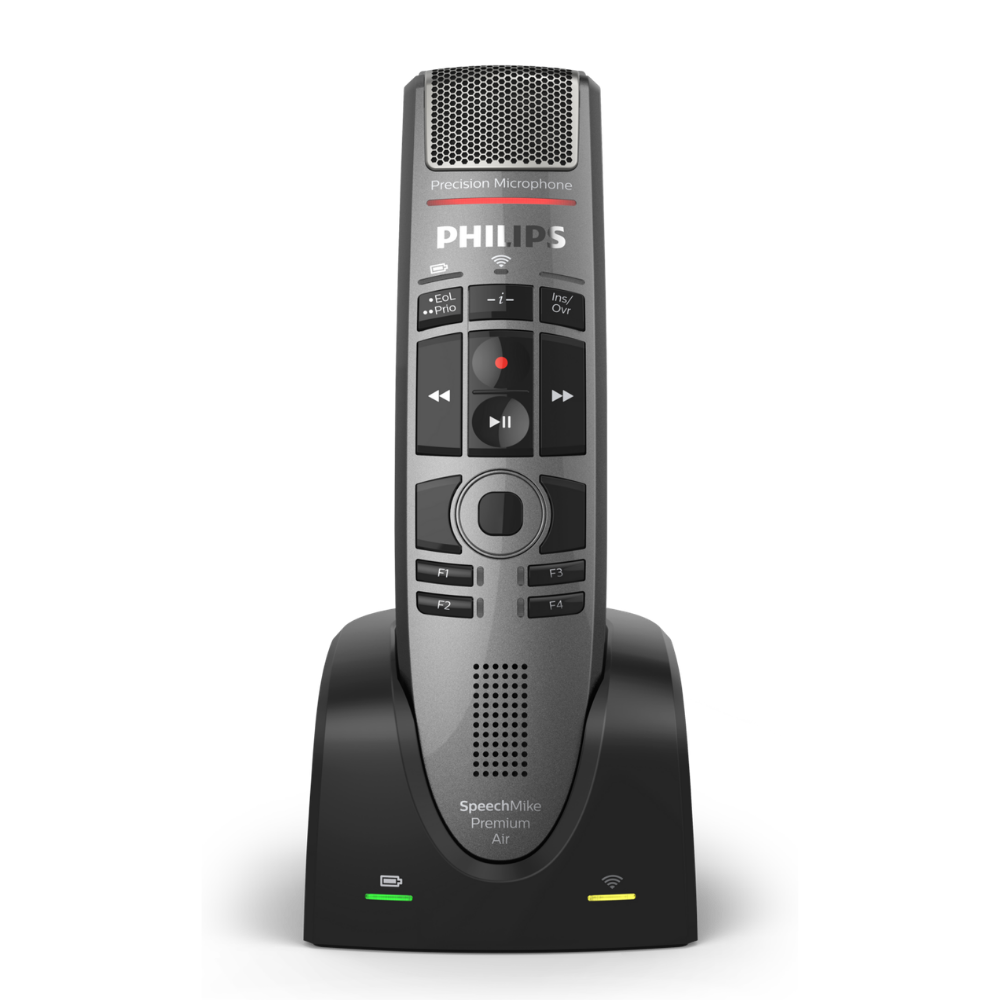
Dictate directly at the computer with supported SpeechMike hardware in SpeechExec Pro and Enterprise environments.
Shop SpeechMike microphones →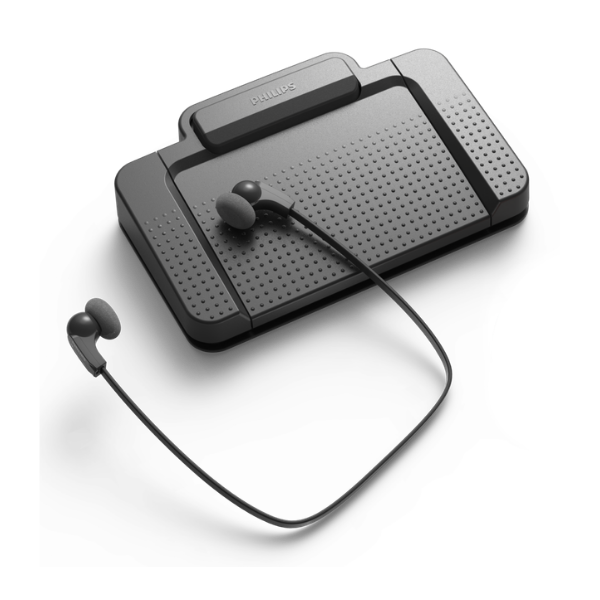
Customisable control of audio files for transcription and perfect for hands-free dictation with full control of the stop/start of the dictation microphone control.
Shop Philips foot controls →SpeechExec comparison
Each SpeechExec dictation and transcription workflow software option supports the Philips range of professional dictation and transcription hardware, but the right choice depends on your team size, how work is routed, and how much administrative or IT control is required.
| Feature | SpeechExec Basic | SpeechExec Pro | SpeechExec Enterprise |
|---|---|---|---|
| Best fit | Smaller local author and typist teams | Professional local dictation teams wanting more flexibility and functionality | Medium to large organisations needing central management and virtual environment support |
| Deployment | Locally installed Windows client | Locally installed Windows client | Server-based on-premise solution |
| Licence model | Per-user subscription | Per-user subscription | Centrally managed concurrent annual licensing |
| Author module | SpeechExec Basic Dictate | SpeechExec Pro Dictate | SpeechExec Enterprise Dictate |
| Typist module | SpeechExec Basic Transcribe | SpeechExec Pro Transcribe | SpeechExec Enterprise Transcribe |
| Dragon speech recognition | No | Optional. Compatible with Dragon Professional v16 | Optional. Compatible with Dragon Professional v16, plus Dragon Medical One support through SpeechKit |
| Remote Desktop and virtual environment | No | No | Yes |
| Administration | No | No | Yes. Enterprise Manager, central user and licence administration, reporting and device management options |
| VoiceX recommendation | Simple local dictation and transcription | Professional Windows dictation with Dragon options | Larger organisations, virtual environments and central IT control |

SpeechExec and Dragon speech recognition
SpeechExec Pro and SpeechExec Enterprise can work with Dragon Professional v16 speech recognition where the correct licences and setup are in place. This can help reduce typing time while still keeping the author, assistant or typist in control of the final document.
For suitable workflows, a recorded dictation can be converted into text, then reviewed against the original audio before the document is finished.
A local Windows option for teams wanting Dragon Professional v16 inside the dictation workflow.
For larger sites that need speech recognition inside a centrally managed SpeechExec environment.
For suitable healthcare deployments using SpeechExec Enterprise Plus with SpeechKit integration licensing.
SpeechLive cloud dictation
SpeechExec continues to be a strong choice for local and on-premise dictation needs. SpeechLive is gaining traction for its flexibility, enabling teams to work across locations and devices without installing software on every computer.
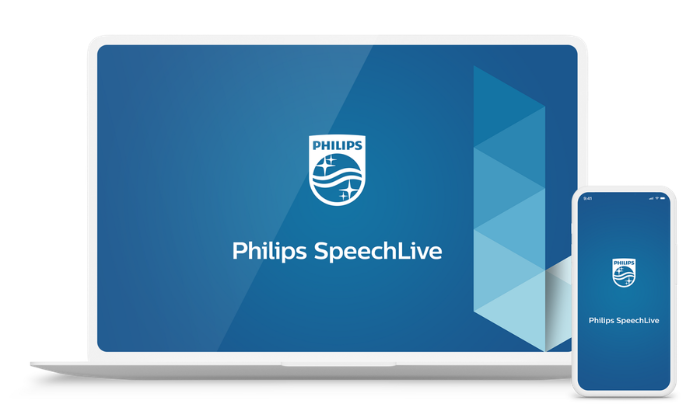
SpeechLive gives authors, typists and administrators a secure hosted dictation and transcription workflow that can be used from the office, at home, in court, in clinic or on the road.
It is a strong fit for teams that want mobile dictation, browser access, easier administration, Australian hosting and less reliance on local installs or shared folders.
SpeechLive also opens the door to AI Speech Recognition and the SpeechLive Legal AI Assistant, allowing dictations, meetings and matter notes to support faster document creation while still keeping review and approval with the right person.
For non-legal professional teams, the SpeechLive Professional AI Assistant extends the same platform beyond transcription into AI-assisted structured document creation.
Buy or renew SpeechExec
Purchase or renew SpeechExec Basic and SpeechExec Pro Dictate and Transcribe licences online from VoiceX. Choose between one-year and two-year licence options, including installation and annual support options.
For SpeechExec Enterprise, VoiceX can arrange an obligation-free consultation and quote to confirm the right modules, licences and deployment path for your site.
Buy or renew SpeechExec Basic Dictate and Transcribe software for simple local dictation and transcription.
Buy or renew SpeechExec Pro Dictate and Transcribe software for professional local dictation workflows.
Shop SpeechExec Pro →
Request a consultation for a managed on-premise SpeechExec Enterprise deployment.
SpeechExec FAQs
A few practical answers for teams comparing SpeechExec Basic, Pro, Enterprise and SpeechLive.
No. SpeechExec is Philips on-premise dictation and transcription software. For cloud dictation and browser-based working, look at SpeechLive.
SpeechExec Basic and Pro V12 licences are assigned to individual users rather than individual PCs. SpeechExec Enterprise uses centrally managed concurrent licensing. VoiceX can help confirm the right licence model for your users and environment.
SpeechExec Enterprise is the SpeechExec option for Microsoft Remote Desktop Services, Citrix Virtual Apps and Desktops, VMware Horizon and supported virtual desktop environments.
Yes. SpeechExec Pro and SpeechExec Enterprise can integrate with Dragon Professional v16 where the correct software, licences and environment are in place.
SpeechLive is growing because teams want browser access, mobile dictation, easier administration, Australian hosting and AI add-on options without managing local installs or shared folders.
Yes. VoiceX can help confirm the right SpeechExec edition, check recorder and foot control compatibility, assist with installation, and advise when SpeechLive is the better long-term option.
SpeechExec Basic, Pro and Enterprise suit different environments. VoiceX can help you choose the correct licence, confirm whether Dragon speech recognition is required, and advise when SpeechLive is the better option.