
Call Us: 1300 551 778
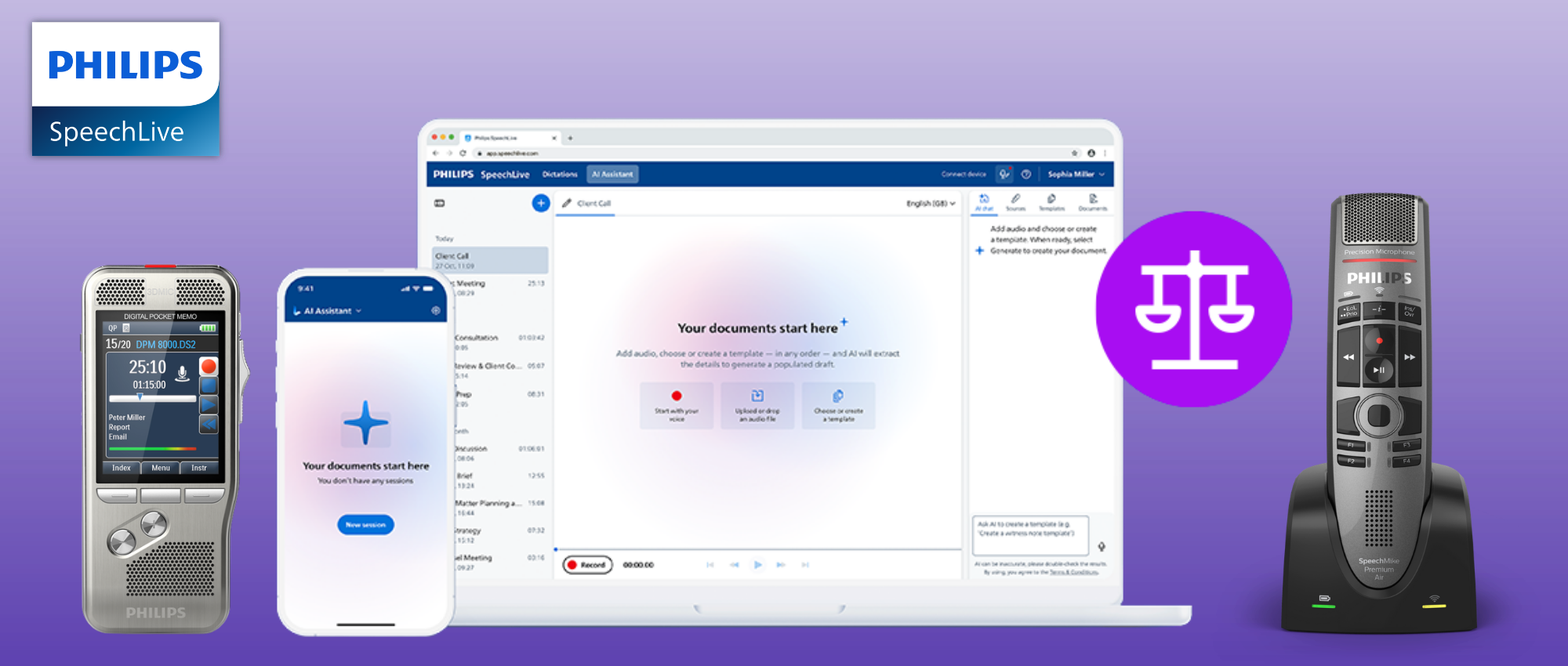
SpeechLive brings legal dictation, transcription, Legal Speech Recognition and AI-assisted legal document creation into one connected platform.
Dictate exactly what you want written, send recorded work for transcription, or let SpeechLive Legal AI Assistant turn conversations, recordings and supporting information into structured legal drafts ready for human review.

Use the document creation method that fits the task — from traditional dictation and human transcription through to automatic speech-to-text and Legal AI.
Record letters, matter notes, instructions and longer legal dictation.
Explore SpeechLive Workflow →Route recorded work to assistants, typists or transcription services for completion and review.
Create verbatim speech-to-text from live dictation, recorded audio and supported multi-speaker recordings.
Explore SpeechLive AI Speech Recognition →Explain what happened and let AI organise the relevant information into the legal document you need.
Explore AI Scribe Solutions →SpeechLive brings dictation, transcription, Legal Speech Recognition and Legal AI document creation into the same professional platform.
Digital dictation changed where we dictated.
Speech recognition changed how we transcribed.
Legal AI changes what happens after the information is captured.
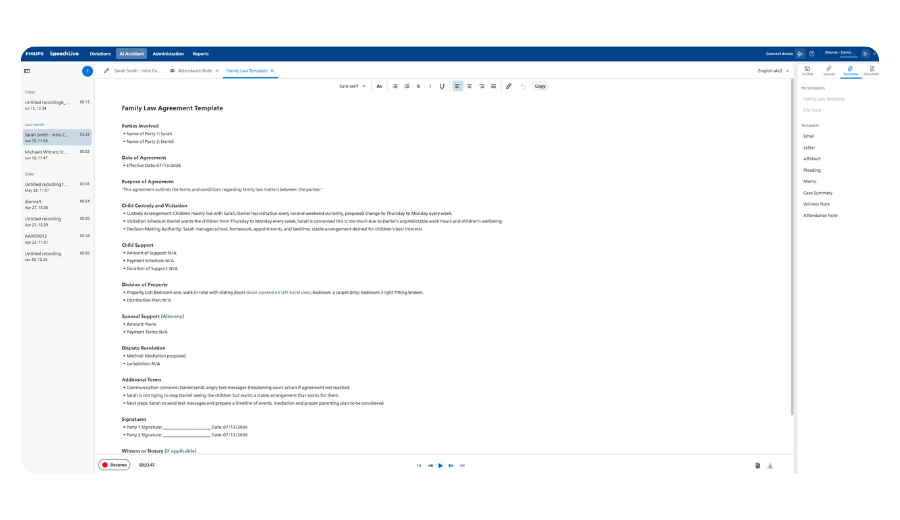
Instead of stopping at audio or transcription, SpeechLive Legal AI Assistant can use the information itself to help create the structured attendance note, matter summary, correspondence or other legal document you need.
Audio, transcript and AI-assisted legal document creation stay connected inside SpeechLive, making it easier to review the generated draft against the original source.
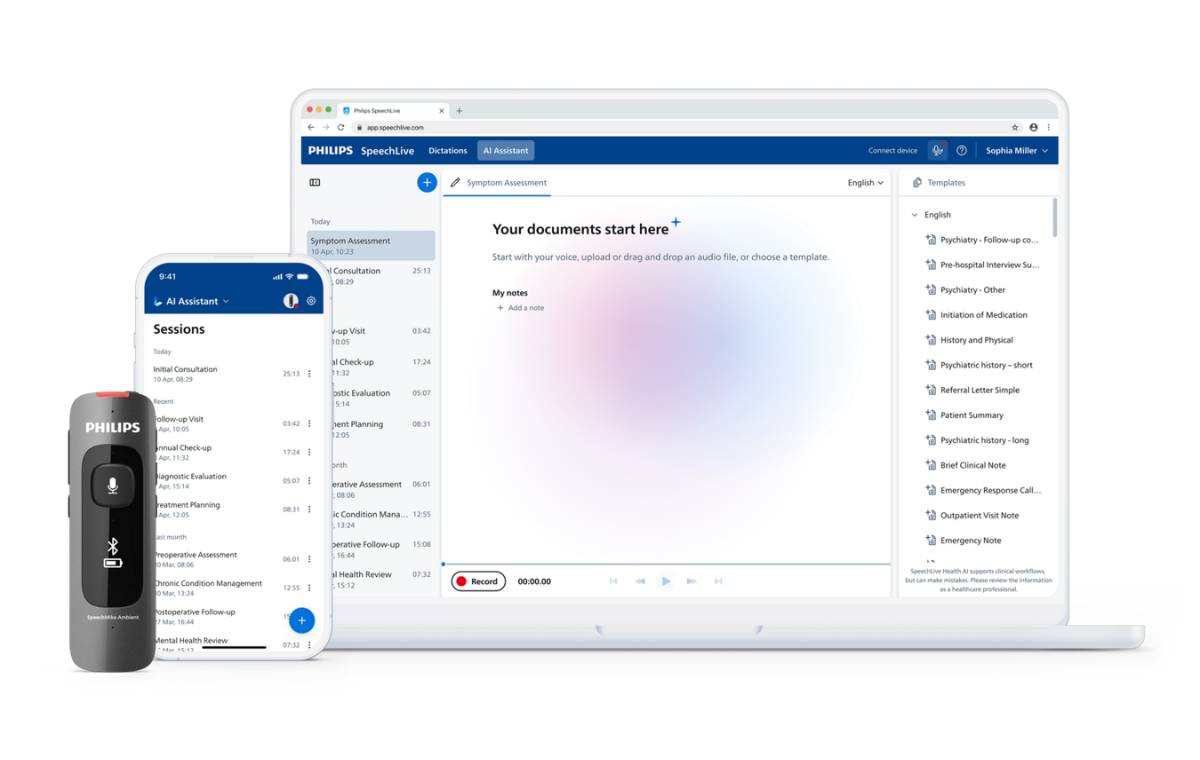
Follow the source from capture through document creation, human review and completion.
Record directly in SpeechLive or upload an existing discussion, consultation, interview or dictation. Supporting documents, PDFs, images and written notes can also provide additional matter context.
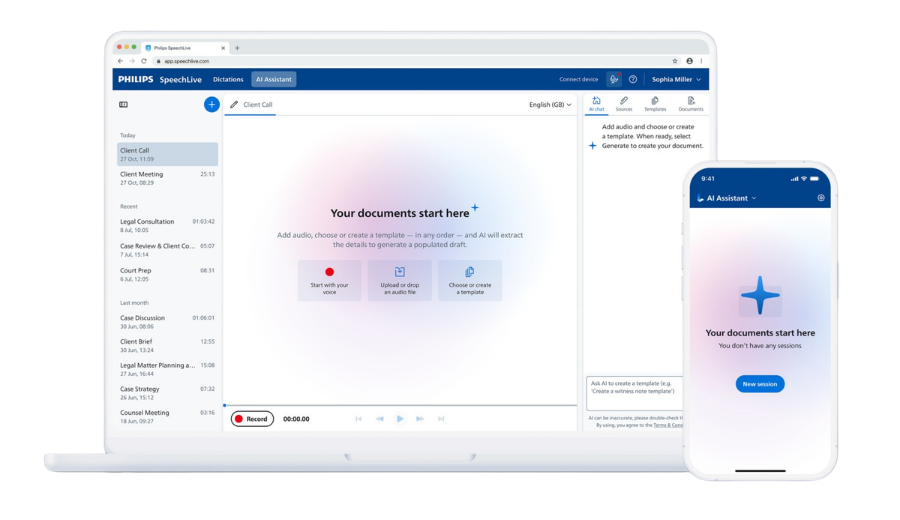
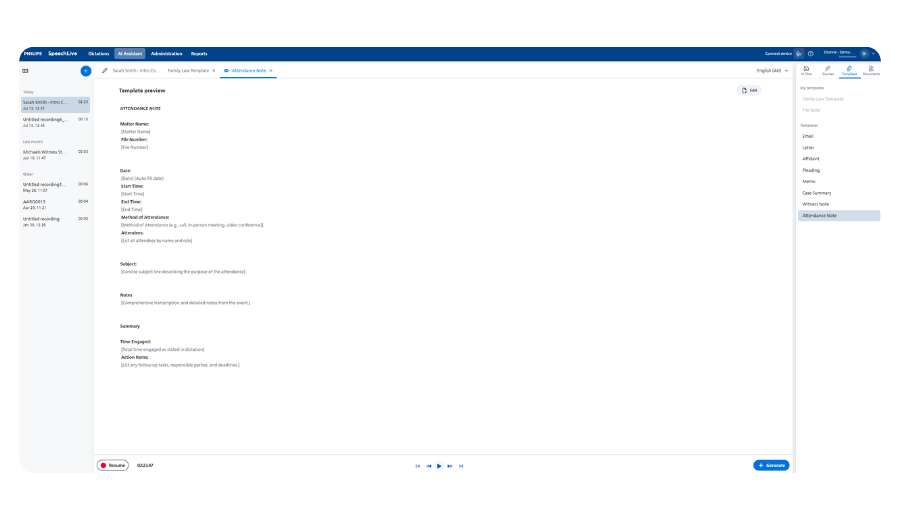
Choose the document structure and let Legal AI organise the relevant source information into the required legal draft using an available or custom template.
Review the generated document alongside the retained audio, transcript and supporting matter information before approving or relying on the draft.
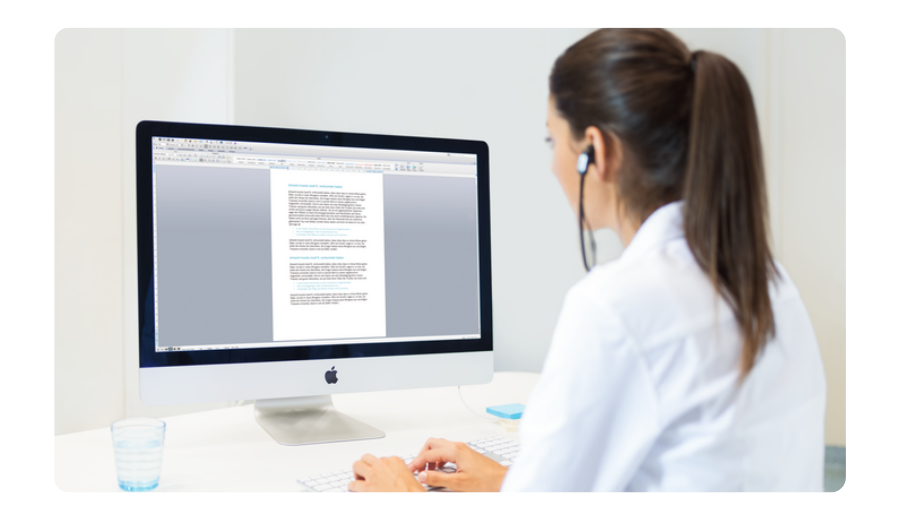
Edit and approve the document yourself or keep legal assistants, PAs, reviewers or typists involved in the firm's existing completion process.
SpeechLive Legal gives you both. Use Legal Speech Recognition when you want the spoken words turned into text. Use Legal AI Assistant when you want the information understood and organised into the document.
Legal Speech Recognition is verbatim speech-to-text. You control the wording and SpeechLive converts the spoken words into text rather than interpreting or restructuring what was said.
Legal AI works differently. Instead of reproducing every spoken word, it identifies the relevant information and organises it into the structure of the document you have asked it to create.
Bring the relevant matter information together, choose the document you need and use the same source again without starting from scratch.
Dictation, consultation, meeting or recorded discussion
Matter documents and supporting information
Additional written or visual matter context
Legal AI uses the relevant source material and selected document structure to create a structured draft ready for human review.
Start with an available legal template, create and save your own structure, then refine the generated draft using natural-language instructions.
Select the document structure that matches the work you need to create.

Create a structure to suit the firm, refine it and save the template for future matters.
Refine sections, wording and structure before human review and approval.
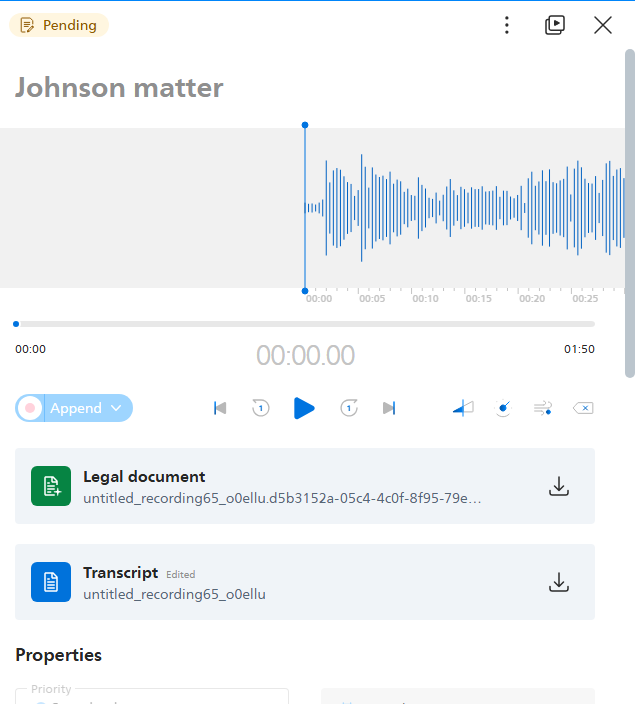
Keep the source information connected to the job. Review the generated draft against the retained audio, transcript and supporting information before refining, approving, sending or finalising it.
Review the source → refine the draft → approve the final document.
Connect SpeechLive with leading legal document and practice-management platforms.
Keep established author, typist, dictation and transcription processes while adding Legal Speech Recognition and AI-assisted document creation.
Book an Upgrade Demo →Bring dictation, transcription, Legal Speech Recognition and Legal AI together so users can choose the right method for each task.
Start a SpeechLive Trial →
See how dictation, transcription, Legal Speech Recognition and Legal AI can work together for your firm — whether you already use SpeechLive or are starting from scratch.