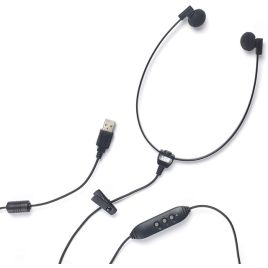
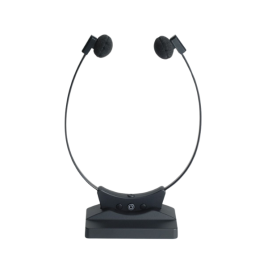
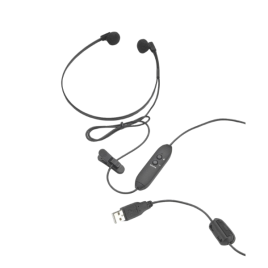
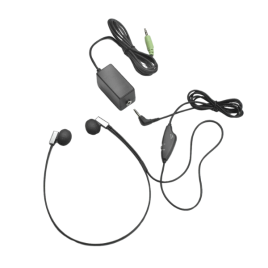
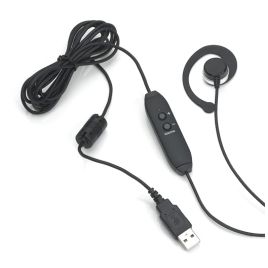
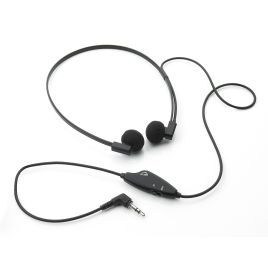
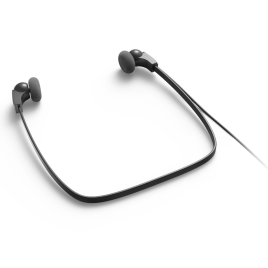
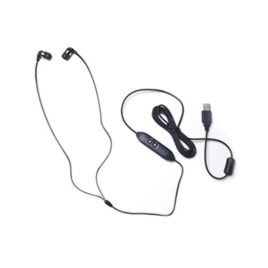
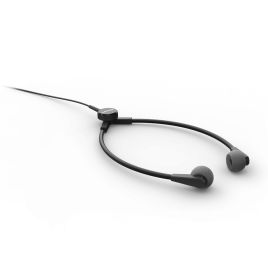
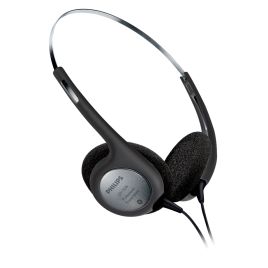
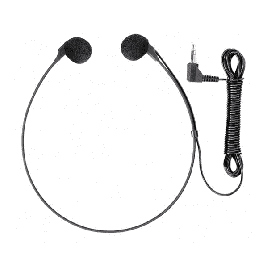
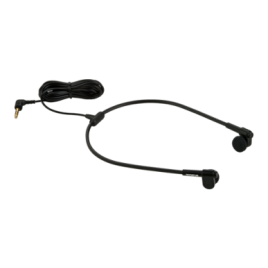
Shop transcription headsets, headphones and ear sponges for typists working from recorded dictation.
Choose from classic 3.5mm and USB transcription headsets, replacement ear sponges and selected communication headsets for users who want one headset for transcription playback, meetings, calls and day-to-day communication.
Headsets for transcription, playback and communication
Transcription headsets help typists and transcriptionists hear recorded audio clearly while preparing documents. Classic transcription headsets are lightweight, ergonomic listening headsets designed for long typing sessions, often used with transcription software and a USB foot control.
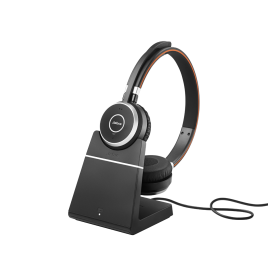
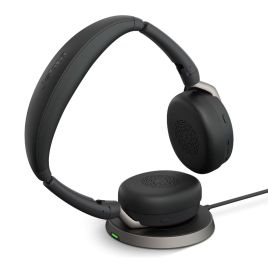
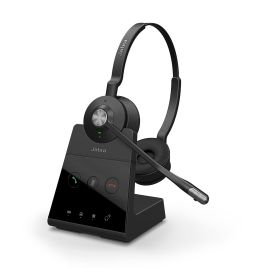
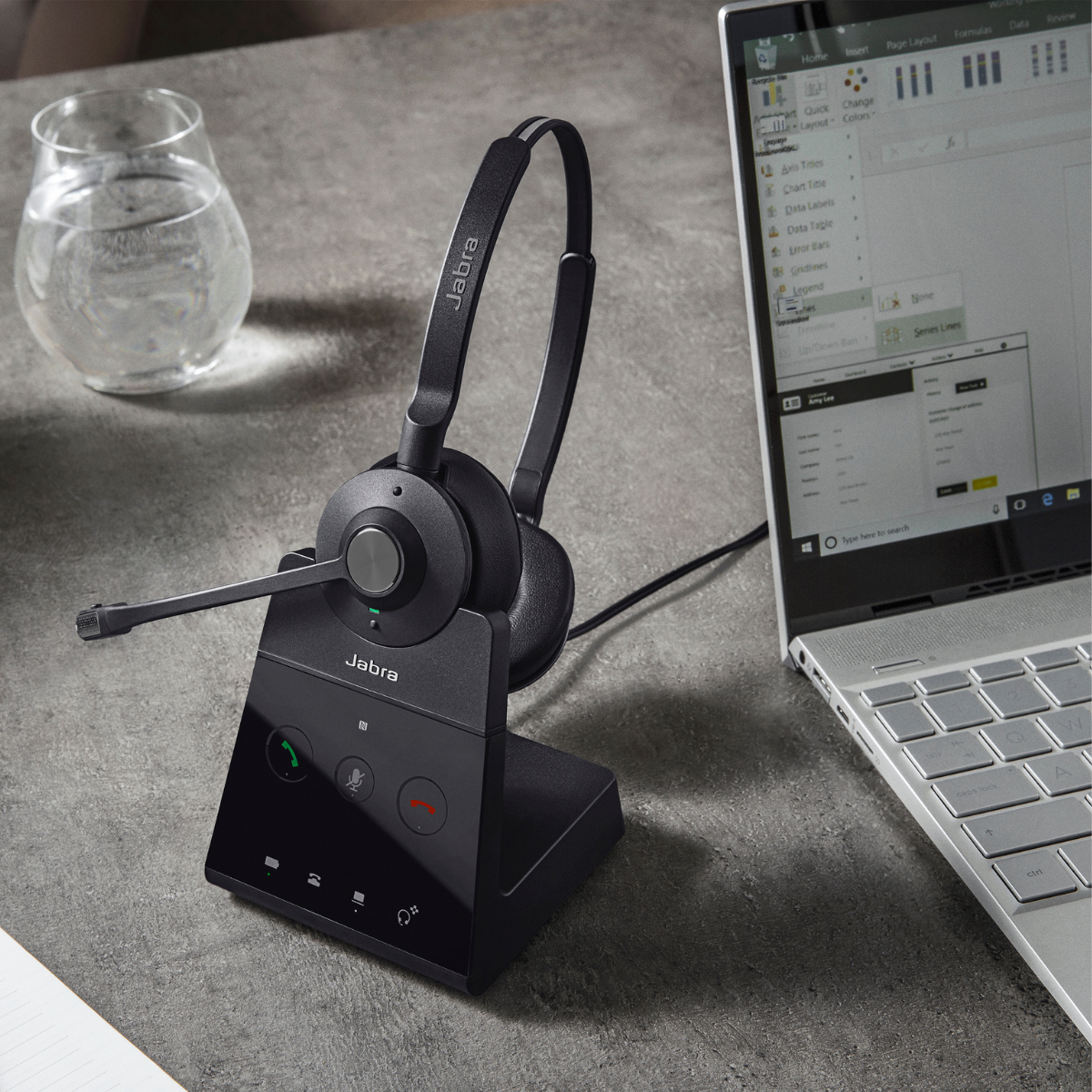
VoiceX supplies Philips, Olympus, OM SYSTEM, Spectra and FlexFone-style transcription headset options, along with hybrid headsets that connect not only to your computer for transcription but also to your desk phone from brands including Jabra. USB adapters, replacement ear sponges and selected professional communication headsets are also available.
The right choice depends on your connection type, comfort needs, software environment and whether you need listening only or microphone use as well.
Classic transcription playback
For typists who need clear audio while working in compatible transcription software. Often paired with a USB foot control for hands-free playback control.
USB and adapter options
Useful where a computer does not have the right 3.5mm audio socket, or where a USB audio connection is preferred for transcription playback.
Replacement ear sponges
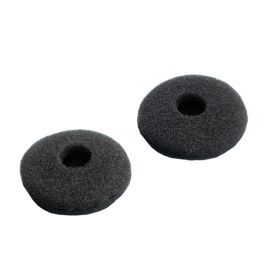
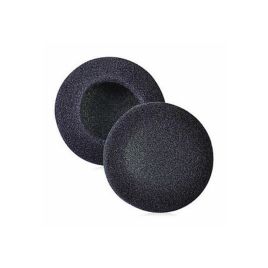
Replacement ear sponges and cushions help keep transcription headsets comfortable and hygienic, especially in shared-user environments.
Hybrid headsets: one headset for transcription, desk phones and online meetings
A classic transcription headset is still a simple, low-cost choice for typists who only need clear playback. For busy administration, medical, legal and professional users, a hybrid headset can be a more practical option.
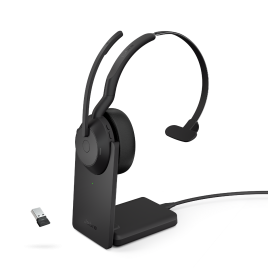
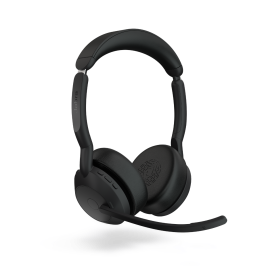
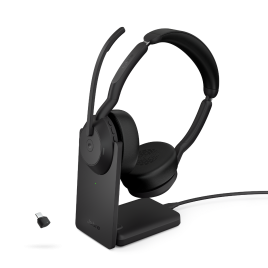
Selected hybrid headsets can connect to a computer for transcription playback, dictation, speech recognition and softphone use, while also connecting to a compatible desk phone or mobile device, depending on the headset model, base station and cables.
This suits users who want one headset for transcription, Microsoft Teams or Zoom meetings, desk phone calls, softphone calls and mobile calls. Models vary in features and connection options, so contact VoiceX for help selecting the right headset for your environment.
Choose by connection type
The most common mistake with transcription headsets is buying the right style of headset with the wrong connection. Check your computer, software and phone setup before ordering.
3.5mm transcription headsets
A simple option for users with a suitable audio port or a compatible USB sound card. Many classic transcription headsets use a 3.5mm plug.
USB transcription headsets
A practical choice for computers without a suitable audio jack, or for users who prefer a consistent USB audio connection.
Bluetooth and hybrid headsets
Useful for users who need a single headset for computer audio, meetings, phone calls, mobile use, or selected desk phone setups, depending on the model and connection requirements.
Check the headset connection before buying
Headset compatibility can depend on the computer, connection type, transcription software, operating system, softphone platform, desk phone and whether a USB adapter, Bluetooth dongle, base station or cable is required.
If you are replacing ear sponges or cushions, check the headset model number before ordering. Replacement parts are often model-specific.
3.5mm, USB-A or USB-C
Bluetooth or hybrid headset
Listening only or using a microphone
Computer, phone or mobile use
USB adapter or sound card
Ear sponge model number
Related dictation and transcription products
Many transcription headset purchases are part of a broader dictation or transcription setup. These related Shop categories can help if you also need pedals, software, typist kits or packaged systems.
Transcription Foot Controls
Shop USB foot controls and pedals for hands-free transcription, playback, and dictation control.
VoiceX can help match the headset to your transcription software, computer ports, phone setup, working environment and whether you need playback only or playback plus microphone use.