
Call Us: 1300 551 778
Dictate directly into your Windows applications, control your computer by voice, automate repetitive tasks and customise Dragon around the words and documents you use every day.
Dragon Professional v16 combines real-time speech recognition with personal vocabulary, AutoTexts, advanced voice commands, scripting, application navigation and single-speaker recorded-audio transcription. It is the current locally installed Dragon option for professional users who want a high level of control over both their text and their Windows environment.
Stand-alone, Subscription, Enterprise and Academic licences use the same core Dragon Professional v16 software. The difference is how the licence is purchased, activated, administered and supported.
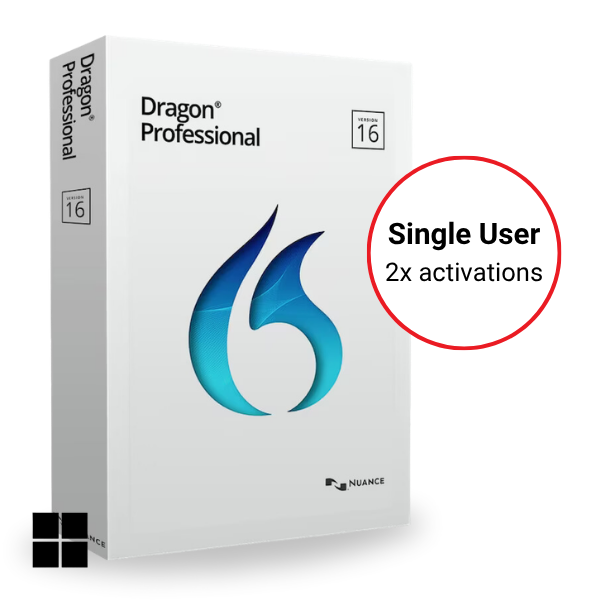
For an individual working primarily from one PC. Perpetual licence with up to two activations.
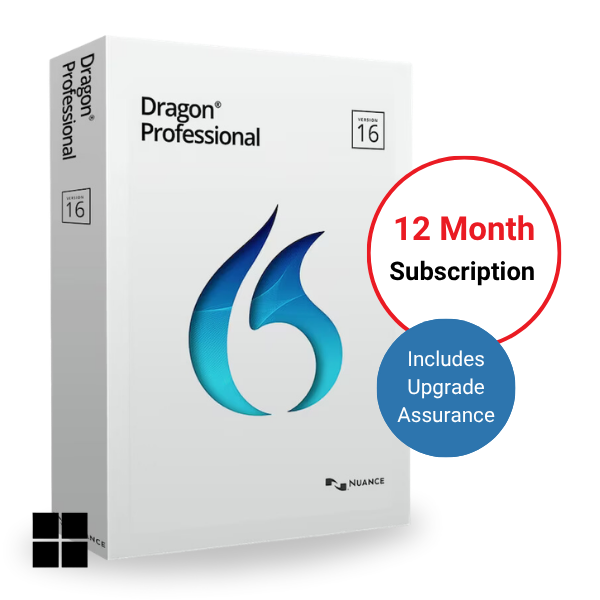
Annual licence with unlimited activations, suited to individual users who need greater installation flexibility.
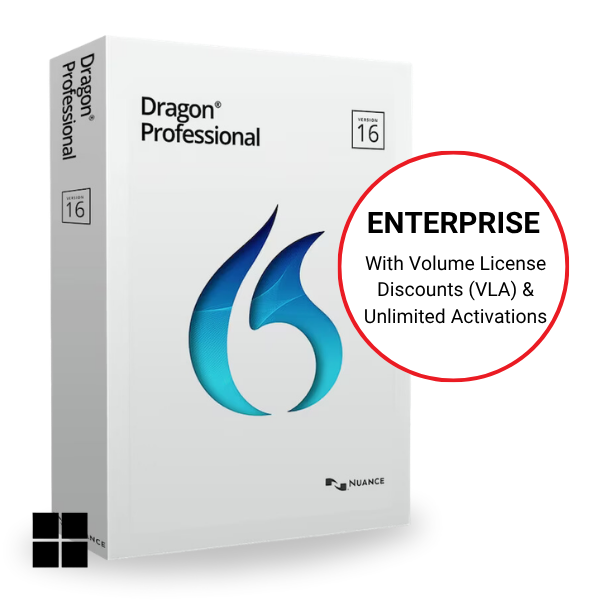
For organisations with multiple Dragon users, unlimited activations, optional annual support and Upgrade Assurance, and optional Nuance Management Centre administration.
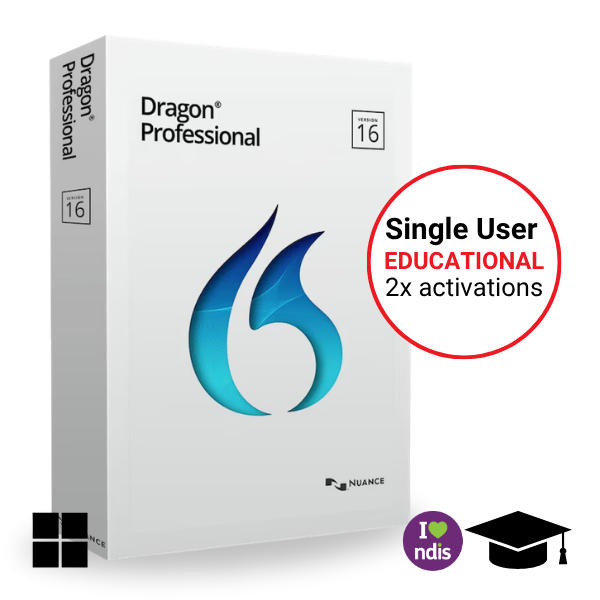
The same core Dragon Professional v16 software as Stand-alone, with discounted pricing for eligible students and academic users.
Upgrade pathways are available for eligible Dragon Professional Individual v15 and Dragon Professional Group v15 users. VoiceX can also help assess and migrate existing vocabulary, commands, AutoTexts and user configuration.
Dragon Professional v16 combines professional speech recognition with advanced Windows voice control. Dictate directly into your applications, navigate your computer by voice and automate repetitive tasks using custom commands.
What makes Dragon different from simpler speech-to-text tools is the depth of personalisation and control available around the recognition. Vocabulary, reusable text, spoken commands and automation can all be configured around the individual user and the work they perform.
Dragon Professional v16 is also an excellent choice for users with assistive requirements, offering hands-free dictation, computer navigation and voice control across Windows applications.
Speak directly into supported Windows applications and create text where the cursor is positioned.
Open applications, navigate menus, control windows and perform computer tasks using spoken commands.
Use AutoTexts, custom commands, macros and advanced scripting to insert content and automate repetitive tasks.
Add names, acronyms, specialist terminology, custom words and reusable content to suit the individual user.

Dictate directly into supported Windows applications, correct recognition results, select and edit text, apply formatting and move through documents using spoken commands.
Open and switch applications, navigate menus and windows, perform common computer functions and use voice-driven mouse control. This also makes Dragon particularly valuable for users who rely on speech recognition for accessibility.
Create AutoTexts for frequently used wording and use custom commands, macros and advanced scripting to perform repeatable actions with a spoken phrase.
Dragon Professional v16 includes a broad professional vocabulary that can be personalised with names, acronyms, technical terminology, product names and organisation-specific language. Custom word lists can also be imported to help configure users more efficiently.
VoiceX can assess the user's documents and terminology, configure custom vocabulary and develop AutoTexts or commands around frequently produced content. For enterprise environments, approved customisations can also be centrally managed and shared across users where the deployment supports it.
Dragon is not limited to live dictation. Use a dictaphone recorder to process pre-recorded single-speaker audio into text, including recordings made away from the computer. Dragon also provides automated folder-based transcription for compatible audio files.
Where organisations require a more structured record-first process, background speech recognition or author-to-typist review, Dragon Professional v16 can be integrated with Philips SpeechExec.

Dragon Professional v16 is not limited to live dictation at the cursor. When integrated with Philips SpeechExec, professionals can record their dictation first and allow Dragon to process the audio in the background, while SpeechExec manages the dictation, review and document completion process.
Record first. Dragon recognises the audio. A person reviews the result against the original recording.
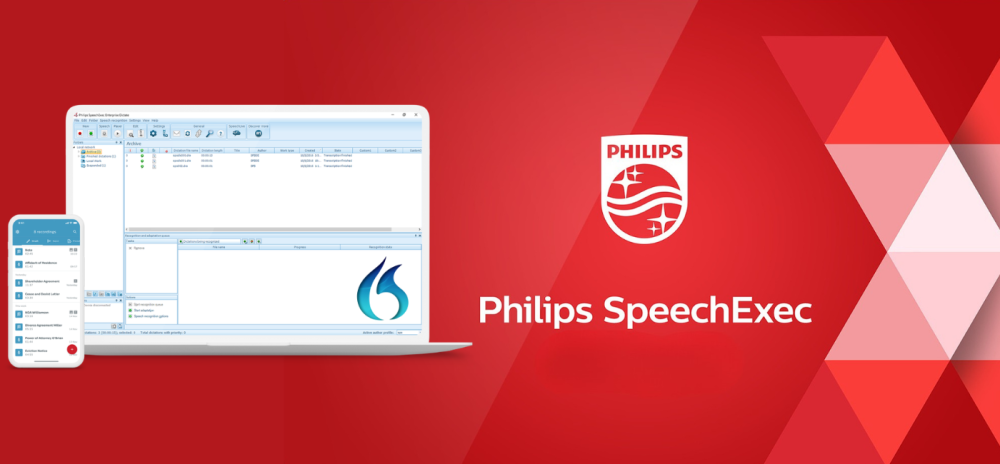
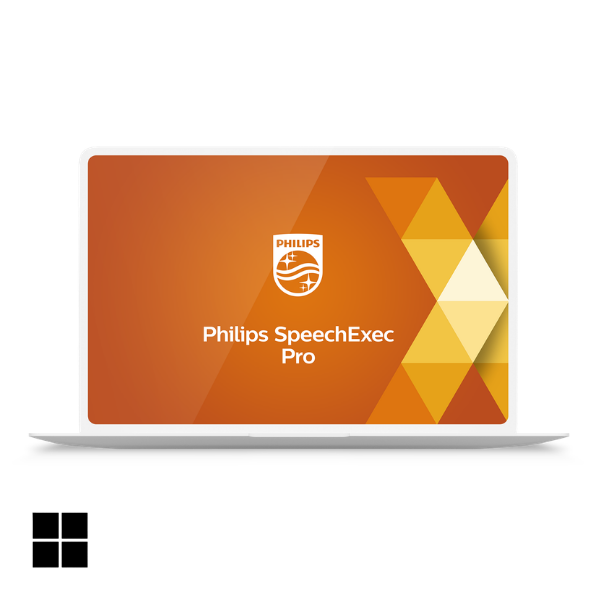
Suitable for individual users and smaller environments that need professional dictation management, recorder integration and automatic transcription through Dragon Professional v16.
Explore SpeechExec Pro →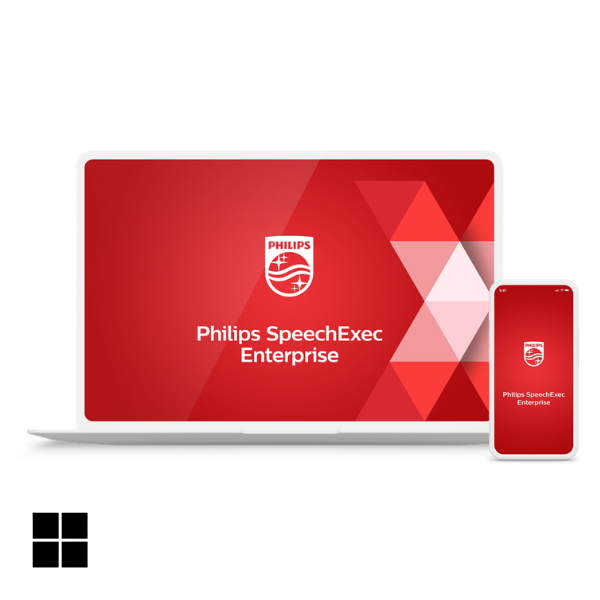
Designed for larger organisations requiring centrally managed dictation and transcription workflows, automated speech-recognition processing and enterprise administration.
Explore SpeechExec Enterprise →All four options provide the same core Dragon Professional v16 speech recognition software. Choose the Dragon Professional v16 licence model that best suits your working environment.
| Licence | Stand-alone | Subscription | Enterprise | Student / Academic |
| Same core Dragon Pro v16 software | ✓ | ✓ | ✓ | ✓ |
| Licence term | Perpetual | Annual | Perpetual | Perpetual |
| Licence activations | 2 | Unlimited | Unlimited | 2 |
| Designed for | Individual user with a single computer | Individual user working from multiple computers | Multi-user organisations | Eligible education & NDIS users |
| Annual support agreement | + | + | + | + |
| Upgrade Assurance | ✕ | ✕ | + Optional |
✕ |
| Nuance Management Centre | ✕ | ✕ | + Optional |
✕ |
VoiceX can recommend the appropriate licence model for individual users, multi-user organisations and education customers. Reseller enquiries welcome.
Discounted upgrade licences are available for eligible users transitioning from Dragon Professional v15. Dragon Professional Individual users can move to the current Stand-alone model, while existing Group/VLA environments can upgrade to Dragon Professional v16 Enterprise.
Before upgrading, VoiceX can review existing user profiles, vocabulary, AutoTexts, custom commands and application requirements so valuable configuration is protected wherever possible.
Dragon Pro v16 Individual Upgrade → Dragon Pro v16 Enterprise Upgrade →Dragon Professional v16 is an excellent choice when advanced Windows dictation, voice commands and computer control are the priority. But not every professional works from one Windows environment or only dictates single-speaker documents. If your work includes meetings, interviews, consultations, recorded audio, Mac access or working away from your main computer, SpeechLive AI Speech Recognition provides a different way to use speech recognition.
SpeechLive supports multi-speaker transcription when the audio is not simply one person dictating a document.
Use speech recognition across Windows, Mac, browser and mobile environments when flexibility matters more than advanced Windows control.
Record your dictation and process the audio afterwards instead of always creating text live at the cursor.
Retained source audio allows recognised text to be checked, corrected and reviewed against what was actually said.
Explore SpeechLive AI Speech Recognition →
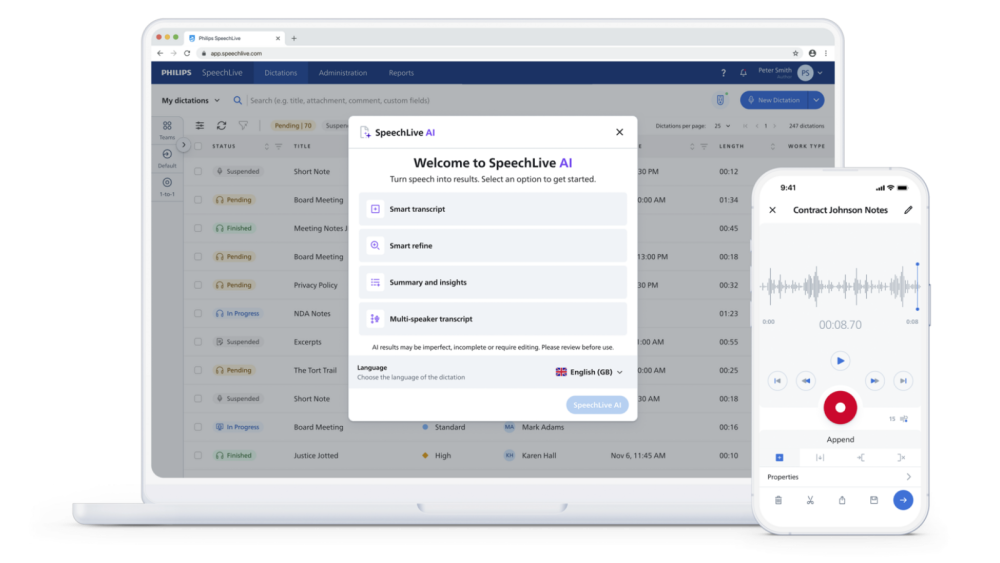
SpeechLive Professional AI Assistant combines SpeechLive, AI Speech Recognition and AI-assisted document creation. Dictate, record a conversation or provide supporting information, then use selected or custom templates to create a structured professional draft for review.
Explore SpeechLive Professional AI Assistant →VoiceX supports Dragon users across Australia and New Zealand with licence selection, migration, implementation, configuration, microphones, end-user training and technical support.
Vocabulary, custom words, AutoTexts, commands, microphones, profiles and application requirements configured around the individual user.
Dragon v15 upgrades, multi-user deployments, enterprise administration, SpeechExec integration and planning for users moving from Dragon Professional Anywhere.
Practical end-user training and Australian-based technical support. VoiceX can train Dragon users regardless of where or when their Dragon software was purchased.
Dragon Professional v16 is locally installed professional speech recognition software for Windows. It provides real-time speech-to-text, editing and correction, personal vocabulary, AutoTexts, custom commands, scripting, computer control and single-speaker recorded-audio transcription.
Both use the same core Dragon Professional v16 software. Stand-alone is a perpetual licence limited to two activations. Subscription is licensed annually and provides unlimited activations.
Dragon Professional v16 Enterprise, also referred to as Group or VLA licensing, is designed for organisations with multiple Dragon users. It uses perpetual licensing with unlimited activations and can include optional annual support, optional Upgrade Assurance and optional Nuance Management Centre administration.
Yes. Dragon Professional v16 is designed for professional Windows environments and supports Windows 11. VoiceX can confirm compatibility with your applications, virtual environment and planned deployment before purchase.
Yes. Dragon Professional v16 can transcribe compatible pre-recorded single-speaker audio. For organisations requiring background recognition and a structured dictation/transcription workflow, Dragon can also be integrated with Philips SpeechExec Pro or SpeechExec Enterprise.
Discounted upgrade options are available for eligible Dragon Professional Individual v15 and Dragon Professional Group v15 users. VoiceX can help you choose the right upgrade licence and assess your existing vocabulary, commands, AutoTexts and profile configuration before migration.
Yes. VoiceX provides Dragon Professional training and optimisation for existing users regardless of where or when their software was originally purchased.