Call Us: 1300 551 778
Six ways to use SpeechLive AI Speech Recognition
SpeechLive AI Speech Recognition allows you to choose where you dictate and when speech is converted into text. It also gives you easy administrative control and a powerful workflow, connecting you with your admin team for 3rd-party revision if needed.
Unlike speech recognition software of yesterday, SpeechLive uses the power of AI to convert both single-speaker dictation as well as transcribing multiple speakers - perfect for meetings, interviews, consultations and more.
All methods of speech recognition are INCLUDED in SpeechLive AI Speech Recognition.
Instant speech-to-text Transcription
Speech recognition from pre-recorded audio in the background
SpeechLive AI Speech Recognition
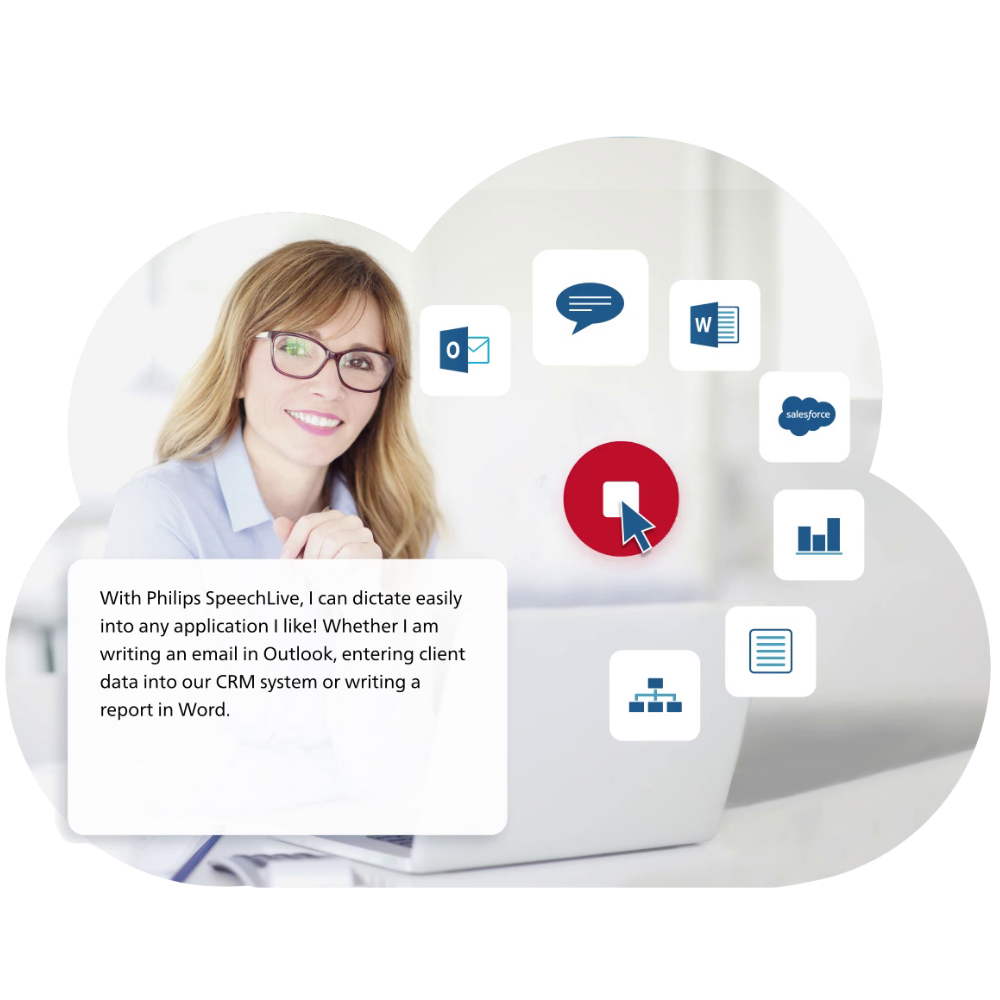
Instant speech-to-text conversion in any application - emails, documents, forms etc - or within the SpeechLive workflow for deferred correction.
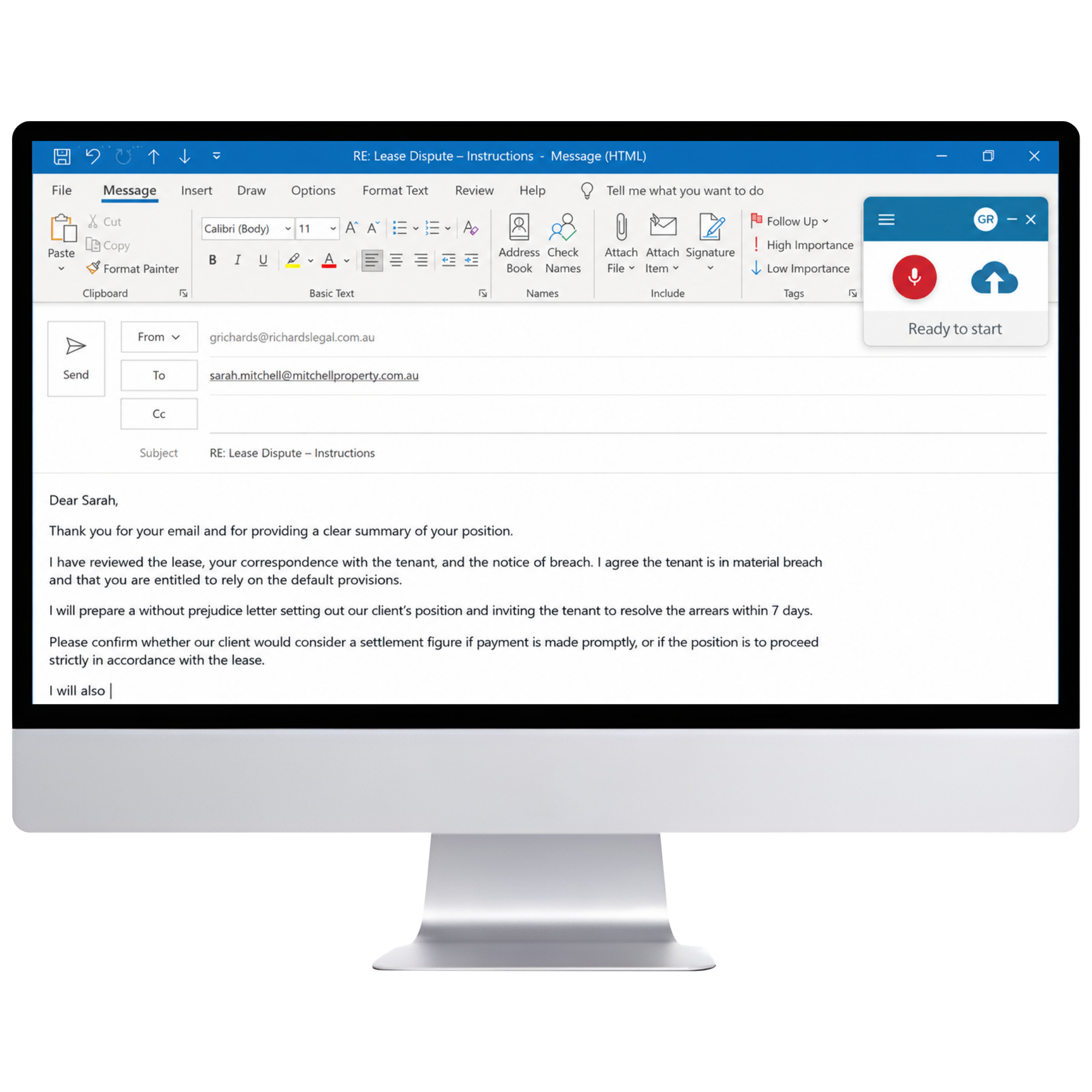
01 · SpeechLive Desktop App · Windows and Mac
Open the SpeechLive Desktop App, place the cursor in a text field or document and start speaking. SpeechLive converts your voice into text and inserts it where the cursor is positioned.
Best used for: letters, reports, emails, notes and correspondence where the author wants instant speech-to-text.
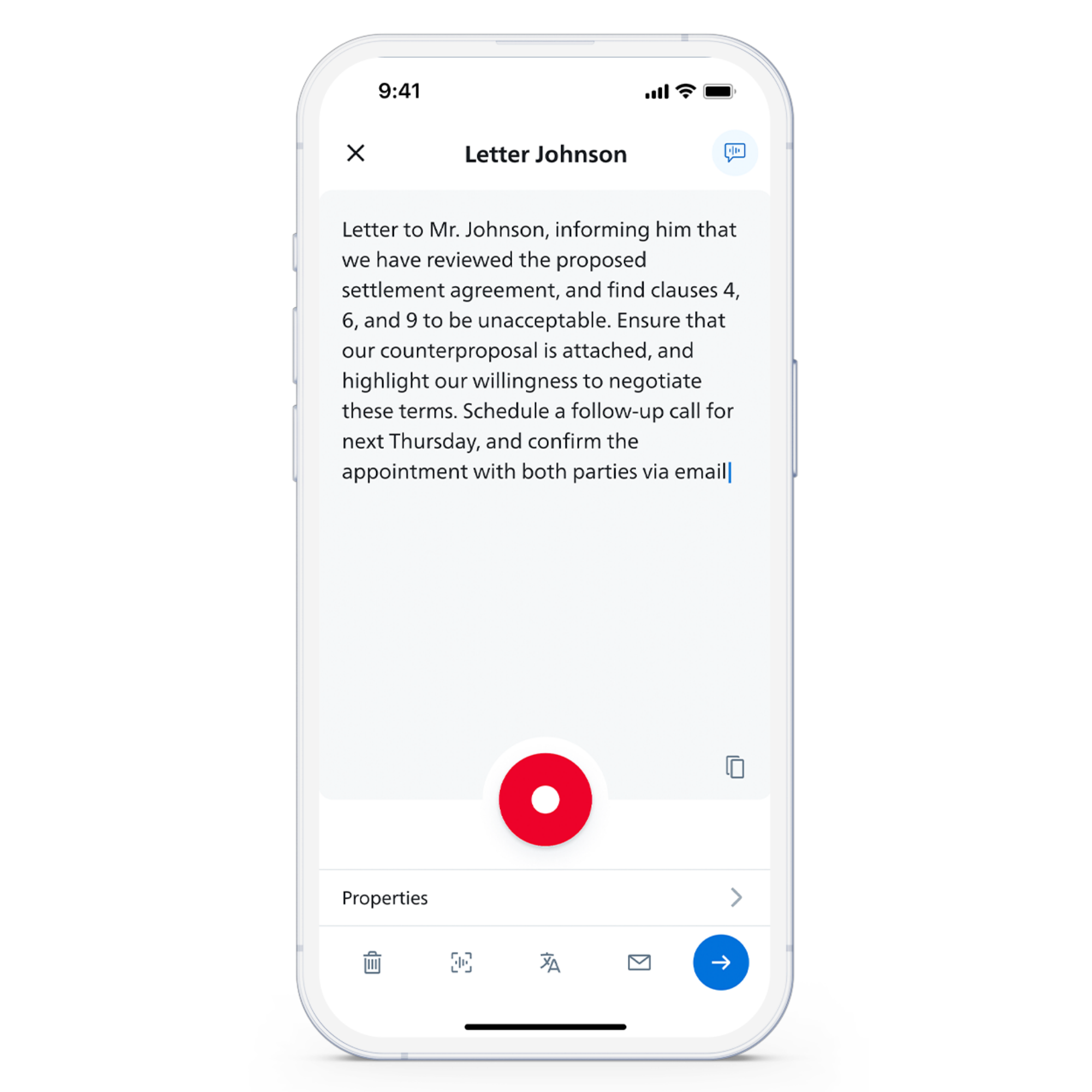
02 · SpeechLive Mobile App
Start real-time speech recognition in the SpeechLive Mobile App and watch your speech turn into on-screen text instantly. Edit it immediately, copy it to another app, or keep it in SpeechLive to review on your computer.
Best used for: correspondence, notes and immediate text creation while working between locations.
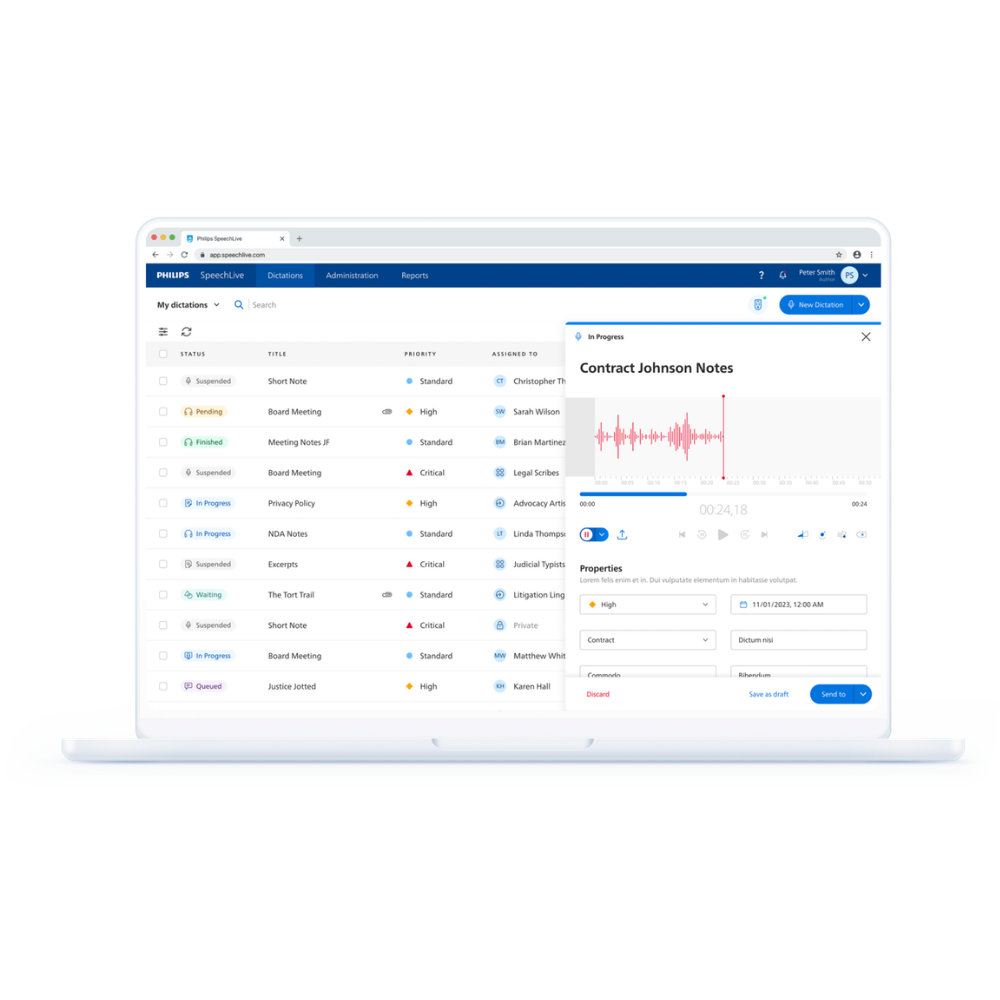
03 · SpeechLive Browser Recorder
Start real-time speech recognition in the SpeechLive Browser Recorder and see recognised text appear while you speak. The recording and transcript can remain together in SpeechLive for checking, completion and workflow.
Best used for: browser-based dictation requiring retained source audio and professional review.
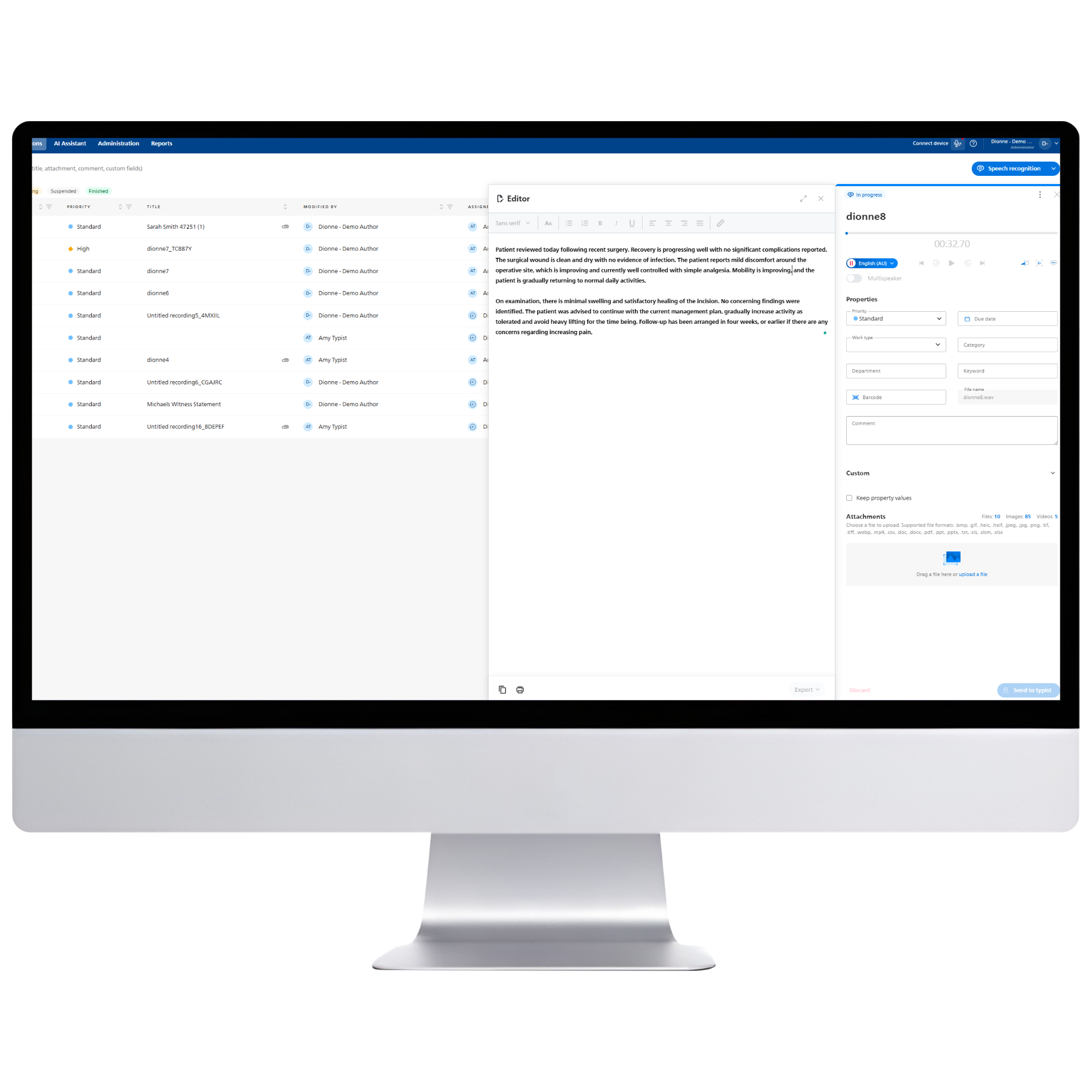
SpeechLive AI Speech Recognition
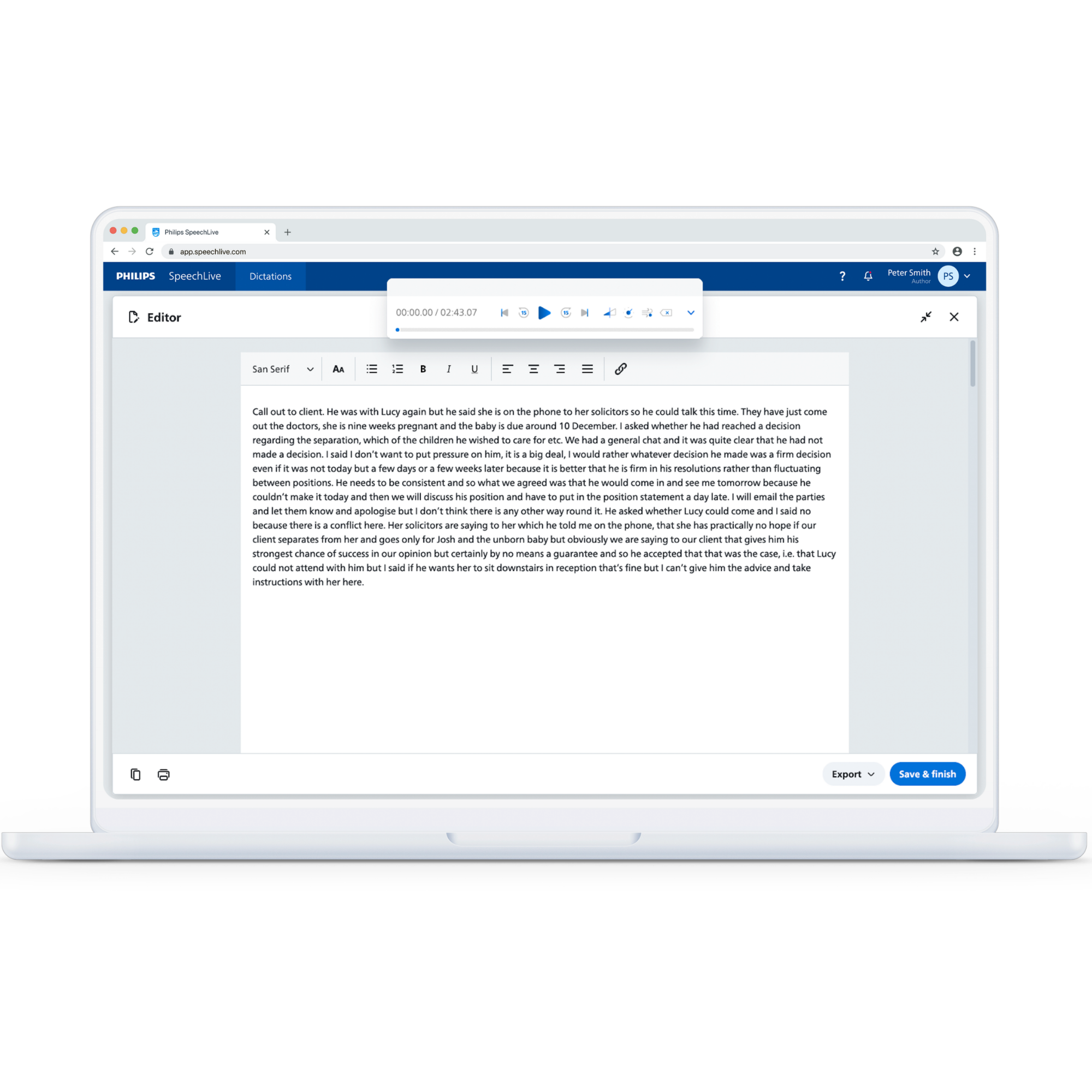
Speech recognition from pre-recorded dictations, meetings, interviews and consultations. Audio and transcribed text are retained together for review and formatting by the author or associated typist.
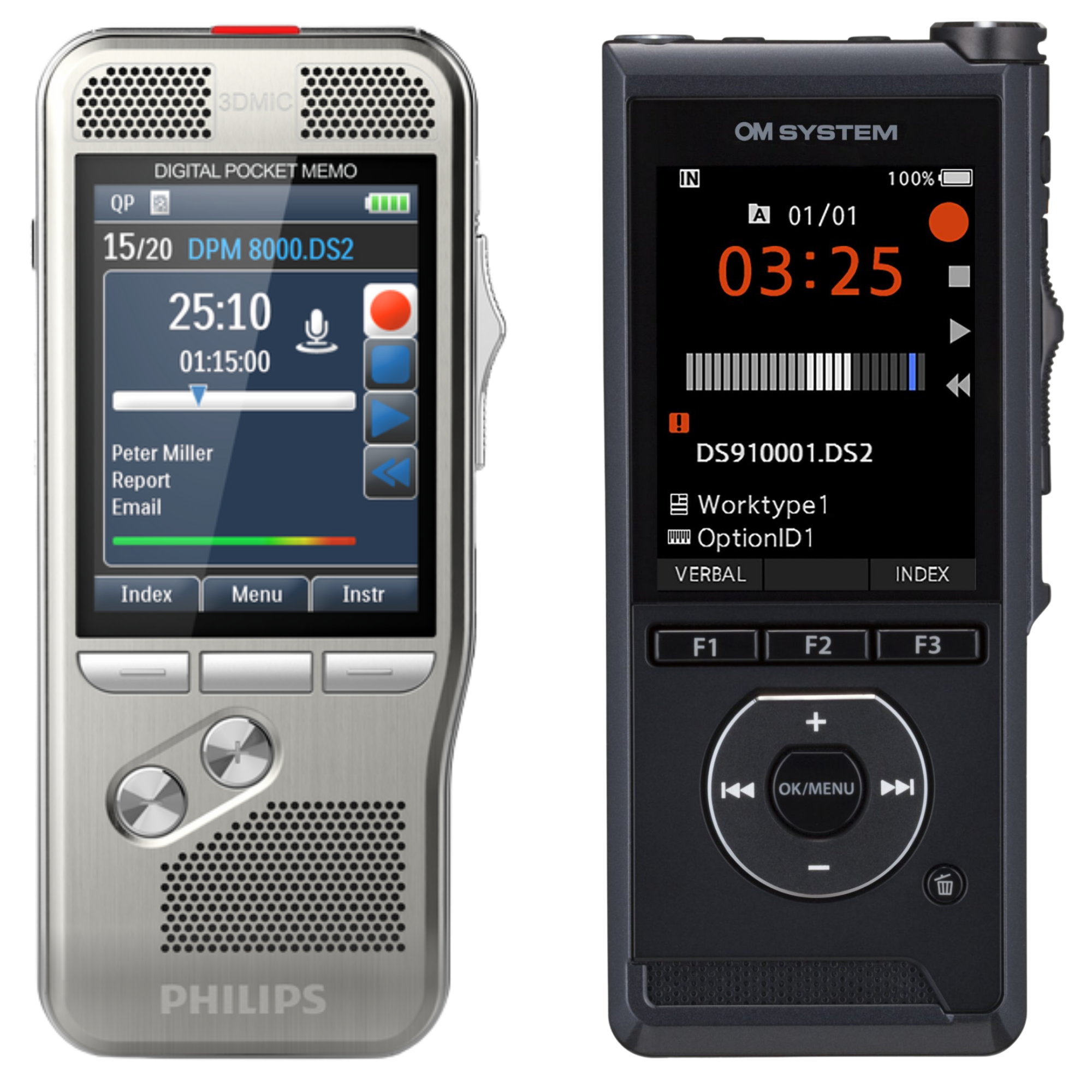
04 · Portable dictation recorders
Dictate on a professional portable voice recorder, automatically upload to SpeechLive and let AI Speech Recognition create the text in the background.
Best used for: professionals who prefer a dedicated recorder and organisations retaining a traditional dictation workflow.
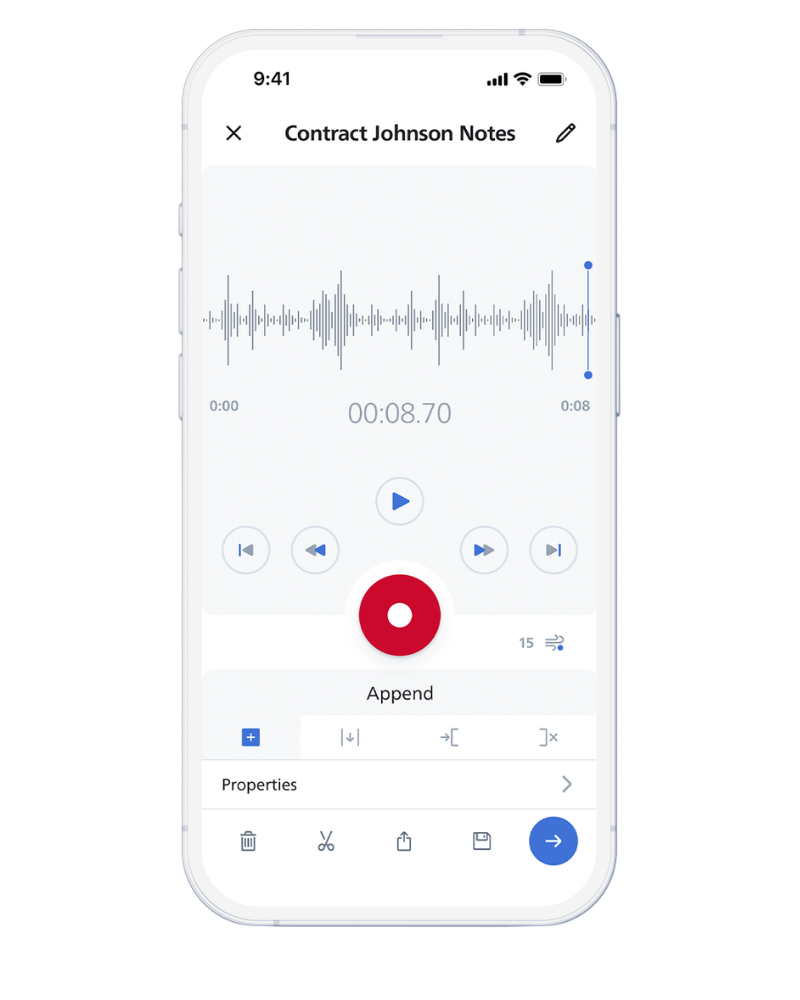
05 · SpeechLive Mobile App
Use your mobile device as a professional dictation recorder. Dictate & send back to the SpeechLive workflow with one tap for automatic speech recognition.
Best used for: Mobile users.
06 · SpeechLive Browser Recorder · Audio only
Use the SpeechLive Browser Recorder to create an audio-only dictation or recording without displaying recognised text while you speak. Submit it when ready and let SpeechLive process it in the background.
Best used for: traditional dictation, longer recordings and users who want to record in the browser without watching live text.
AI Transcription
SpeechLive AI Speech Recognition includes AI-powered features that turn your speech into results, providing higher-quality output while still retaining the original verbatim transcript and audio for final review.
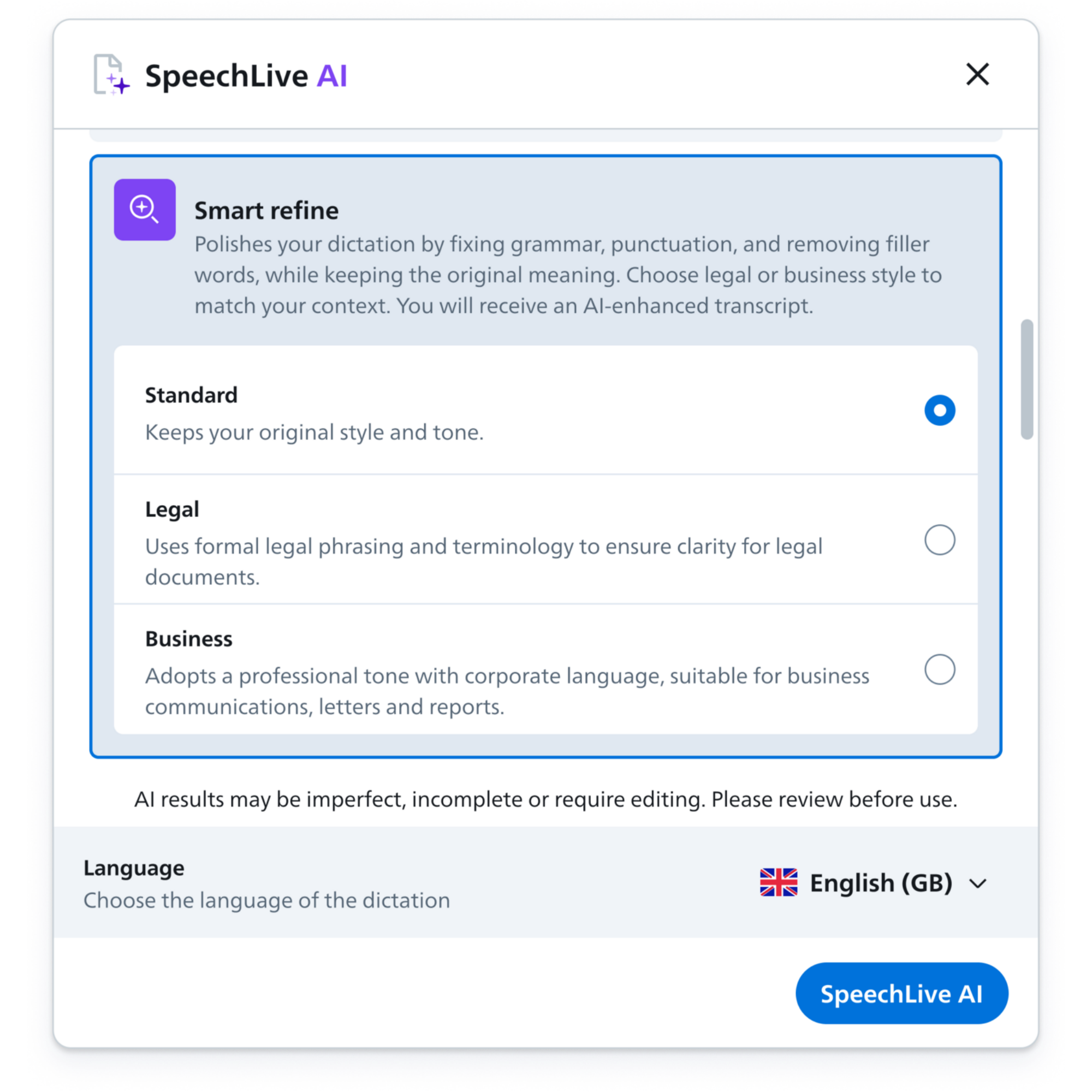
Fixes grammar, corrects and adds punctuation, with options to keep the original tone or enhance it for legal or business use.
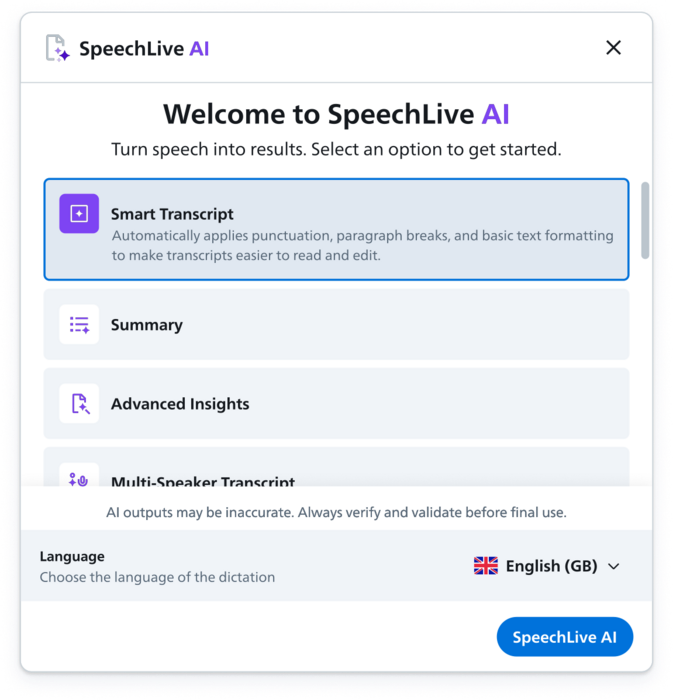
The perfect tool for authors who don't transcribe formally. Smart Transcript automatically applies punctuation, paragraph breaks and basic text formatting.
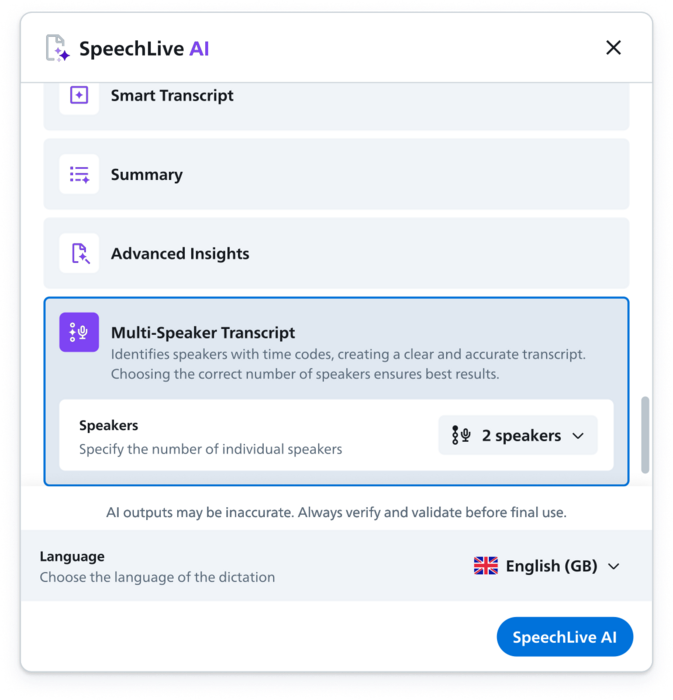
Identifies and separates up to ten speakers and formats their contributions with timecodes. Perfect for meetings, interviews, consultations and group discussions.
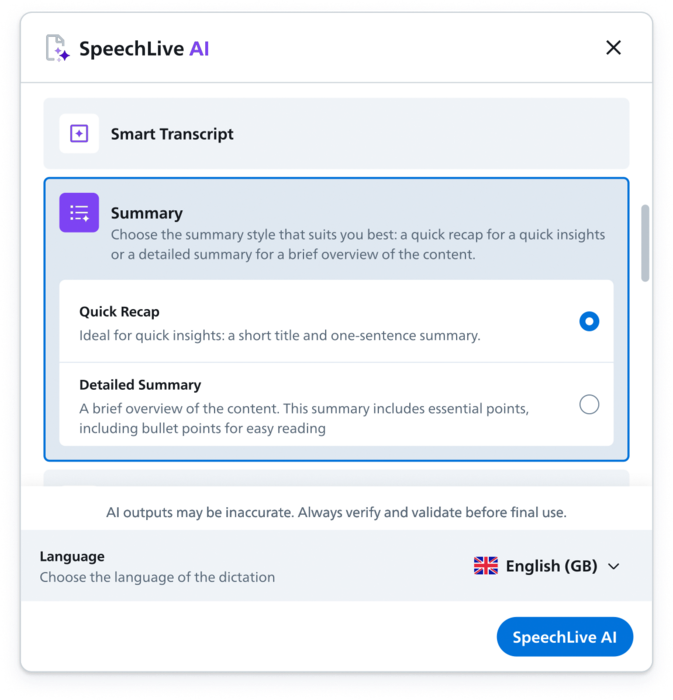
Quick Recap creates a title and brief sentence. Detailed Summary extracts the essential points and presents the main takeaways clearly for faster review.
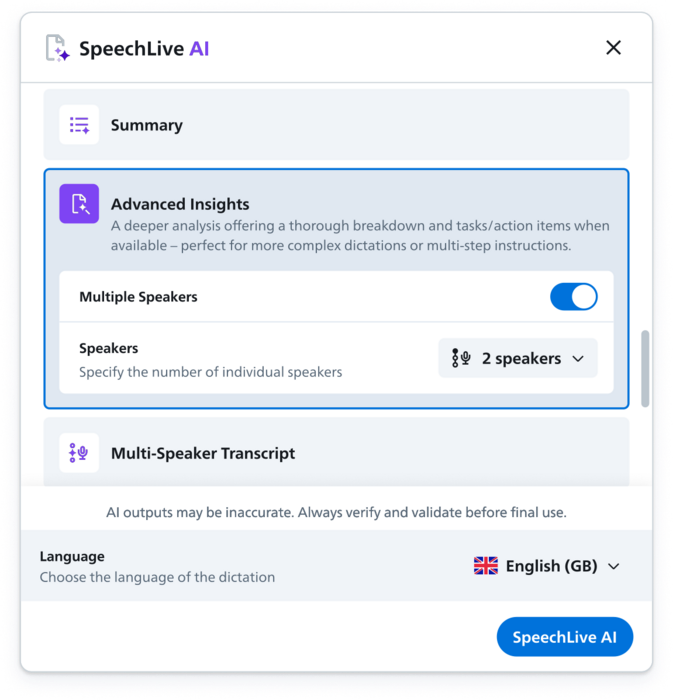
Analyses a recording for important topics, tasks and possible action items. Perfect for lengthy audio where you need to find key information and next steps quickly.
Human-in-the-Loop review
SpeechLive creates the first-pass transcript automatically while retaining the option for human checking and completion.
When audio is processed through the SpeechLive workflow, the original recording can remain connected to the transcript. That gives the people responsible for the final document a reliable source for checking names, details and wording.
DRAGON PROFESSIONAL ANYWHERE AND DRAGON LEGAL ANYWHERE ALTERNATIVES
SpeechLive AI Speech Recognition is a leading cloud-based alternative to Dragon Professional Anywhere and Dragon Legal Anywhere. It retains the familiar real-time speech-to-text experience at the cursor while giving professionals more ways to dictate, record, transcribe and review their work.
In July 2026, Microsoft advised its partner channel that new sales of Dragon Professional Anywhere and Dragon Legal Anywhere will end on 31 December 2026, with both cloud products reaching end of life on 31 December 2027. For organisations planning their next step, SpeechLive provides a modern, AI-powered migration path.
SpeechLive users can dictate directly into Windows and Mac applications, use real-time speech recognition in a browser or the SpeechLive Mobile App, process recorded audio in the background, transcribe single-speaker and multi-speaker recordings, and retain traditional author-to-typist review workflows.
Compare SpeechLive AI Speech Recognition with Dragon Professional Anywhere and Dragon Legal Anywhere below and discover how one platform can give your users more ways to work.
| Capability | SpeechLive AI Speech Recognition | Dragon Professional Anywhere | Dragon Legal Anywhere |
|---|---|---|---|
| Live dictation at the cursor | ✓ | ✓ | ✓ |
| Real-time recognition in a browser | ✓ | ✕ | ✕ |
| Mobile recognition in the same platform | ✓ | ✕ | ✕ |
| Record first and process in the background | ✓ | ✕ | ✕ |
| Original audio retained with the transcript | ✓ | ✕ | ✕ |
| Built-in author-to-typist review workflow | ✓ | ✕ | ✕ |
| Personal vocabulary and reusable text commands | ✓ | ✓ | ✓ |
| Advanced Windows navigation and automation | ✕ | ✓ | ✓ |
| Windows & Mac compatibility | ✓ | ✕ | ✕ |
| Multi-speaker transcription | ✓ | ✕ | ✕ |
| AI refinement, summaries and insights | ✓ | ✕ | ✕ |
| Central user administration | ✓ | ✕ | ✕ |
Comparison refers to the core products. Separate software, mobile products or workflow integrations may extend Dragon functionality.
Go beyond speech recognition
SpeechLive AI Speech Recognition converts speech into text. The Legal and Professional AI Assistants take the next step by using dictated or naturally recorded audio—and selected supporting sources—to create a structured draft from a system or custom template, ready for human review.

SpeechLive Legal AI Assistant
The Legal AI Assistant works with SpeechLive Enterprise to turn dictated or recorded matter information into structured draft legal documents. Combine audio with documents, PDFs and images when information from several sources needs to populate a selected legal template.

SpeechLive Professional AI Assistant
The Professional bundle includes SpeechLive Enterprise, AI Speech Recognition, and Professional AI Assistant. Use spoken audio and supporting files to generate structured reports, summaries, correspondence and other professional documents.
Plans and administration
Add AI Speech Recognition to SpeechLive Pro or Enterprise for selected users, or purchase it as part of a complete SpeechLive system. AI Assistant bundles use SpeechLive Enterprise. VoiceX can match the plan to the users, review process and administration required.
A practical foundation for individual professionals and smaller teams that need browser and mobile recording, task assignment, speech recognition and author-to-typist workflow.
For larger organisations needing broader task tracking, premium reporting, user provisioning, supported business integrations, API access and centrally managed deployment.
Australian hosted. VoiceX supported.
SpeechLive data for Australia and New Zealand is stored on Microsoft Azure infrastructure in Victoria, with regional speech-recognition processing in Australia. VoiceX provides the local expertise needed to select, configure and support the solution.
Healthcare speech recognition
Healthcare organisations can use SpeechLive for mobile and browser dictation, transcription workflow and typist review, while Dragon Medical One provides specialist medical speech recognition directly into clinical systems and documents.
Explore SpeechLive + Dragon Medical OneSee every method with one user licence
Test at-cursor dictation, browser and mobile recognition, recorded-audio processing, retained source audio and professional review with VoiceX guidance.