
Call Us: 1300 551 778
Record your instructions, send them to your typist and keep document preparation moving. Philips SpeechExec brings dictation and transcription together in your own Windows environment.
Choose SpeechExec Basic, SpeechExec Pro or SpeechExec Enterprise, with installation, training and support from VoiceX.
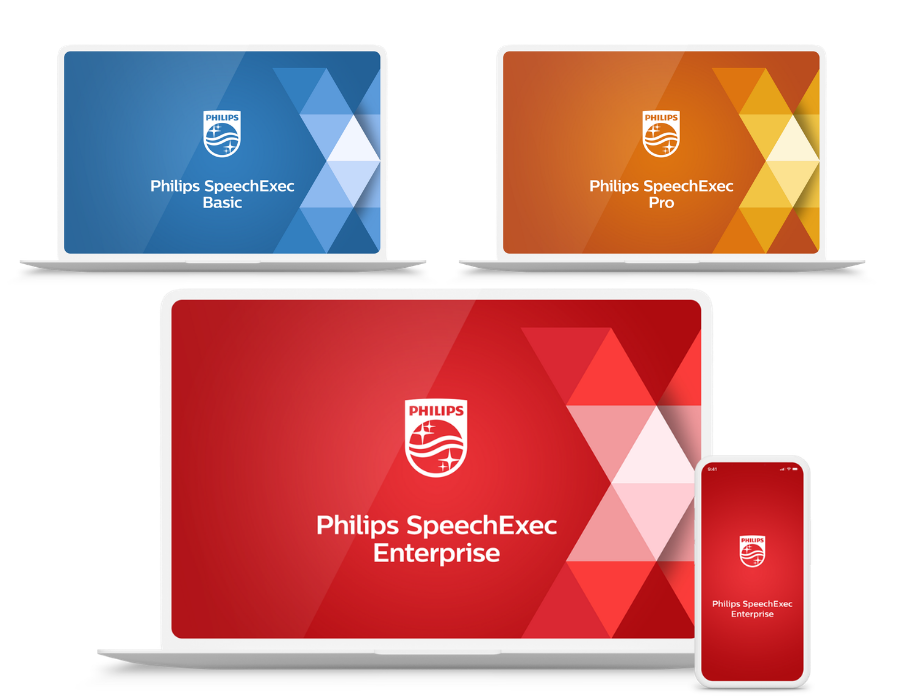
The SpeechExec range
Start with SpeechExec Basic for straightforward dictation and transcription, choose SpeechExec Pro for more recording and routing options, or explore SpeechExec Enterprise for central management.
Simple dictation and transcription for smaller Windows teams. Transfer recordings to your typist and manage work locally.
Direct dictation, flexible routing and encryption for professional authors and typists, with optional Dragon Professional v16 integration.
For larger organisations that need central administration, server-based management, virtual desktop support, and greater control over users, storage, and routing.
SpeechExec comparison
Compare how each edition is installed, licensed and managed. Explore the edition pages for detailed features and compatible hardware.
| Feature | SpeechExec Basic | SpeechExec Pro | SpeechExec Enterprise |
|---|---|---|---|
| Best fit | Smaller local author and typist teams | Professional authors and typists | Larger teams with central IT management |
| Deployment | Locally installed Windows client | Locally installed Windows client | Server-based on-premise solution |
| Licence model | Per-user subscription | Per-user subscription | Concurrent annual licensing |
| Author module | SpeechExec Basic Dictate | SpeechExec Pro Dictate | SpeechExec Enterprise Dictate |
| Typist module | SpeechExec Basic Transcribe | SpeechExec Pro Transcribe | SpeechExec Enterprise Transcribe |
| Dragon speech recognition | No | Optional. Compatible with Dragon Professional v16 | Optional. Compatible with Dragon Professional v16, plus Dragon Medical One support through SpeechKit |
| Remote Desktop and virtual environment | No | No | Yes |
| Central administration | No | No | Yes. Enterprise Manager, central user and licence administration, reporting and device management options |
On-premise dictation software
Authors record their dictation, send the audio to an assistant or transcription team, and receive a completed document. SpeechExec keeps recordings, work status and playback controls together in your Windows environment.
Suitable for legal firms, healthcare practices, government and professional offices that manage dictation locally.

Local on-premise workflow
SpeechExec is designed for organisations that want dictation and transcription managed locally. It can support simple shared-folder setups, email or FTP routing, flexible licence models, and larger enterprise environments where IT needs central administration and virtual desktop support.
Create a central dictation workflow using shared folders, allowing work to be routed from author to typist to archive.
Send and receive dictations by email or FTP where that approach suits the users, location and IT requirements.
SpeechExec Basic and Pro V12 use per-user subscription licensing, with one-year and two-year options available from VoiceX. SpeechExec Enterprise uses centrally managed concurrent licensing for larger environments.
SpeechExec Enterprise supports Microsoft Remote Desktop Services, Citrix Virtual Apps and Desktops and VMware Horizon environments.
SpeechExec can form part of a complete professional dictation setup using Philips PocketMemo recorders, SpeechMike dictation microphones and ACC-series transcription foot controls.
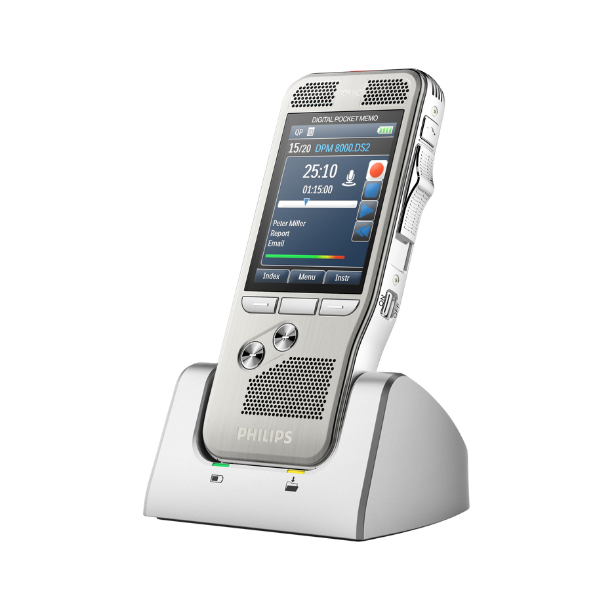
Professional portable recorders for authors who want to dictate away from the computer and download recordings into SpeechExec.
Shop professional voice recorders →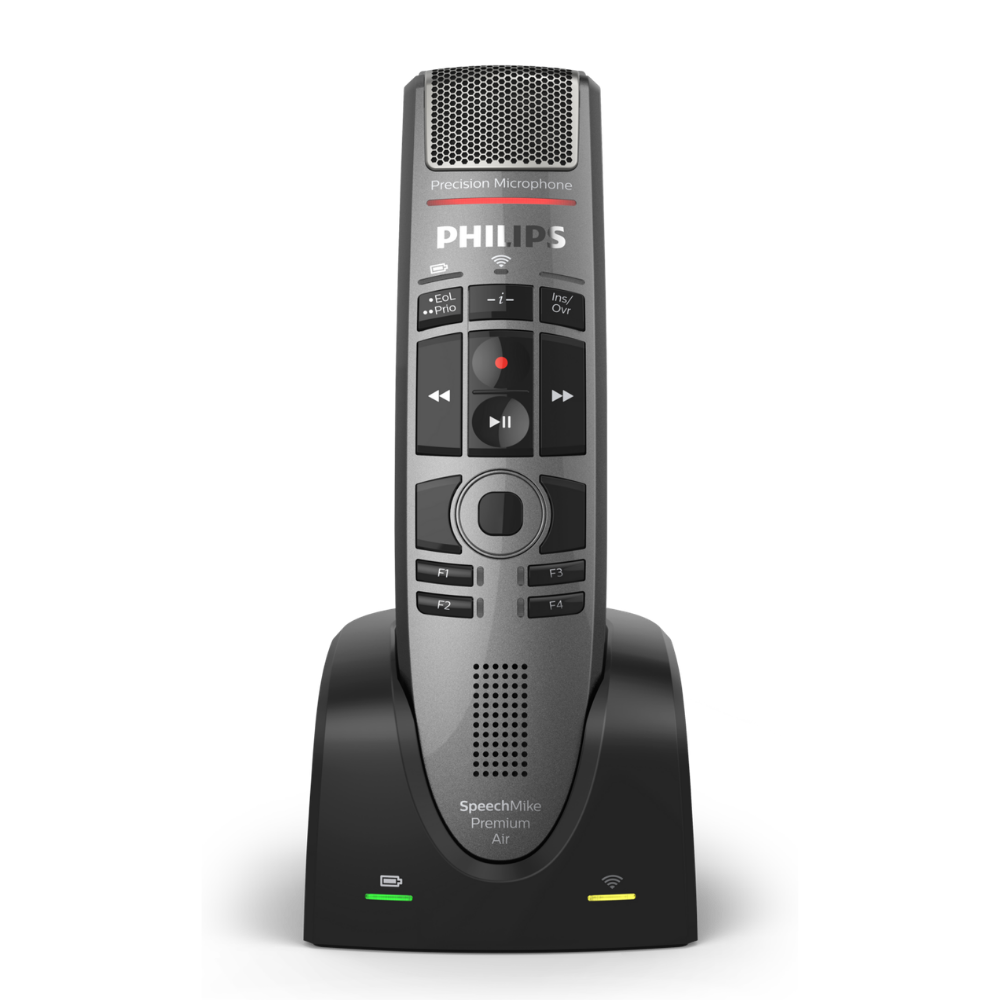
Dictate directly at the computer with supported SpeechMike hardware in SpeechExec Pro and Enterprise environments.
Shop SpeechMike microphones →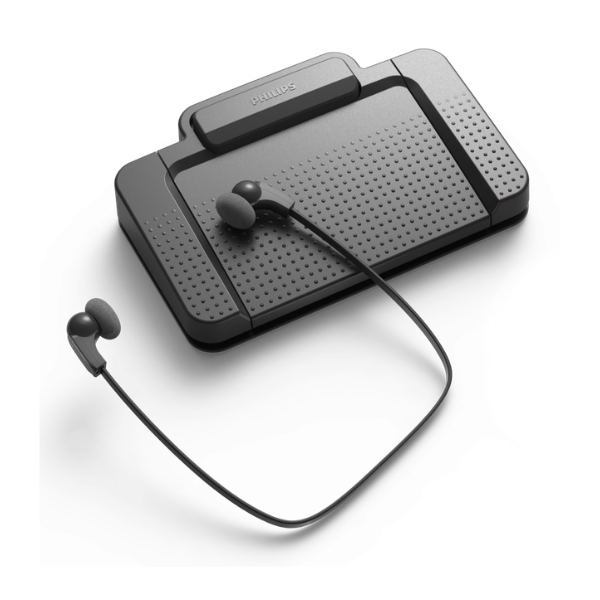
Control audio playback with your foot while typing, using Philips ACC foot controls with SpeechExec transcription software.
Shop Philips foot controls →
SpeechExec and Dragon speech recognition
SpeechExec Pro and SpeechExec Enterprise can work with Dragon Professional v16 speech recognition where the correct licences and setup are in place. This can help reduce typing time while still keeping the author, assistant or typist in control of the final document.
For suitable workflows, a recorded dictation can be converted into text, then reviewed against the original audio before the document is finished.
A local Windows option for teams wanting Dragon Professional v16 inside the dictation workflow.
For larger sites that need speech recognition inside a centrally managed SpeechExec environment.
For suitable healthcare deployments using SpeechExec Enterprise Plus with SpeechKit integration licensing.
Buy or renew SpeechExec
Purchase or renew SpeechExec Basic and SpeechExec Pro Dictate and Transcribe licences online from VoiceX. Choose between one-year and two-year licence options, including installation and annual support options.
For SpeechExec Enterprise, VoiceX can arrange an obligation-free consultation and quote to confirm the right modules, licences and deployment path for your site.
Buy or renew SpeechExec Basic Dictate and Transcribe software for simple local dictation and transcription.
Shop SpeechExec Basic
Buy or renew SpeechExec Pro Dictate and Transcribe software for professional local dictation workflows.
Shop SpeechExec Pro
Request a consultation for a managed on-premise SpeechExec Enterprise deployment.
SpeechLive brings dictation, transcription, speech recognition and AI drafting together, with browser and mobile access, Australian hosting and VoiceX onboarding and support.
For real-time speech recognition and transcription of recordings, explore SpeechLive Legal Direct or SpeechLive Professional Direct.
For structured drafts from recordings and supporting files, explore SpeechLive Legal AI Assistant or SpeechLive Professional AI Assistant.
No. SpeechExec is Philips on-premise dictation and transcription software. For cloud dictation and browser-based working, look at SpeechLive.
SpeechExec Basic and Pro V12 licences are assigned to individual users rather than individual PCs. SpeechExec Enterprise uses centrally managed concurrent licensing. VoiceX can help confirm the right licence model for your users and environment.
SpeechExec Enterprise is the SpeechExec option for Microsoft Remote Desktop Services, Citrix Virtual Apps and Desktops, VMware Horizon and supported virtual desktop environments.
Yes. SpeechExec Pro and SpeechExec Enterprise can integrate with Dragon Professional v16 where the correct software, licences and environment are in place.
Consider SpeechLive if your team wants browser access, mobile dictation, Australian hosting and options for speech recognition and AI drafting in one platform.
Yes. VoiceX can help confirm the right SpeechExec edition, check recorder and foot control compatibility, assist with installation, and advise when SpeechLive is the better long-term option.
VoiceX helps you choose the right SpeechExec edition, set up authors and typists, connect compatible hardware and train your team. Speak with our Australian team about installation, training and ongoing support.