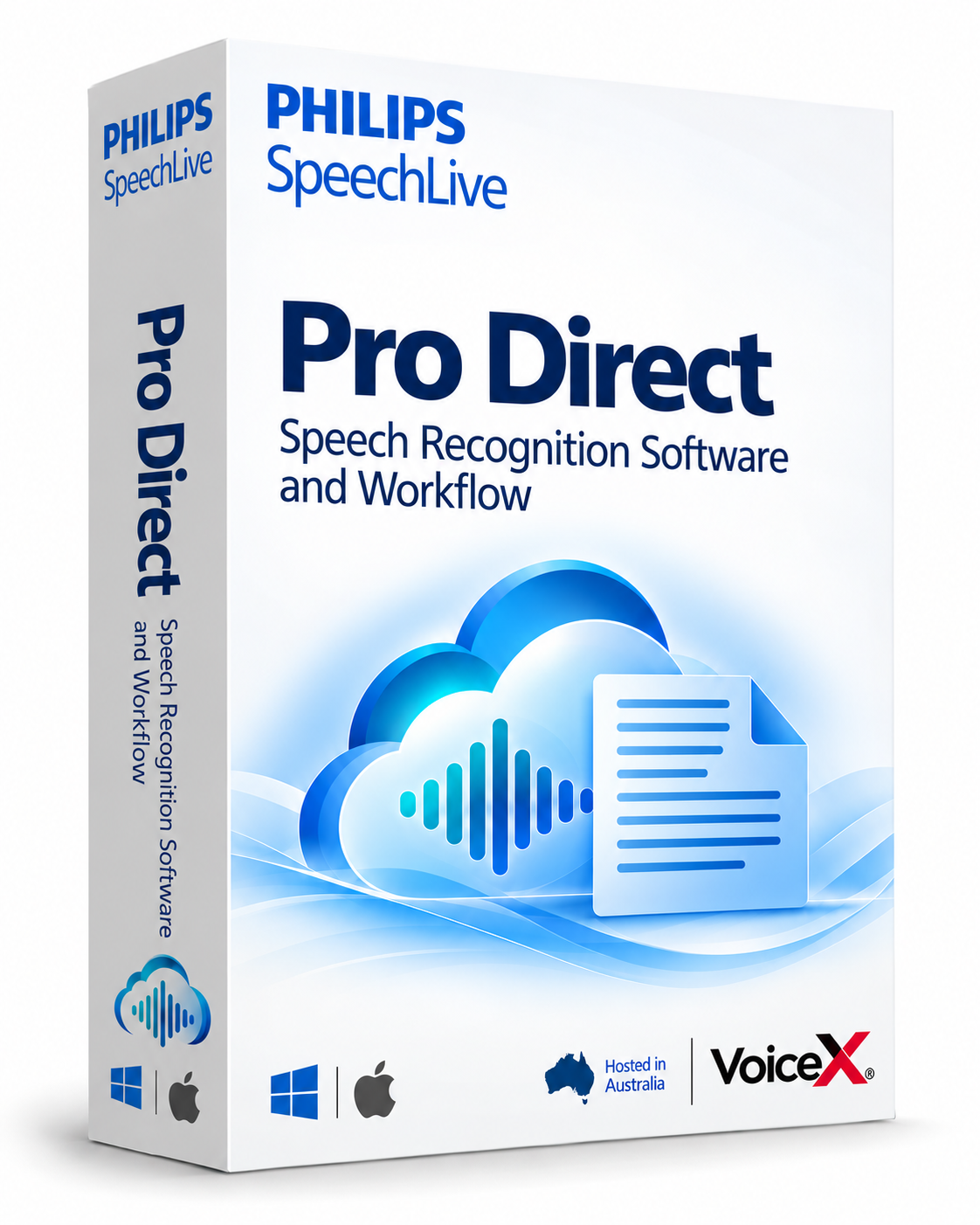
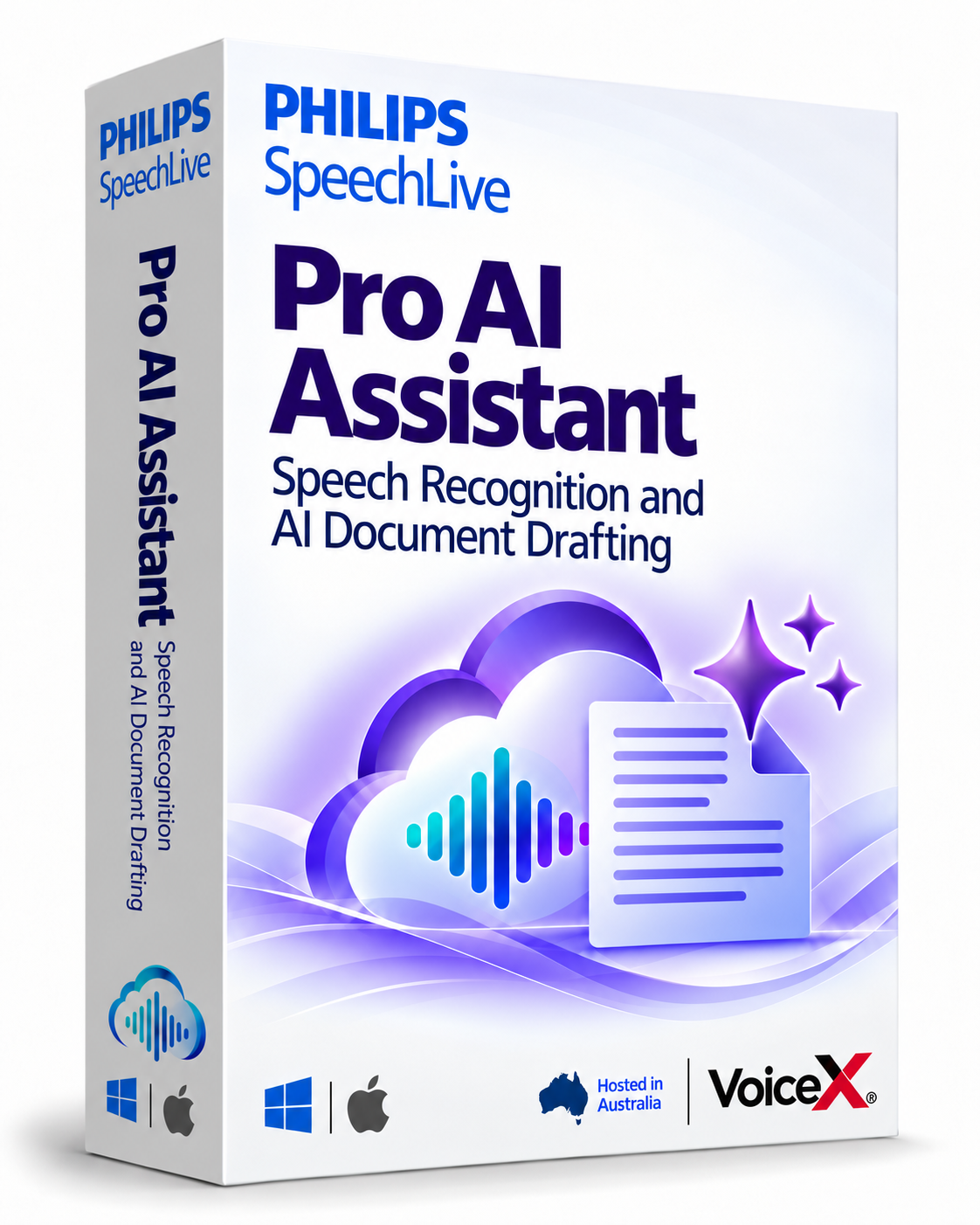
One complete solution for professional document creation
Philips SpeechLive brings dictation, transcription, speech recognition and AI document drafting together in one complete, all-in-one solution. Record a report for your support team, speak directly into a document or turn conversations and supporting files into structured drafts in your organisation’s format.
For accountants, financial advisers, interior designers, sales executives, police, safety assessors and building professionals — anyone whose expertise needs to become clear documentation.
You dictate. Your typist prepares the document. Record notes after a client meeting or dictate a report on your phone. Your assistant picks up the audio in SpeechLive, controls playback while typing and marks the work complete.
You know the wording and want it on the page. Dictate directly into a report, email or client note. For work you want checked later, record in SpeechLive and generate a Smart Transcript. You or your typist can listen back and correct the text.
You have the source material and need a structured draft. Combine a recording with supporting documents or images. Use your organisation’s template to create a meeting summary, inspection report or client letter, ready for you or your support team to review.
All three packages include dictation and transcription. Choose the features your professionals and support team need.
What your team can do
SpeechLive WorkflowDictation and transcription
SpeechLive Professional DirectProfessional speech recognition
SpeechLive Professional AI AssistantAI-assisted document drafting
Dictation and transcription
Record dictation and send it to a typist
✓
✓
✓
Manage users centrally and track dictation progress
✓
✓
✓
Keep recorded audio for proofreading by the author or a typist
✓
✓
✓
Professional speech recognition
Real-time speech recognition at the cursor
✕
✓
✓
Background speech recognition of pre-recorded dictation and meeting audio
✕
✓
✓
Identify different speakers in meeting transcripts with MultiSpeak
✕
✓
✓
Check and correct a Smart Transcript against the original audio
✕
✓
✓
AI document drafting
Create structured document drafts from audio and supporting files using your templates
✕
✕
✓
Create reusable templates for reports, client notes and correspondence with AI Chat
✕
✕
✓
SpeechLive WorkflowDictation and transcription
Record dictation and send it to a typist
Manage users centrally and track dictation progress
Keep recorded audio for proofreading by the author or a typist
SpeechLive Professional DirectProfessional speech recognition
Record dictation and send it to a typist
Manage users centrally and track dictation progress
Keep recorded audio for proofreading by the author or a typist
Real-time speech recognition at the cursor
Background speech recognition of pre-recorded dictation and meeting audio
Identify different speakers in meeting transcripts with MultiSpeak
Check and correct a Smart Transcript against the original audio
SpeechLive Professional AI AssistantAI-assisted document drafting
Record dictation and send it to a typist
Manage users centrally and track dictation progress
Keep recorded audio for proofreading by the author or a typist
Real-time speech recognition at the cursor
Background speech recognition of pre-recorded dictation and meeting audio
Identify different speakers in meeting transcripts with MultiSpeak
Check and correct a Smart Transcript against the original audio
Create structured document drafts from audio and supporting files using your templates
Create reusable templates for reports, client notes and correspondence with AI Chat
These are complete packages. For audio proofreading, save the recording in SpeechLive. At-cursor dictation sends text straight into your open document.Compare SpeechLive workflow plans
From source to structured professional drafts
A building consultant records observations during a site visit and adds relevant photographs and a project brief. In AI chat, they describe the report headings their team uses. SpeechLive Professional AI Assistant brings the selected sources into a structured first draft.
Use our headings: project details, observations, issues raised and agreed actions. Include only information supported by the sources. Leave missing details blank.
Save the template for the next visit, then use the same sources to draft a client update. The same approach can turn a sales meeting into a follow-up email, a design consultation into a project brief or an assessment into a report. You review the draft against the sources and approve the finished document.
Create business documents at your desk or on your phone
SpeechLive Desktop App
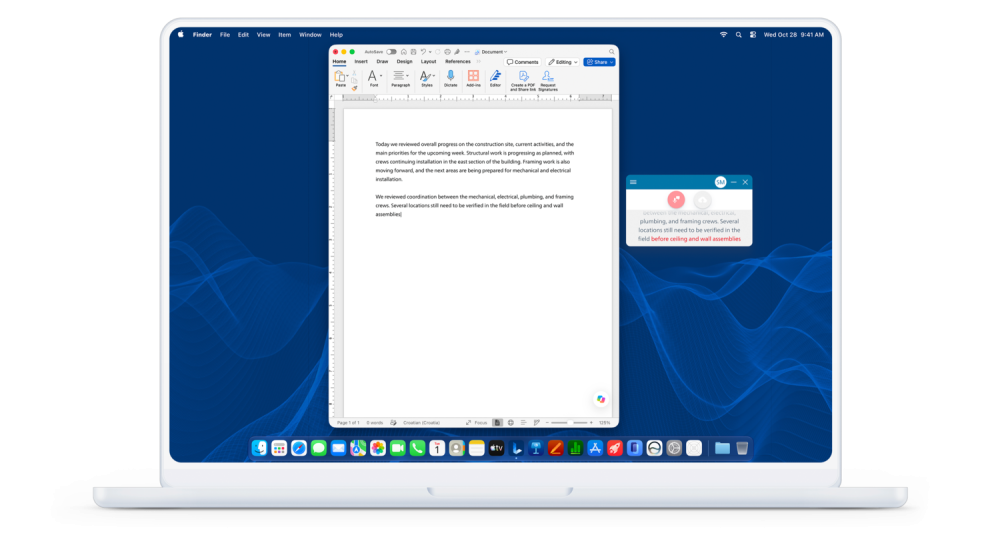
Open the letter or email, place the cursor and speak using the SpeechLive Desktop App on Windows or Mac. With SpeechLive Professional Direct, voice commands handle edits and formatting. MultiSpeak can distinguish speakers when recording a discussion.
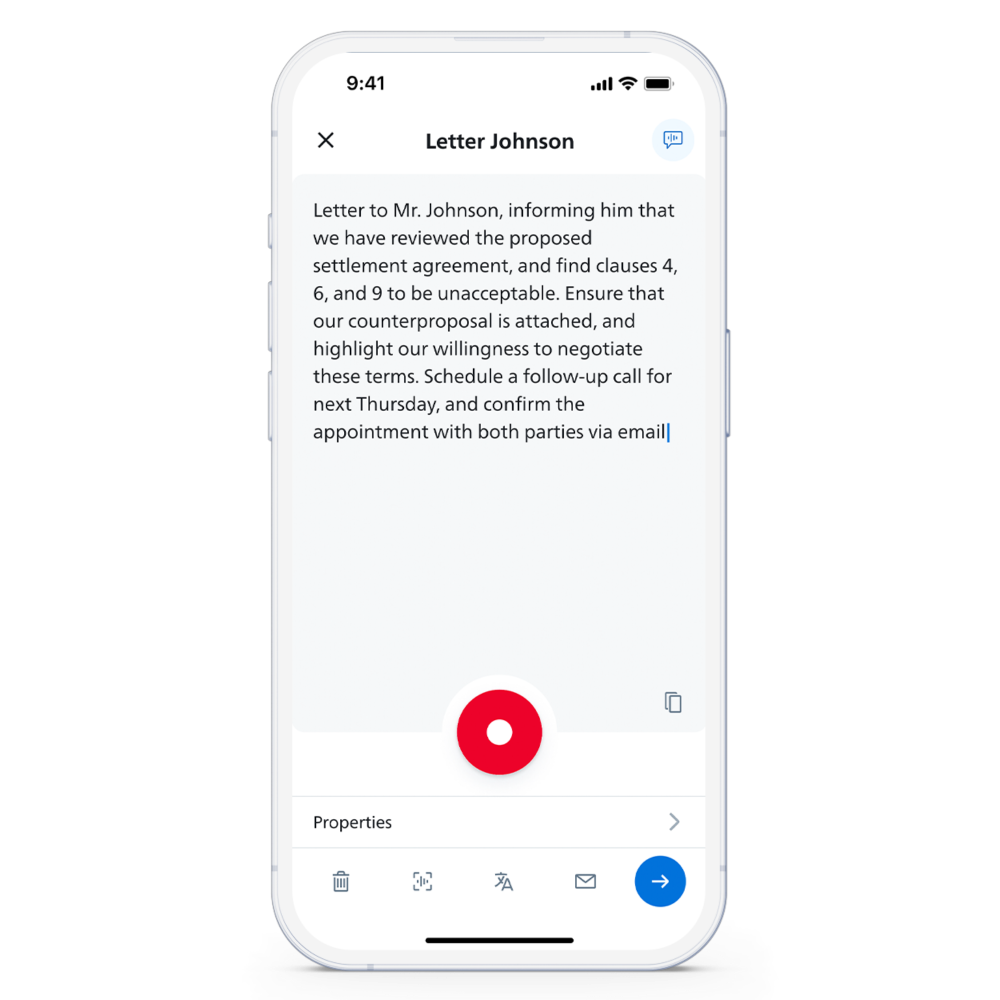
Record instructions on your iPhone or Android phone while the details are fresh. Record offline when needed and upload when reconnected. Your assistant can collect the dictation from the same SpeechLive queue.
SpeechLive stores your encrypted dictations and file attachments in a Microsoft Azure data centre in Victoria, Australia.
For Australian and New Zealand accounts, with ISO/IEC 27001 certification listed by Philips.
Encryption and secure sign-in
AES-256 encryption protects saved dictations. HTTPS protects transfers. Administrators can require multi-factor authentication and enable Microsoft single sign-on.
Dictation backups and recovery
Back up your dictations and restore accidentally deleted recordings through your administrator for up to 30 days.
Private speech recognition and AI drafting
Speech recognition and AI drafting use isolated Microsoft Azure environments. Philips states that OpenAI cannot access your content and that model training requires your explicit permission.
VoiceX helps professional teams across Australia and New Zealand put SpeechLive into everyday use, with local setup, training and ongoing support.
Local onboarding, training and support from VoiceX
VoiceX supplies and supports Philips SpeechLive for businesses across Australia and New Zealand. Your subscription includes onboarding, implementation, administrator training and end-user training.
For the office manager
We set up professionals and support staff with you, agree who receives each person’s dictation and test the handover with a report or client note.
For professionals and support staff
Professionals practise dictating reports and correspondence. Support staff learn to find work, replay audio and return corrected text. AI users create a draft from their source material and review it before approval.
For your administrator
We cover user setup, team changes and account settings. After rollout, your local VoiceX support team is available when someone joins your team or needs help.
Choose your SpeechLive Pro Professional package
SpeechLive Workflow
Dictation and transcription
Dictate a letter or file note and send the recording to your typist. With SpeechLive Pro, your team can assign the work, set its priority and track it through to completion.
Dictate correspondence straight into a document or send a recording to your typist for review. This author package pairs SpeechLive Pro with SpeechLive Professional Direct for business speech recognition.
Turn client instructions and supporting files into a first draft in your organisation’s format. This package includes SpeechLive Enterprise, SpeechLive Professional Direct and AI drafting.
Invite your professionals, typists and support staff to try SpeechLive in a live working account for 14 days. VoiceX will help set up your team and support you as you test everyday tasks, from dictating a report to preparing a structured document draft. There’s no obligation to subscribe.
Can we use SpeechLive for dictation and transcription without speech recognition or AI?+−
Yes. A professional records a dictation and sends it to their typist, who listens, prepares the document and marks the job complete. The professional can see its progress in SpeechLive. A SpeechLive workflow licence covers this. If colleagues want speech recognition or AI drafting, your organisation can add those options for individual users on an eligible plan.
Can I keep using my Philips or Olympus dictation recorder?+−
Yes, for supported models. The SpeechLive Desktop App on Windows can automatically upload recordings from Philips PocketMemo DPM8000, DPM7000 and DPM6000 models, as well as Olympus DS-9500 and DS-9000 recorders. For desk dictation, supported Philips SpeechMike Premium and Ambient microphones connect directly. VoiceX can check your exact model before you switch.
Which foot controls can our typists use?+−
Typists can play, pause and rewind audio hands-free in the SpeechLive web player. Supported models include the Philips ACC2310, ACC2320 and ACC2330, and the Olympus RS28H and RS31H. If you already own pedals, give VoiceX the model number so we can confirm the setup. Browse transcription foot controls.
When should I use speech recognition or AI drafting?+−
Use SpeechLive Professional Direct when you know the wording and want to dictate at the cursor. Use SpeechLive Professional AI Assistant when you want to turn instructions, a recorded conversation or supporting documents into a first draft in your organisation’s format. Create and review drafts in the web app, with selected features also available in the SpeechLive Mobile App. Review the draft before you send it or save it to the client or project file.
Trials, privacy and subscriptions
Can our professionals and typists try SpeechLive together?+−
Yes. Register for a free 14-day SpeechLive trial and tell us which roles and features you want to test. Your team works in a live account with the same privacy and security protections as a paid account. Try dictating a letter, sending it to a typist and reviewing the result. If your trial includes AI drafting, try a file note using your organisation’s template. You choose whether to subscribe at the end.
Where is our client data stored and how is it protected?+−
SpeechLive stores dictations and attachments for Australian and New Zealand accounts in a Microsoft Azure data centre in Victoria, Australia. It encrypts stored dictations with AES-256 and protects transfers with HTTPS. Your administrator can require multi-factor authentication. Read about backups, recovery, single sign-on and how SpeechLive handles data for AI.
How long is the subscription and how does renewal work?+−
In Australia, the minimum subscription is 12 months unless your VoiceX quote specifies a different term. We send a renewal quote before expiry and renew when your organisation gives us written instructions. Read the Australian SpeechLive subscription terms and conditions for details on renewals, cancellations and access after expiry.
Can we start with a few users and add more later?+−
Yes. Start with the professionals and typists who need access today. You can add users as the team grows or add speech recognition or AI drafting for selected users on an eligible plan. Under the Australian subscription terms, additions are normally charged for the remainder of your existing term and share the same renewal date. Compare SpeechLive plans and optional modules.
Who helps us get started and provides ongoing support?+−
VoiceX’s Australian team supports organisations across Australia and New Zealand. We can help you set up professionals and typists, connect recorders and foot controls, and arrange training. After rollout, contact us for help with dictation delivery, user changes or a device that has stopped responding. Contact the VoiceX support team.
See SpeechLive with a document your organisation prepares every week
See a report, project brief or client note created in a VoiceX demonstration. Or register for a trial and test dictation, correction and drafting with your own team.