Upload your recordings
Bring audio from your digital recorder or computer into SpeechLive, ready for typing or speech recognition.
Philips SpeechLive • Windows & Mac
Bring SpeechLive to your computer. Upload recordings, connect your Philips dictation hardware and turn your voice into text at the cursor with SpeechLive Legal Direct or SpeechLive Professional Direct.
Included for all SpeechLive users. Manage recordings and supported devices with your subscription. Activate SpeechLive Legal Direct or SpeechLive Professional Direct to create, edit and format documents by voice.
Your voice. Your devices. Your documents.
Bring audio from your digital recorder or computer into SpeechLive, ready for typing or speech recognition.
Configure your PocketMemo and supported SpeechMike controls to suit the way you record.
Set your preferred typist or team. Typists can select the author they are uploading recordings for.
With SpeechLive Legal Direct or SpeechLive Professional Direct, speak directly into the applications you use on Windows or Mac.
With speech recognition activated, use desktop voice commands to navigate, correct and format your text. These editing commands are not available in the web or Mobile App.
Turn meetings and conversations into text as people speak, with speaker labels, timestamps and automatic punctuation. Requires active SpeechLive Legal Direct or SpeechLive Professional Direct.
Connect. Upload. Keep going.
Keep the professional dictation equipment you know, with controls and upload settings that help your team get recordings where they need to go.
Configure display options, buttons, keywords and recording preferences. Automatic upload on Windows supports the DPM8000, DPM7000 and DPM6000 series.
Automatically upload recordings on Windows from supported Olympus DS-9500, DS-9000, DS-7000 and DS-5000 recorders.
Customise supported SpeechMike Premium and SpeechMike Ambient controls on Windows, including recording behaviour and button assignments.
Choose a nominated folder for automatic uploads on Windows. Set a preferred typist or team, and select the author when uploading on someone else’s behalf.
Automatic uploads and the device configuration features described here are available on Windows. Mac users can upload recordings manually.
Speech recognition at the cursor
Create correspondence, reports and file notes directly in your applications. Put the cursor where you want the text, start dictating and keep your attention on the work in front of you.
For legal professionals
Specialist legal speech recognition for correspondence, matter notes and documents. Combine legal vocabulary with voice control and your preferred wording.
Explore SpeechLive Legal Direct
For professional users
Turn your expertise into reports, correspondence and everyday documentation. Dictate, navigate and edit by voice on Windows and Mac.
Explore SpeechLive Professional DirectSpeak directly into your everyday applications, including documents and emails, without retyping your notes.
Navigate your document, select text and make corrections. Use commands such as “Scratch that” and “Bold that”, and create numbered or bulleted lists.
Add names and specialist terminology to your personal vocabulary for real-time speech recognition. Vocabulary supports recognition of the words you use; it is separate from text replacements.
Replace a spoken word or phrase with preferred text, such as an address, signature or standard response. Replacements sync across desktop, web and mobile and apply to real-time and recorded-audio recognition. They are text substitutions, not editing commands.
Capture conversations as people speak, with speaker labels, timestamps and automatic punctuation. These options are automatically enabled in multi-speaker mode. Review the recognised text before use.
Check names, facts and final wording before sharing. Continue working with your documents and team through SpeechLive.
Speech recognition requires an active SpeechLive Legal Direct or SpeechLive Professional Direct licence, or a package that includes speech recognition. The Desktop App itself is included for every SpeechLive user.
Inside the SpeechLive Desktop App
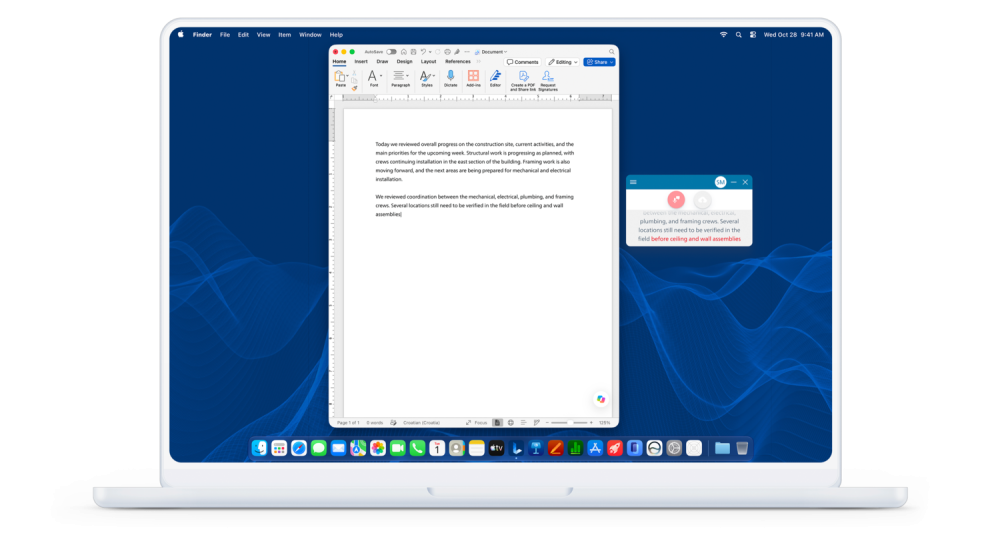
SpeechLive Professional Direct dictation at the cursor beside a document.
Create text directly in your application with speech recognition activated.
Replace image: Automatic upload settings
Desktop screenshot: recorder and folder upload preferences
Choose your recording source and preferred destination on Windows.
Replace image: PocketMemo configuration
Desktop screenshot: Philips DPM8000 settings
Set device preferences for your Philips digital recorder.
Replace image: SpeechMike controls
Desktop screenshot: SpeechMike Premium or Ambient button settings
Customise supported microphone controls on Windows.
Optional AI Assistant document creation
Explore AI document creation elsewhere in SpeechLive. With an active AI Assistant licence, use the SpeechLive web app or supported Mobile App features to turn recorded information into document drafts for review. The Desktop App cannot currently send audio to AI Assistant.
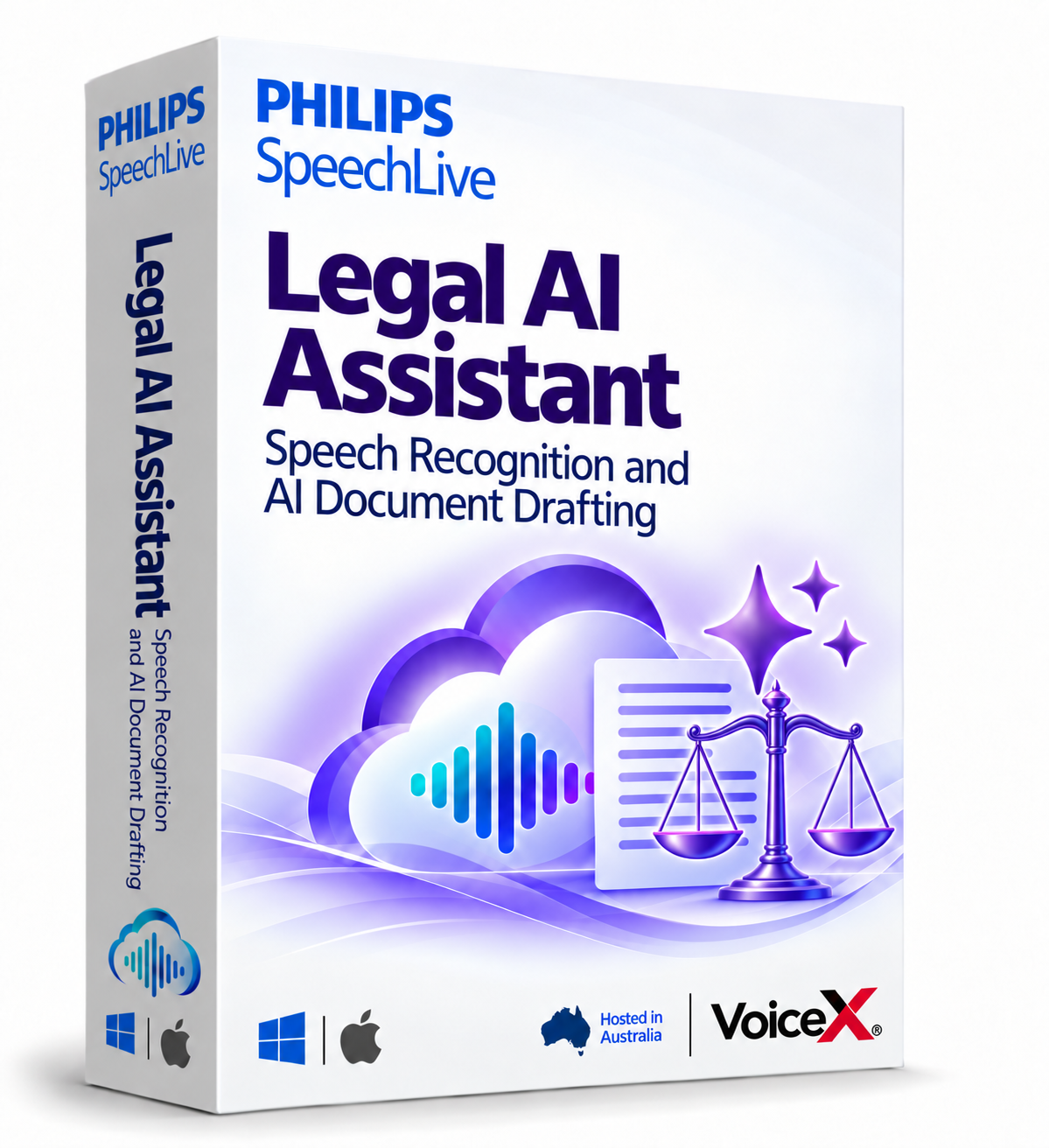
For legal matters
Turn recorded client consultations and dictated instructions into structured legal document drafts using your available templates.
Explore SpeechLive Legal AI Assistant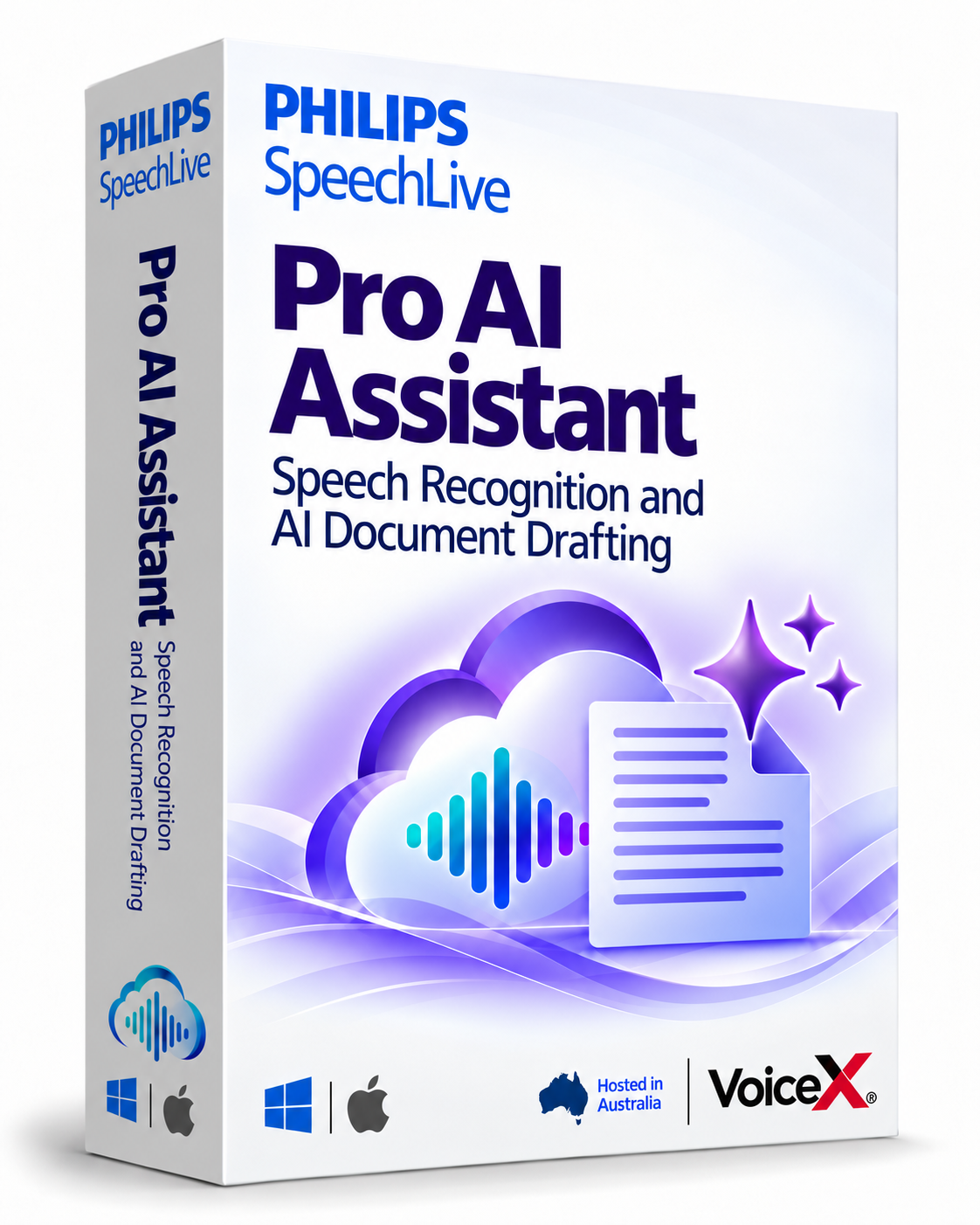
For professional documentation
Turn meetings, consultations and recorded observations into structured business document drafts using your available templates.
Explore SpeechLive Professional AI AssistantCapture a dictation, meeting or consultation with your recorder or preferred recording tool.
Use the SpeechLive web app or supported Mobile App features to provide audio for AI Assistant document creation.
Send the recording to AI Assistant and use the appropriate document templates for your task.
You or your team check the facts, wording and completeness before using or sharing the documents.
Requires an active SpeechLive Legal AI Assistant or SpeechLive Professional AI Assistant licence. AI Assistant is accessed separately from the Desktop App, which cannot currently send audio for AI document creation. The Desktop App is included for all users. Human review remains part of the process.
Official Philips downloads
Included with your SpeechLive subscription for all users. Choose the download for your computer, then sign in. Desktop speech recognition requires the relevant active licence.
Using Philips hardware in the SpeechLive browser app? The Philips Device Connector uses a browser extension and companion application.
VoiceX provides advice, setup, training and support for professionals across Australia and New Zealand. Use the Desktop app at your desk and the Mobile app when you are out of the office.