
Call Us: 1300 551 778
PHILIPS SPEECHLIVE · LEGAL SPEECH RECOGNITION
SpeechLive Legal Direct turns your spoken words into text at the cursor in compatible applications. Create correspondence, matter notes and legal documents as you speak, with speech recognition designed for the language of legal practice.
For solicitors, barristers and legal teams across Australia and New Zealand, it brings a natural way to capture detailed work while keeping you in control of every word.
Register for a trialContact us for a demonstration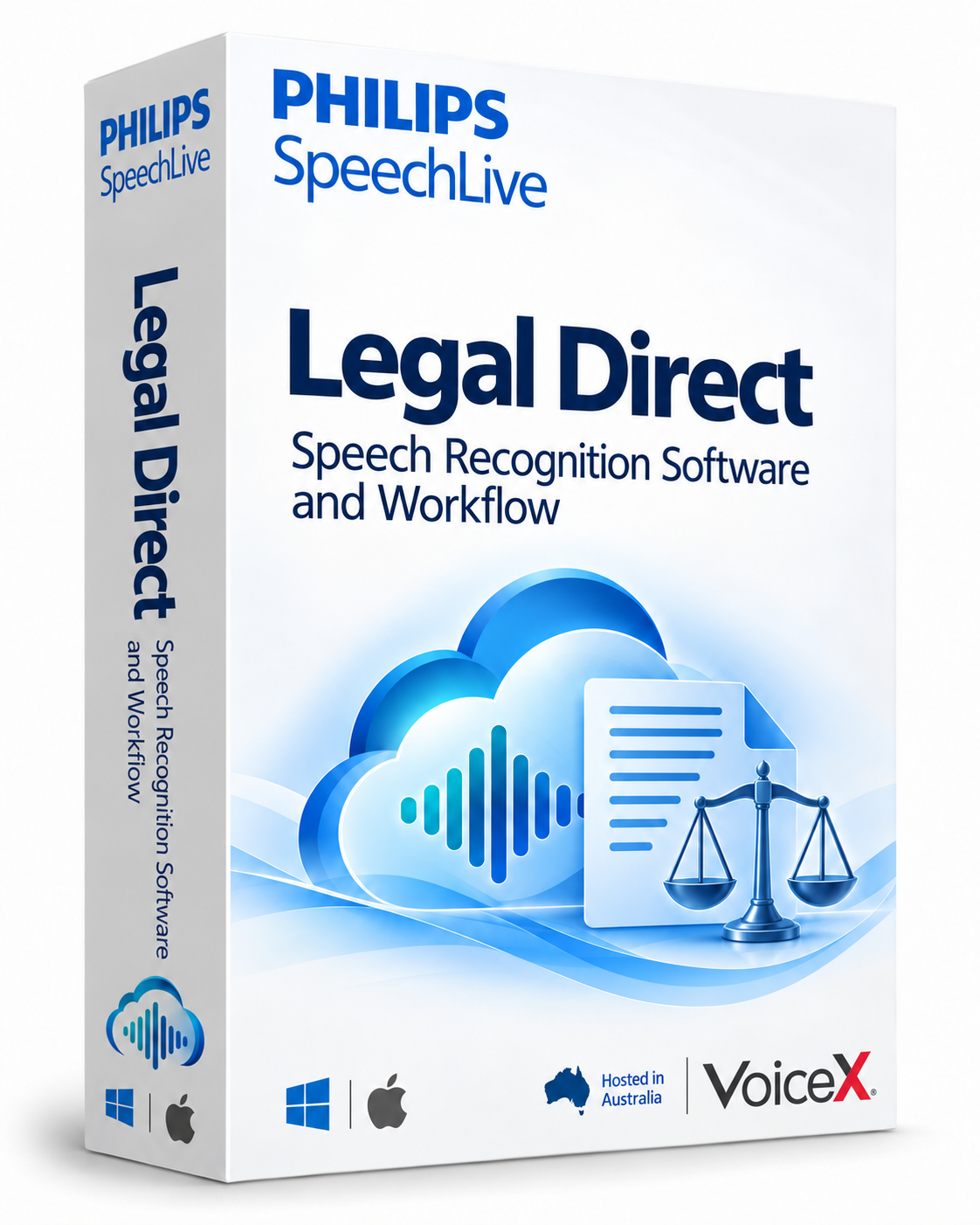

Use the Desktop App to transcribe a conversation live with separate speaker labels and elapsed timestamps. Multi-speaker mode uses automatic punctuation. Review speaker attribution and the transcript before relying on the document.

Send supported recordings from a dictation recorder, browser or mobile app for background speech recognition. Recorded multi-speaker audio can be processed after the conversation, separately from live desktop recognition.

The included SpeechLive Mobile App supports recording on the move, including offline audio capture for later upload. With the appropriate recognition licence, dictate text live in the app or submit a recording for transcription.
Choose spoken or automatic punctuation for individual dictation. Vocabulary, replacements and voice-editing commands serve different purposes; editing and formatting commands are available in the Desktop App, not the web or mobile apps.
Move from a client conversation to a clear file note, or dictate the first draft of a letter while your reasoning is still front of mind.
Speech Recognition Legal is tuned for legal terminology, citations and references. Add regularly used specialist terms or company names to Vocabulary to help the engine recognise them more consistently. Vocabulary improves recognition; Replacements control the written form, for example turning “letter of intent” into “LOI”.
Predefined desktop voice commands help you navigate, select, edit and format text without setting up each command. Say “Go to end”, “Select [word]” or “Undo that”; “What can I say?” opens the command reference. Availability varies by application, language and release.
SpeechLive Legal Direct is for real-time speech recognition: you speak the wording you want, and see it appear at the cursor. It suits lawyers who prefer to compose their own text and want a faster route from thought to document.
Use the SpeechLive Desktop App for direct-to-cursor dictation and desktop voice commands. VoiceX can help match the app, microphone and subscription to your practice. Direct converts your speech to text; it does not generate legal advice or draft documents from instructions. Review and correct recognised text before use.
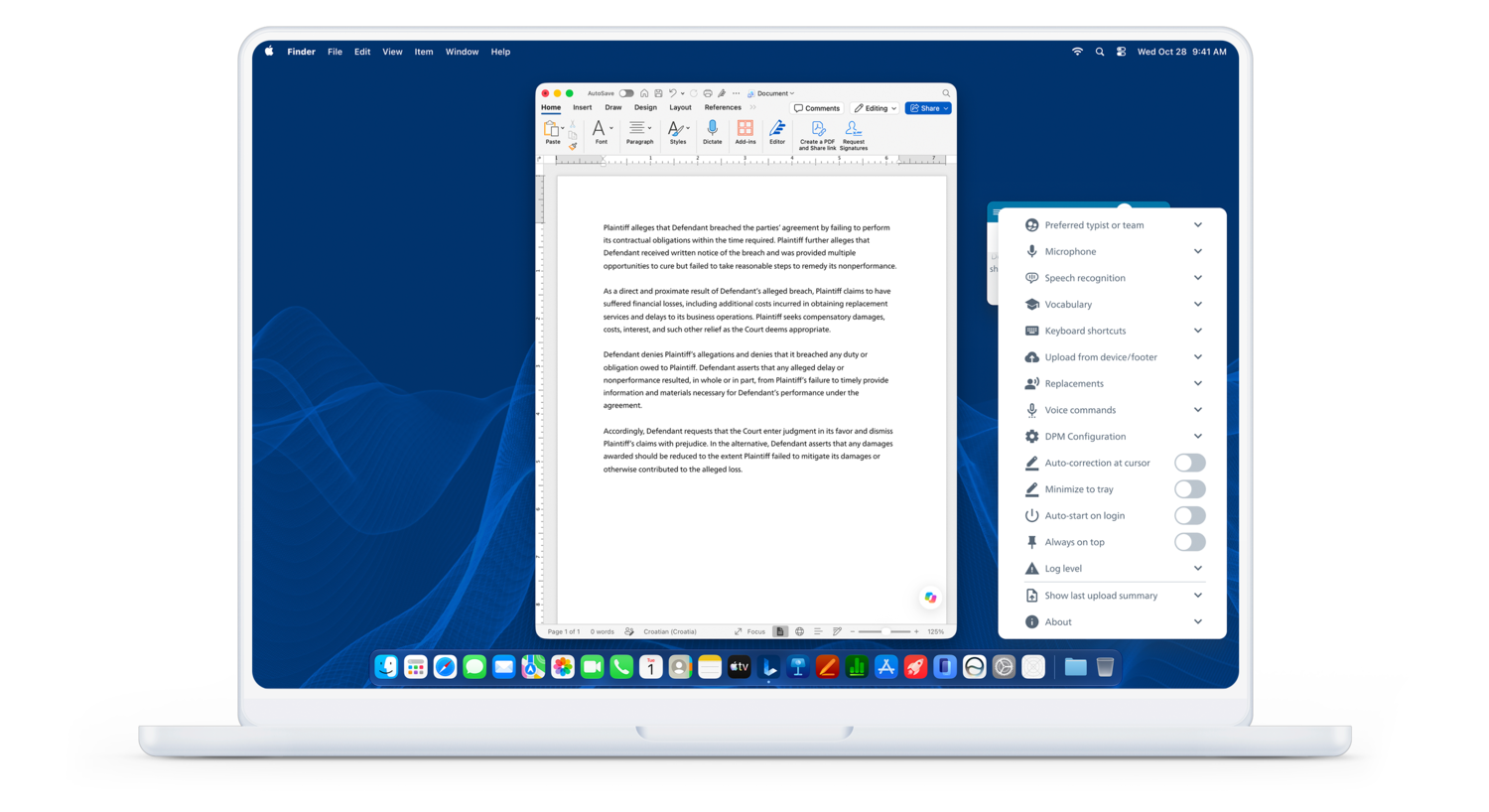
The SpeechLive Legal Direct desktop app keeps microphone, vocabulary, replacements and voice-command settings close to your document.
Smart Transcript adds punctuation and basic corrections to recorded dictation. Smart Refine can improve grammar and punctuation, remove filler words and apply a business or legal style while aiming to preserve the original meaning.
These options are available through SpeechLive AI where enabled for your licensed speech-recognition account. They change the text, so review the result; they are separate from both verbatim-style dictation and the AI Assistant's template-based drafting. Speech recognition is subject to fair use.
SpeechLive Legal AI Assistant includes SpeechLive Legal Direct and adds tools for turning dictated instructions and source material into structured drafts. You do not need to purchase SpeechLive Legal Direct again. Choose SpeechLive Legal Direct for dictating your own wording directly into text, or explore the AI Assistant for document creation using templates and instructions.
Explore SpeechLive Legal AI Assistant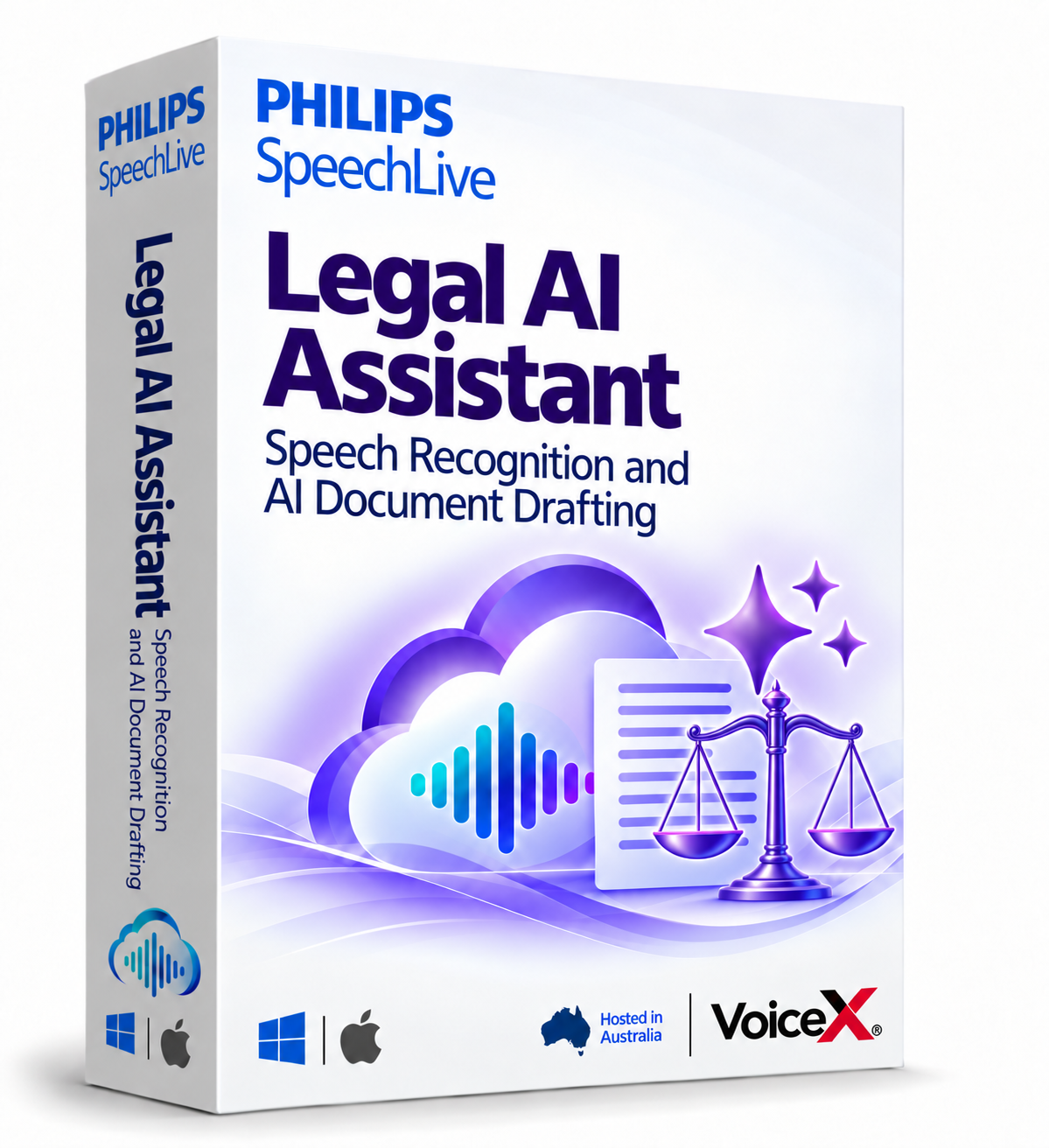
Direct-to-cursor recognition and voice-driven editing require the SpeechLive Direct desktop application, a compatible microphone and an active internet connection. Offline speech recognition is not supported.
For VoiceX-supported deployment, use Windows 11 or a supported Apple Silicon Mac. Intel Macs are not supported by desktop app version 4.0.0 onwards. VoiceX does not support Windows 10. Confirm your operating-system version, target applications, recognition language and hardware with VoiceX before purchase.
Moving from another dictation product? Test your everyday applications and commands first. Automatic transfer of existing vocabulary, macros or settings is not confirmed, so plan configuration and training around your workflow.
Talk to VoiceX about legal speech recognition for your team in Australia or New Zealand. We can discuss licensing, your existing dictation workflow and the options for bringing SpeechLive Legal Direct into your practice.
Shop SpeechLive Legal Direct solution · Request a tailored quote
Our Legal Direct solution package includes SpeechLive Pro workflow and Legal Direct for the licensed author. Direct can also be added to an eligible Pro or Enterprise account; it is not included with a workflow-only subscription. The Desktop and Mobile apps are included with SpeechLive subscriptions. Check the plan and module comparison and subscription terms before choosing.
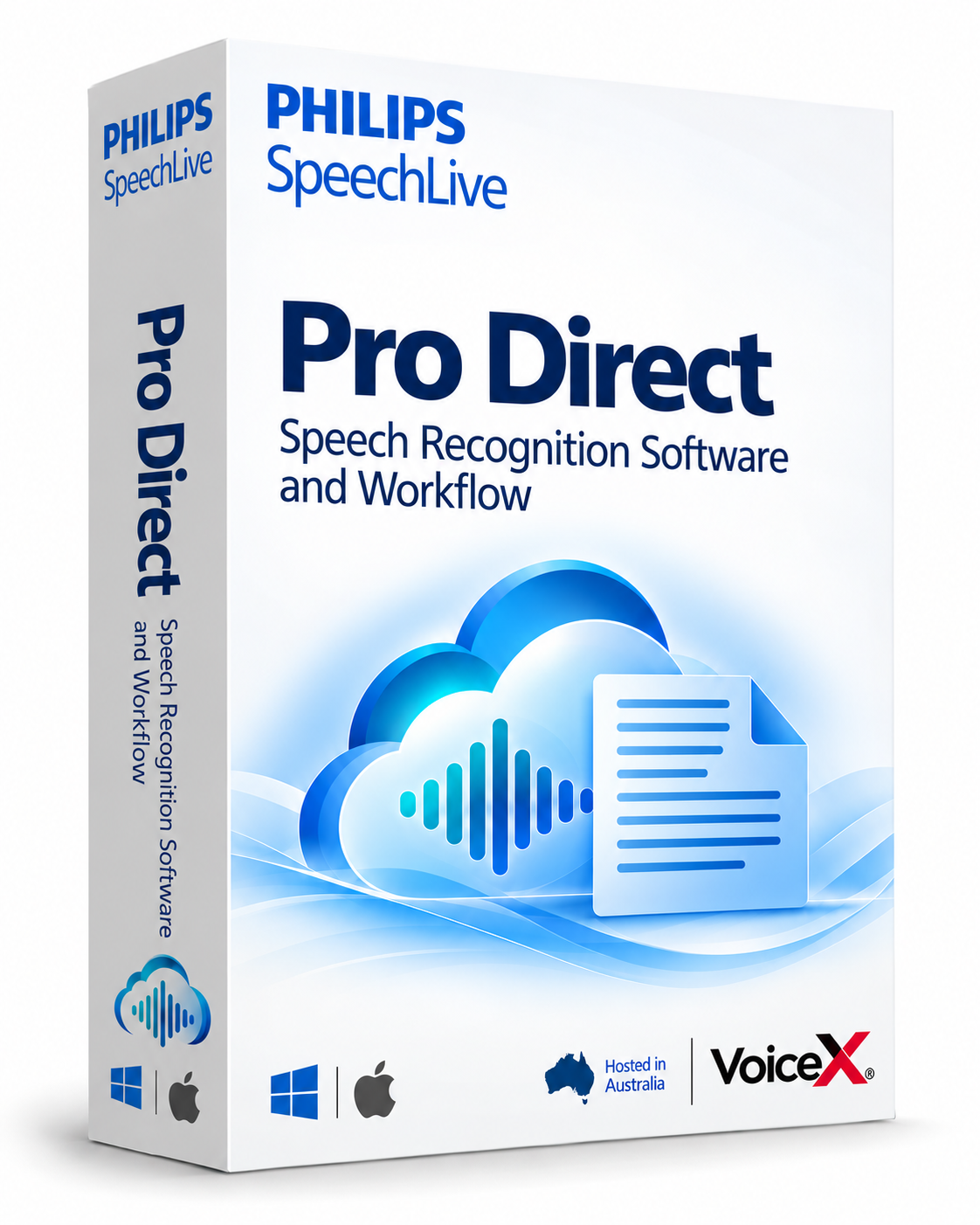
Need speech recognition for broader business work? Explore SpeechLive Professional Direct.
Choose speech recognition with a Direct module, or speech recognition and document drafting with an AI Assistant.
Speech recognition for legal work
Dictate correspondence, matter notes and legal documents directly where your cursor is flashing.
You are viewing this module.
Speech recognition for business
Dictate reports, emails and business notes directly where your cursor is flashing.
Speech recognition + AI legal drafting
Turn conversations, instructions and source documents into structured legal drafts.
Includes SpeechLive Legal Direct.
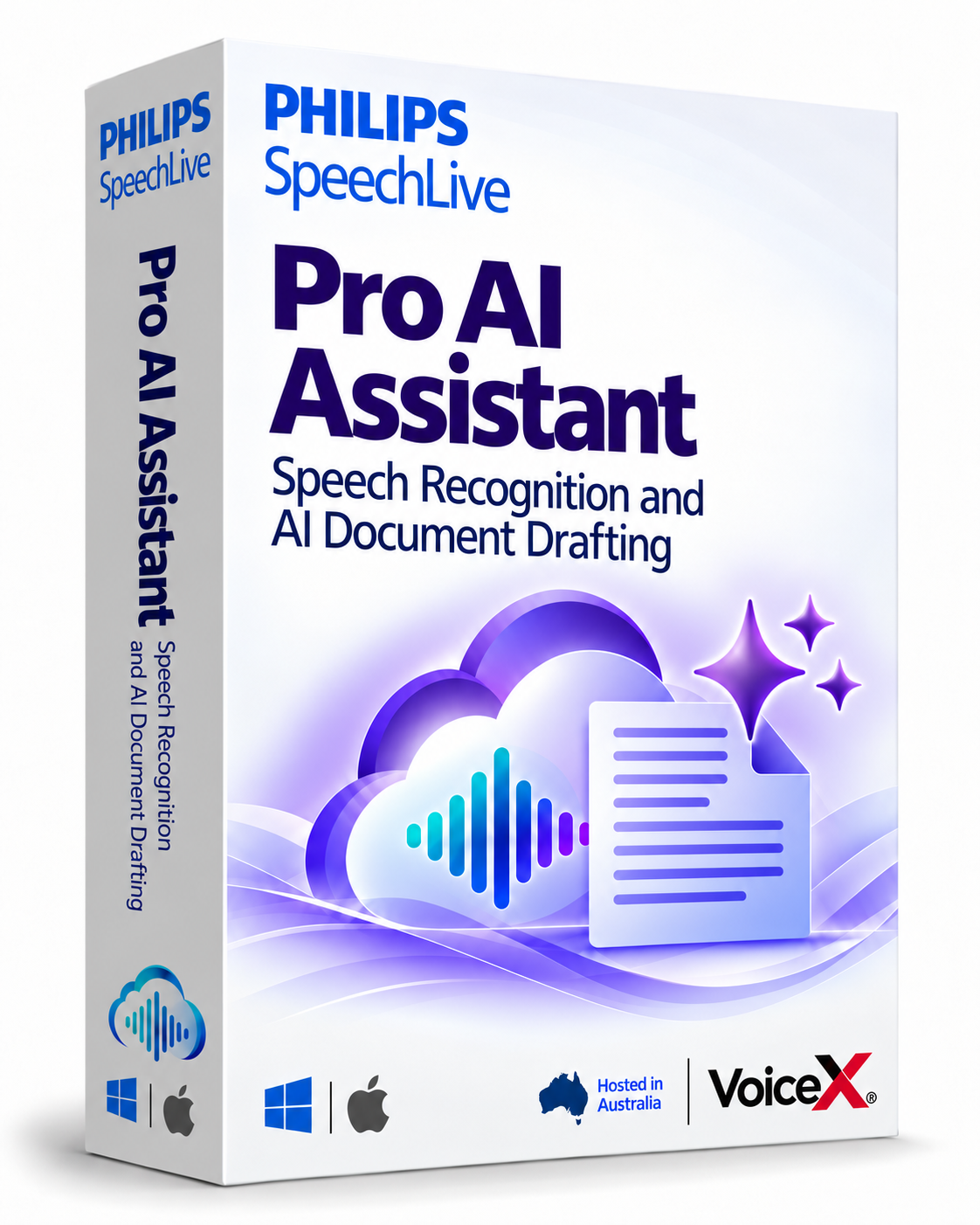
Speech recognition + AI business drafting
Turn conversations, instructions and source documents into structured reports, correspondence and business documents.
Includes SpeechLive Professional Direct.
Compare SpeechLive plans and module features · Explore SpeechLive integrations · Try SpeechLive
For the complete legal document creation workflow, explore SpeechLive Legal and see how dictation, transcription, Legal Direct and the Legal AI Assistant fit together.