
Call Us: 1300 551 778
Philips SpeechLive for legal teams
Connect dictation, transcription, legal speech recognition and AI-assisted drafting. Choose how you create documents, while keeping your people in control of the final result.
Local VoiceX advice and support across Australia and New Zealand.

Choose your way of working

DICTATE & TRANSCRIBE
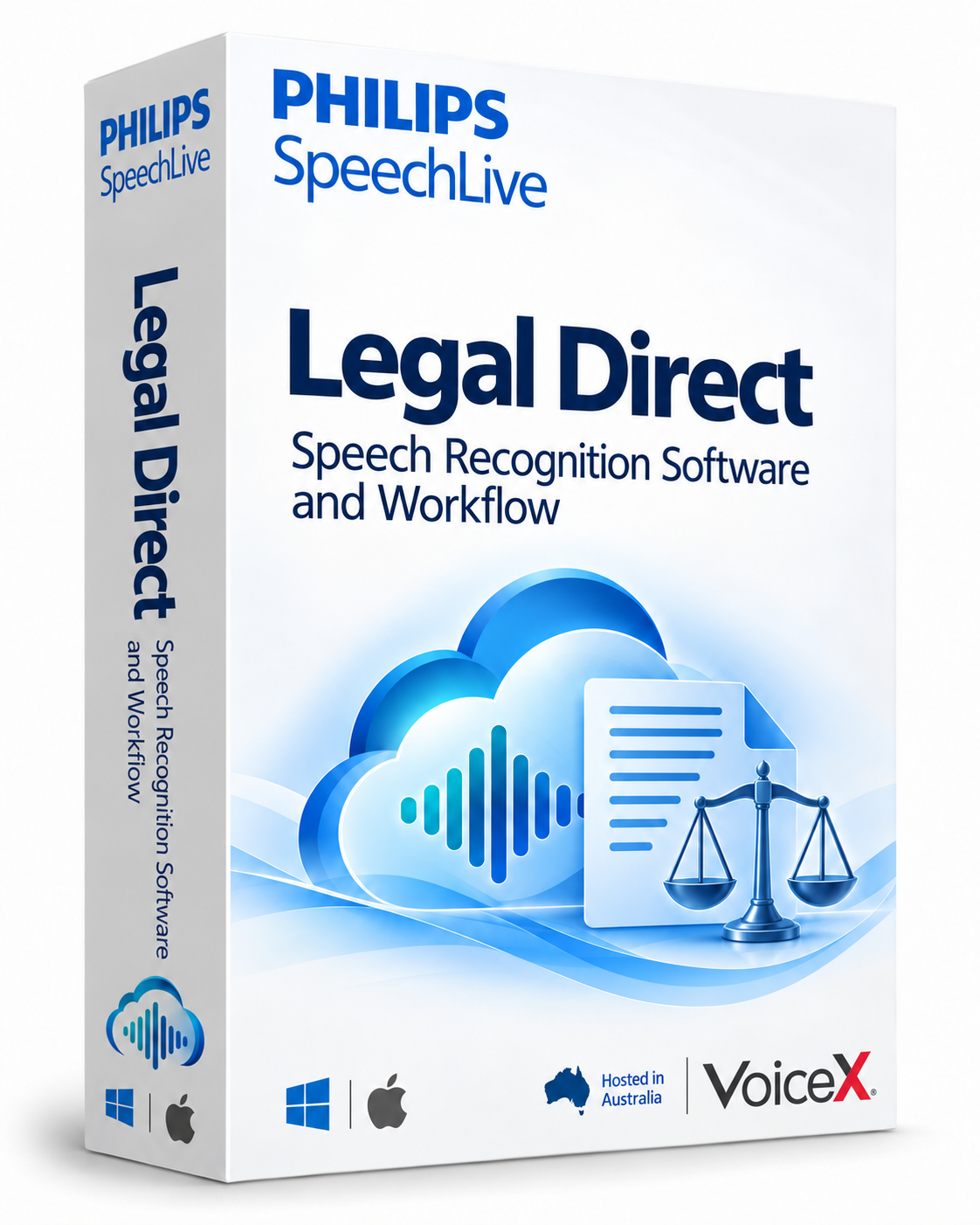
SPEECH TO TEXT
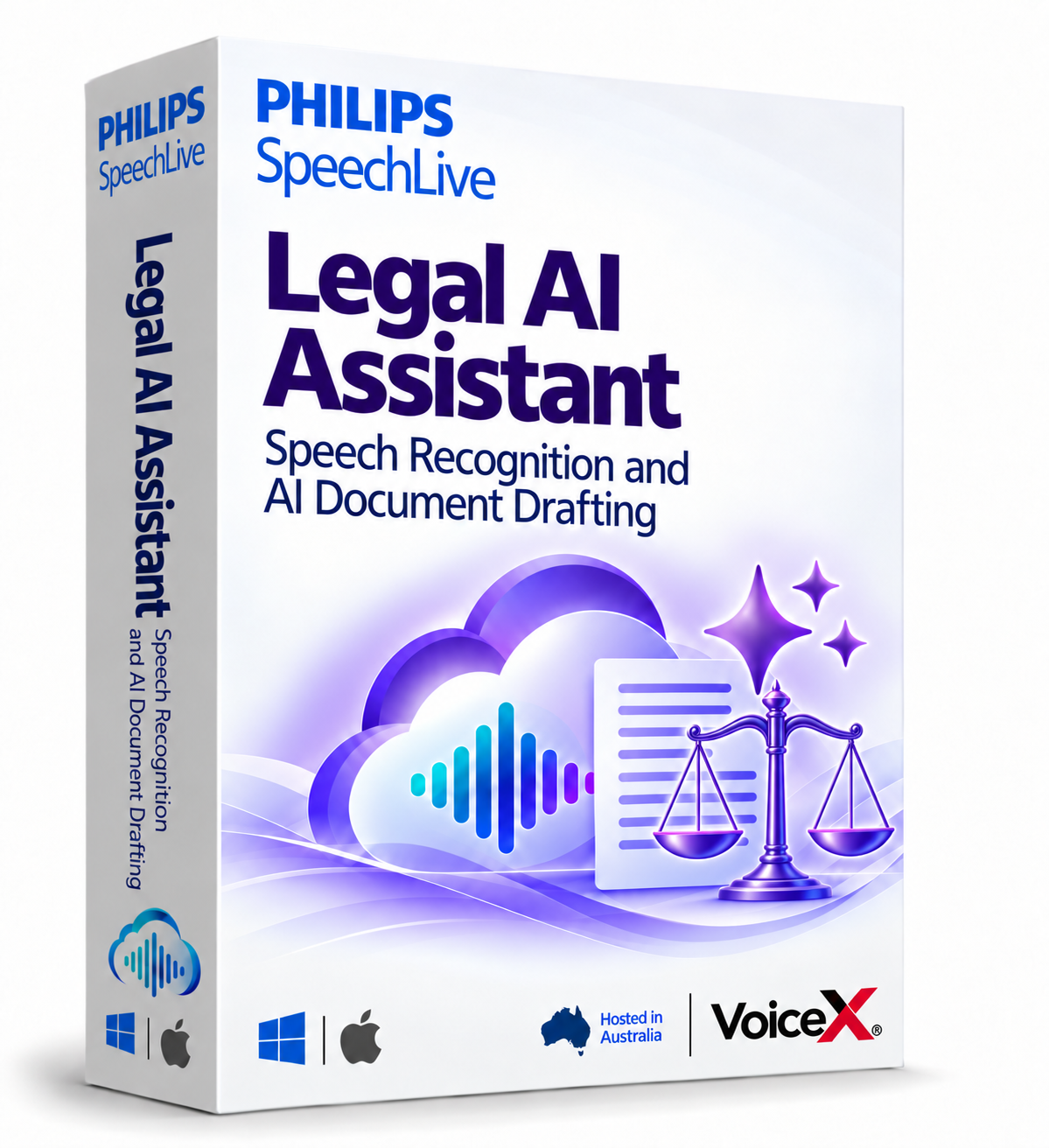
AI-ASSISTED DRAFTING
| What you want to do | Workflow | SpeechLive Legal Direct | SpeechLive Legal AI Assistant |
|---|---|---|---|
| Record and route dictation | Core capability | With workflow licence | With workflow licence |
| Dictate text at the cursor | Separate recognition option | Yes, supported applications | Through included SpeechLive Legal Direct |
| Recognise recorded dictation | Separate recognition option | Yes | Legal speech recognition included |
| Create structured AI drafts | Not included | Separate AI option | Yes, with source material and templates |
| Check and approve documents | Your team | Your team | Your team |
SpeechLive Legal Direct is included with SpeechLive Legal AI Assistant. A SpeechLive workflow licence is required. Confirm the workflow edition, user roles and package inclusions with VoiceX. View the detailed comparison.
From source to structured draft
The SpeechLive Legal AI Assistant brings audio, supporting material and a document template into one drafting process. Your team checks facts, legal references and wording before approval.
Explore AI-assisted legal drafting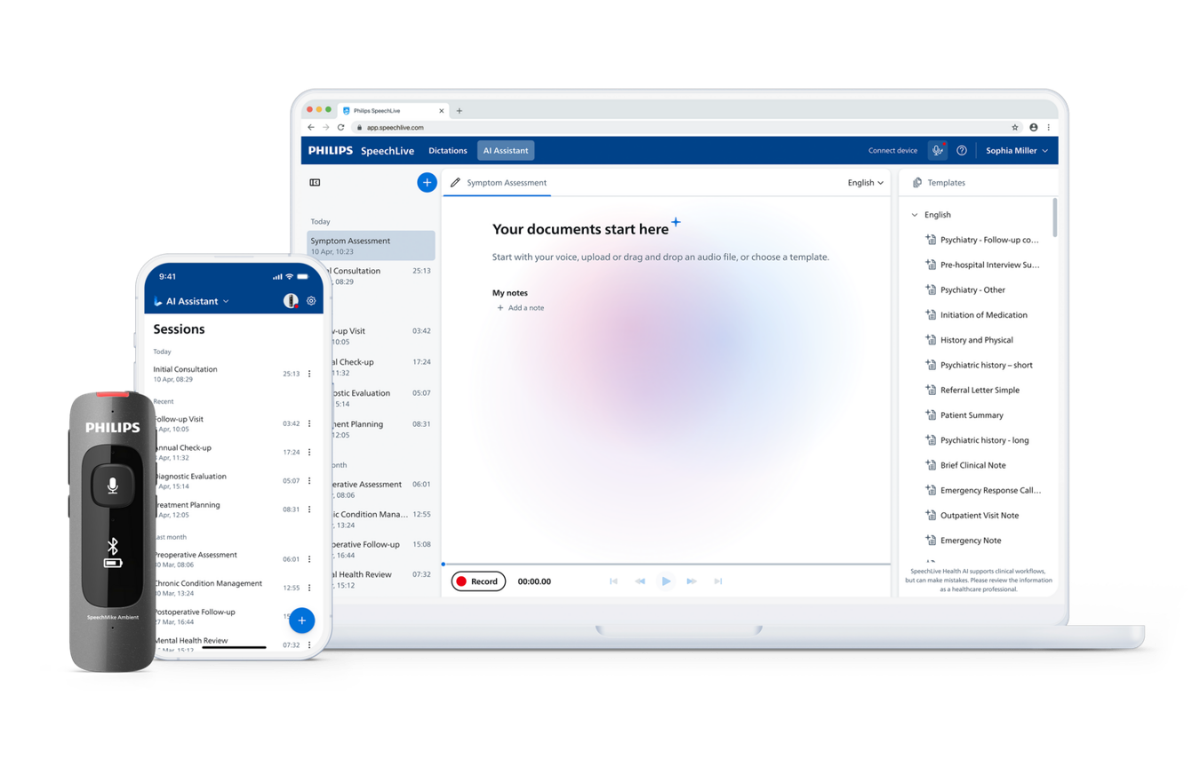
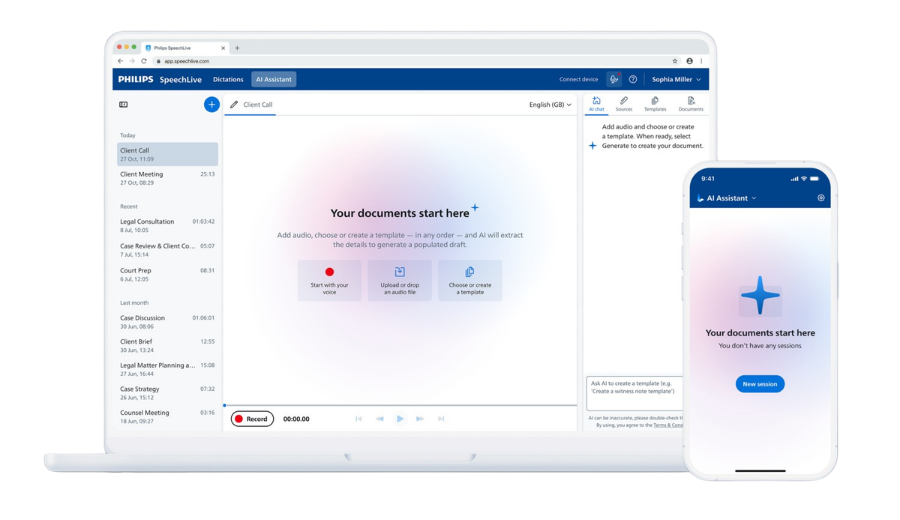
Dictate or upload the source material for your document.
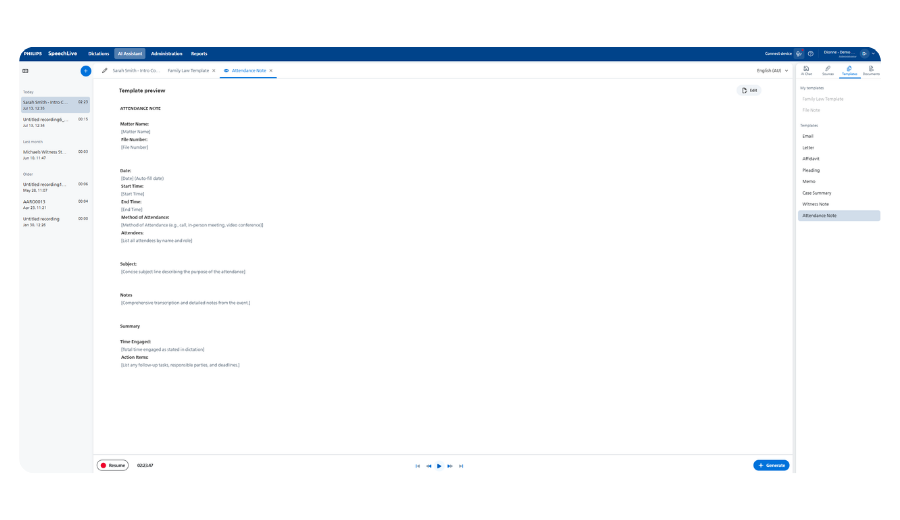
Use a suitable template to shape the first draft.
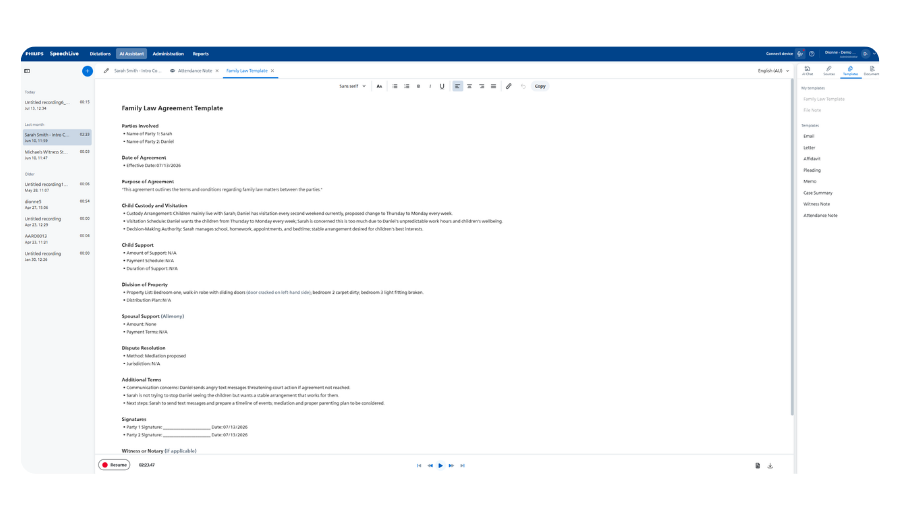
Check the source, facts and legal content.

Apply your firm's approval and document-handling process.



Explore integration options for your practice and document-management systems. Availability depends on licences, supported versions, permissions and configuration, not simply installing an app.
Explore SpeechLive integrationsRequires a compatible computer, microphone, internet connection and the appropriate subscription. The desktop app does not send audio directly to SpeechLive Legal AI Assistant.
Explore the SpeechLive Desktop AppSpeech recognition and AI features depend on the app, device and subscription. Check the mobile guide for current iOS and Android capabilities.
Explore the SpeechLive Mobile App
Specialist legal speech recognition with the SpeechLive Pro workflow in the featured one-author package. Additional user licences and hardware are separate.
Shop SpeechLive Legal Direct
Speech recognition plus structured legal drafting. Includes SpeechLive Legal Direct. Ask VoiceX to confirm the workflow licence, user roles and package for your firm.
Request a SpeechLive Legal AI Assistant quoteYes. A shared dictation and transcription workflow remains an option. Add speech recognition or AI-assisted drafting where it suits the task and the people doing it.
No. Functions vary by application and subscription. Check the desktop app and mobile app details for the way you plan to work.
Use suitable non-confidential sample material. Test a typical document, the handover to your team and the review process. Confirm licensing and integration requirements before rollout.
VoiceX Australia & New Zealand
Bring a typical document task to a demonstration. We'll help you identify the right combination of workflow, SpeechLive Legal Direct and SpeechLive Legal AI Assistant.
Shop SpeechLive Legal Direct · Compare options · Subscription terms