Record wherever you work
Capture correspondence, reports and file notes on your phone. Record offline and upload when you reconnect.
Philips SpeechLive • iOS & Android
Turn your smartphone into a professional dictation tool. Record notes after a meeting, capture on-site observations, or prepare correspondence wherever you work.
Included for all SpeechLive users, the app lets you record, manage and send dictations from your phone. Activate speech recognition to turn speech into text. With the relevant AI Assistant licence, supported iOS features can turn recorded audio into document drafts for review.
At an appointment. On site. Away from your desk.
Capture correspondence, reports and file notes on your phone. Record offline and upload when you reconnect.
Review your dictation and use professional recording controls to insert, overwrite or append audio.
Add dictation properties, due dates and priorities. Attach photographs or videos to give your team more context.
Choose your linked typist or team and save your preferred destination for future dictations.
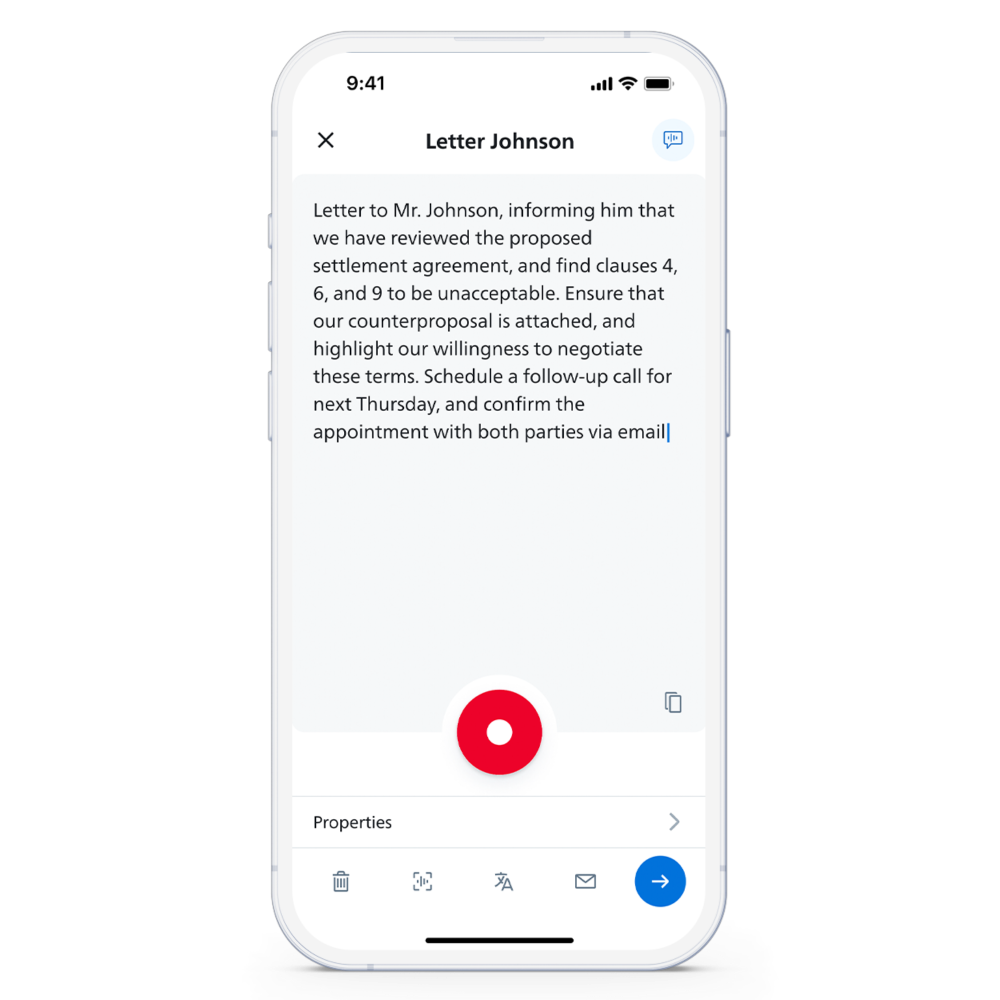
With speech recognition activated, dictate in real time, review the text and copy it into another app or pass it on for correction.
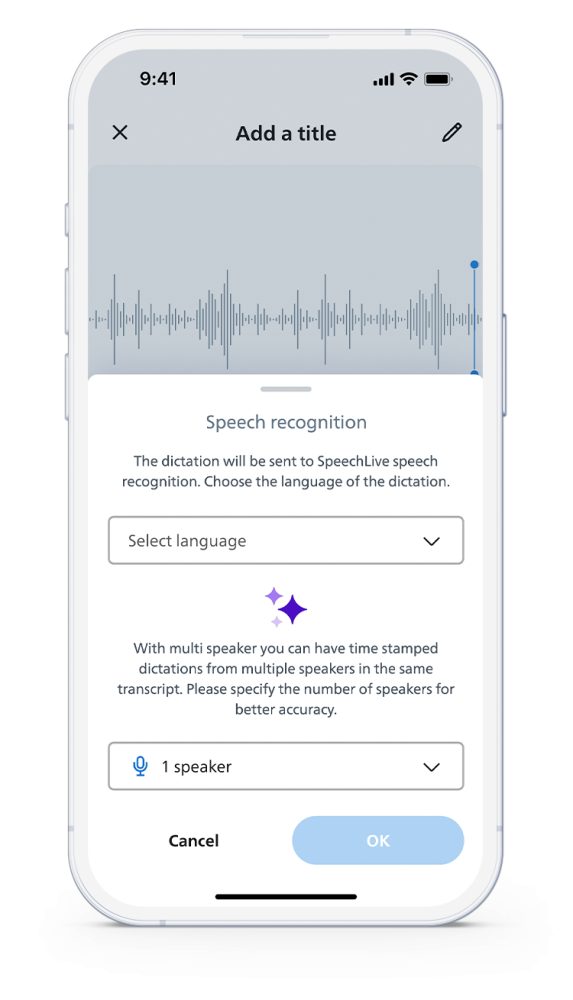
Send recorded audio for speech recognition, with multi-speaker options for conversations and interviews.
Inside the SpeechLive Mobile App
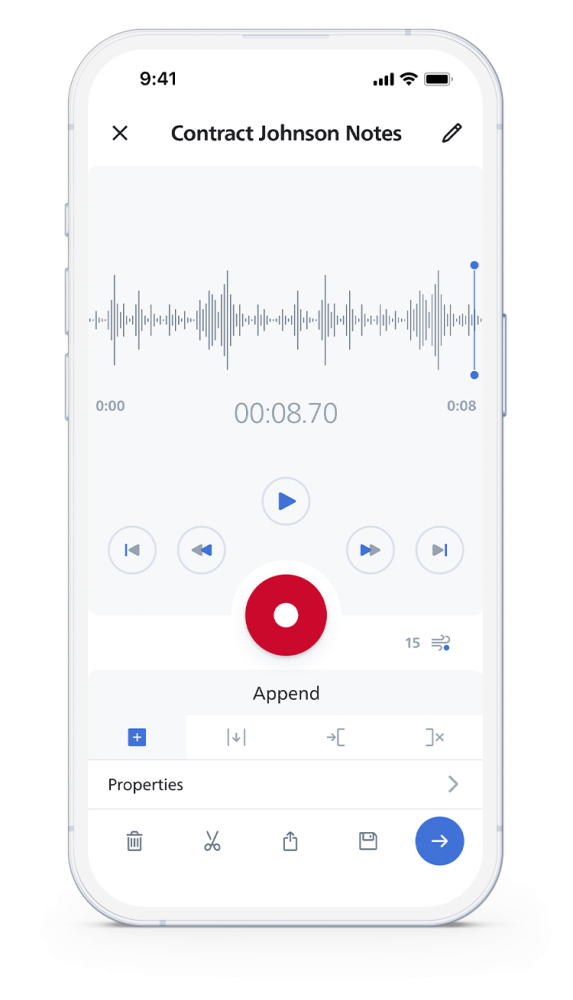
Record, replay and refine your dictation using familiar professional recording controls.
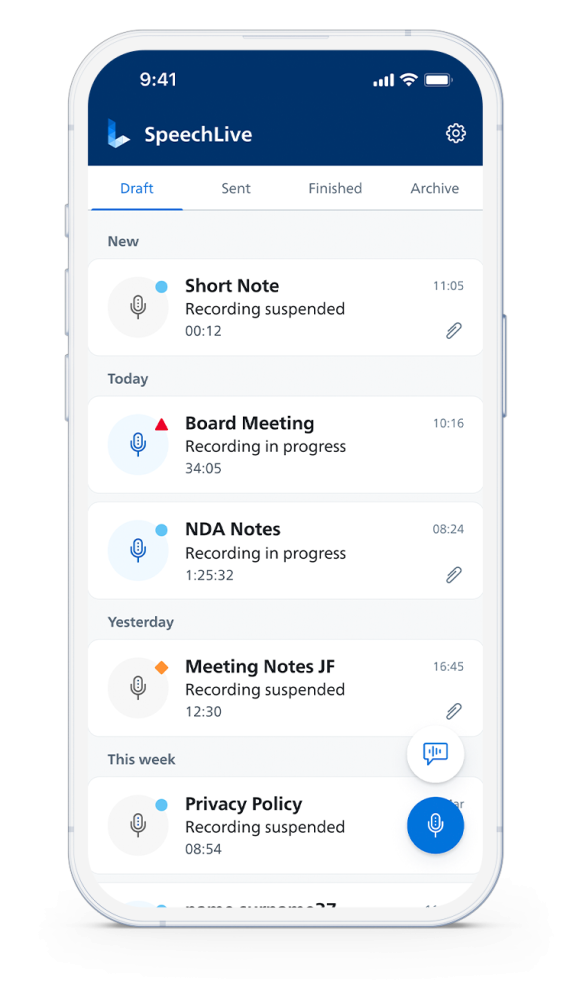
Keep track of drafts, sent recordings and finished work from your phone.
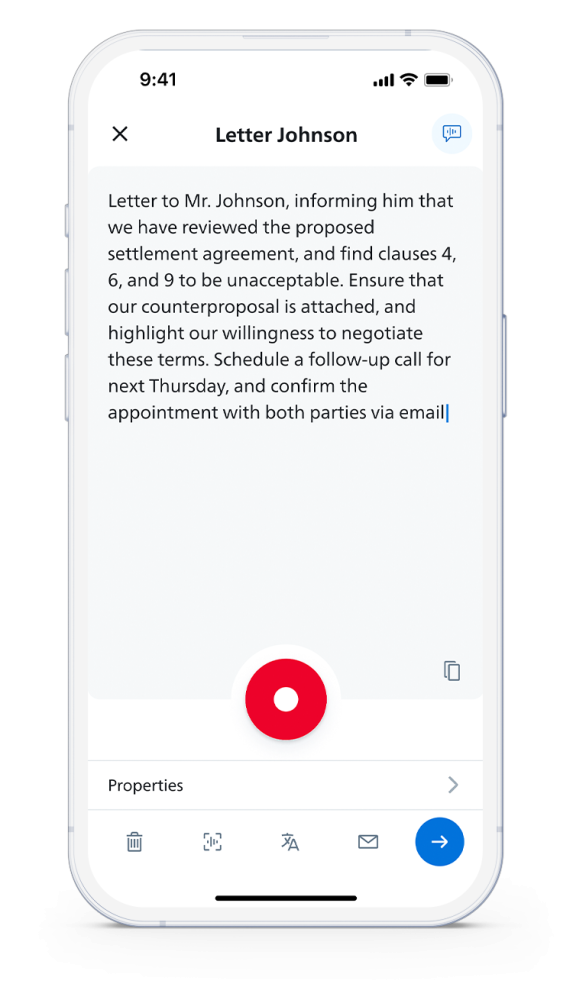
See recognised text appear as you dictate, then review and use it. Requires speech recognition.
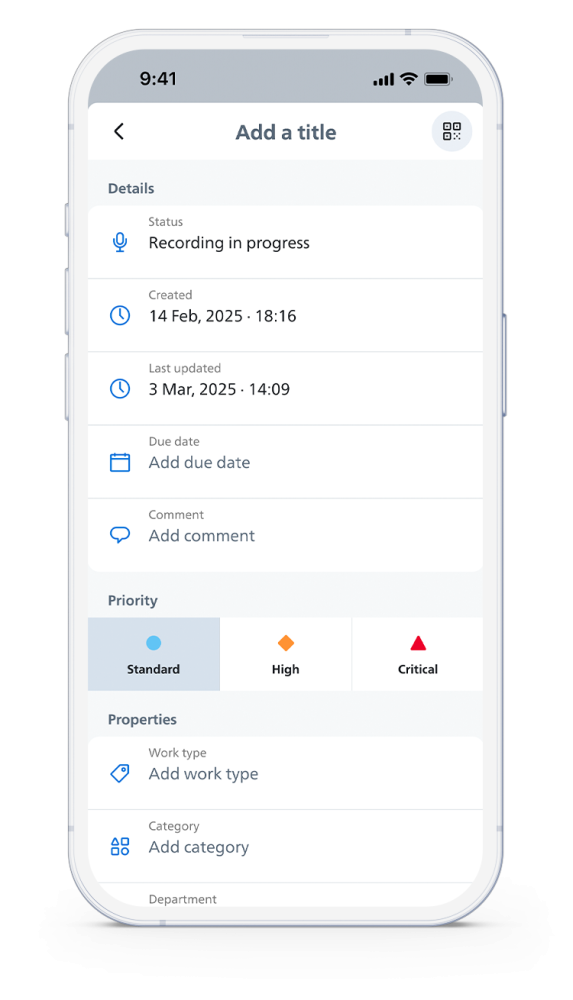
Add a title, due date, comments and priority so your team has the right context.
From spoken note to finished work
Add relevant dictation details before sending your work. Set a due date, mark urgent items and attach supporting images so your typist has the information needed to prepare the document.
Organisations can also use QR codes to populate dictation properties. These are separate from the QR code used to download the app.
Speech recognition on your phone
Create correspondence, file notes and reports by voice. Turn recorded conversations into transcripts, polished text and useful summaries — directly from the SpeechLive Mobile App.
For legal professionals
Capture client instructions, matter notes and legal correspondence while the details are fresh. Bring specialist legal speech recognition to your mobile dictation.
Explore SpeechLive Legal Direct
For business & professional users
Dictate reports, correspondence and site notes wherever work takes you. Turn your spoken expertise into text without waiting to get back to your desk.
Explore SpeechLive Professional DirectSpeak and watch your words appear on your phone. Pause, review and edit the text as you go.
Record first, then send your audio for speech recognition. Open the completed transcript from the app.
Transcribe recorded meetings and interviews with speaker separation and timestamps. Select the number of speakers when sending your audio.
Add names and specialist terms to your personal vocabulary for real-time speech recognition. Vocabulary helps recognise your terminology and is separate from text replacements.
Replace a spoken word or phrase with preferred text, such as an address, signature or standard response. Replacements sync across desktop, web and mobile and apply to real-time and recorded-audio recognition. Editing and navigation voice commands require the Desktop App.
Turn recorded dictation into a readable transcript with automatic punctuation and basic text editing.
Improve grammar and punctuation, remove filler words and choose a writing style. Smart Refine is designed to preserve your meaning; review the result before use.
Create a quick recap, a detailed summary or insights with tasks and action items from your recorded audio.
Choose your recognition language. Copy text into other apps, synchronise with SpeechLive or send to your linked typist or team for correction.
The app is included for all users. Speech recognition requires an active SpeechLive Legal Direct or SpeechLive Professional Direct licence, or a package that includes speech recognition. Smart Transcript, Smart Refine, summaries and insights process recorded audio through SpeechLive AI where enabled for your licensed speech-recognition account. Availability depends on your enabled services, licence and app version. These features are separate from AI Assistant template-based document drafting. Review all processed text before use; Smart Transcript and Smart Refine are not verbatim transcripts.
AI document creation on the go
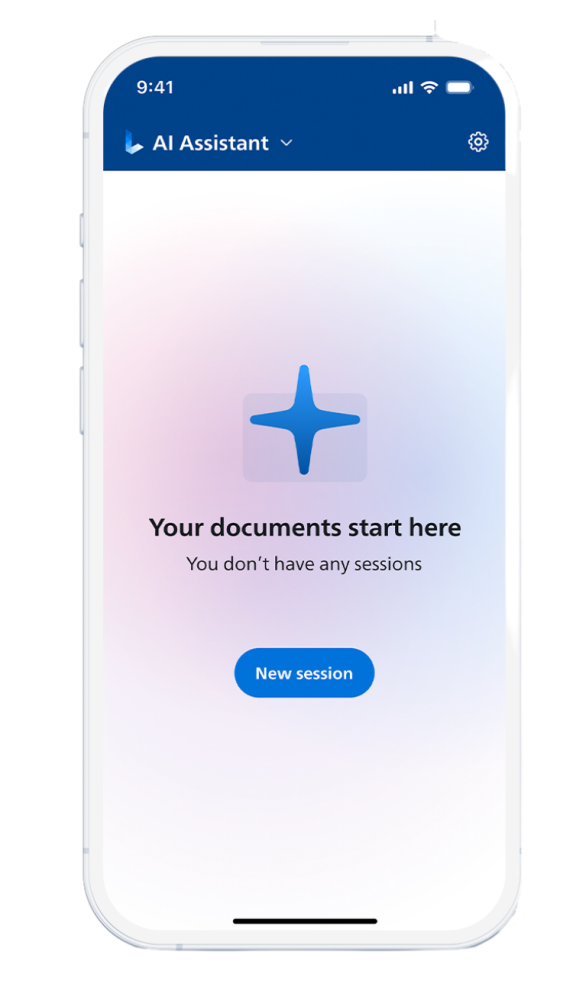
Capture the conversation or dictate your instructions while the detail is fresh. With an active AI Assistant licence and a supported iOS app version, send recorded audio to create structured drafts for you or your team to review. Android users should check current feature availability or use the SpeechLive web app for AI Assistant document creation.
For legal matters
Turn recorded client consultations, matter discussions and dictated instructions into structured legal document drafts. Use the relevant templates to organise the details for your matter.
Explore SpeechLive Legal AI Assistant
For professional documentation
Turn meetings, consultations and dictated observations into structured business document drafts. Capture the information once, then prepare documentation using your available templates.
Explore SpeechLive Professional AI AssistantRecord a consultation, meeting or spoken instructions on your phone.
On supported iOS versions, send the recording for processing with the AI Assistant licence active for your user.
Use document templates to organise the recording into useful draft documents. On iOS, select templates within the Mobile App.
You or your team check facts, wording and completeness before using or sharing the document.
The Mobile App is included for all SpeechLive users. AI Assistant document creation is optional and requires an active SpeechLive Legal AI Assistant or SpeechLive Professional AI Assistant licence. Human review remains part of the process.
Official Philips downloads
Included for all SpeechLive users. Download the app for your phone and sign in with your SpeechLive account. Speech recognition and AI Assistant features require the relevant active licence.
Replace image: official app download QR code
Use SpeechLive on your phone, then continue with your documents and your team through SpeechLive. VoiceX provides advice, setup, training and support for customers across Australia and New Zealand.