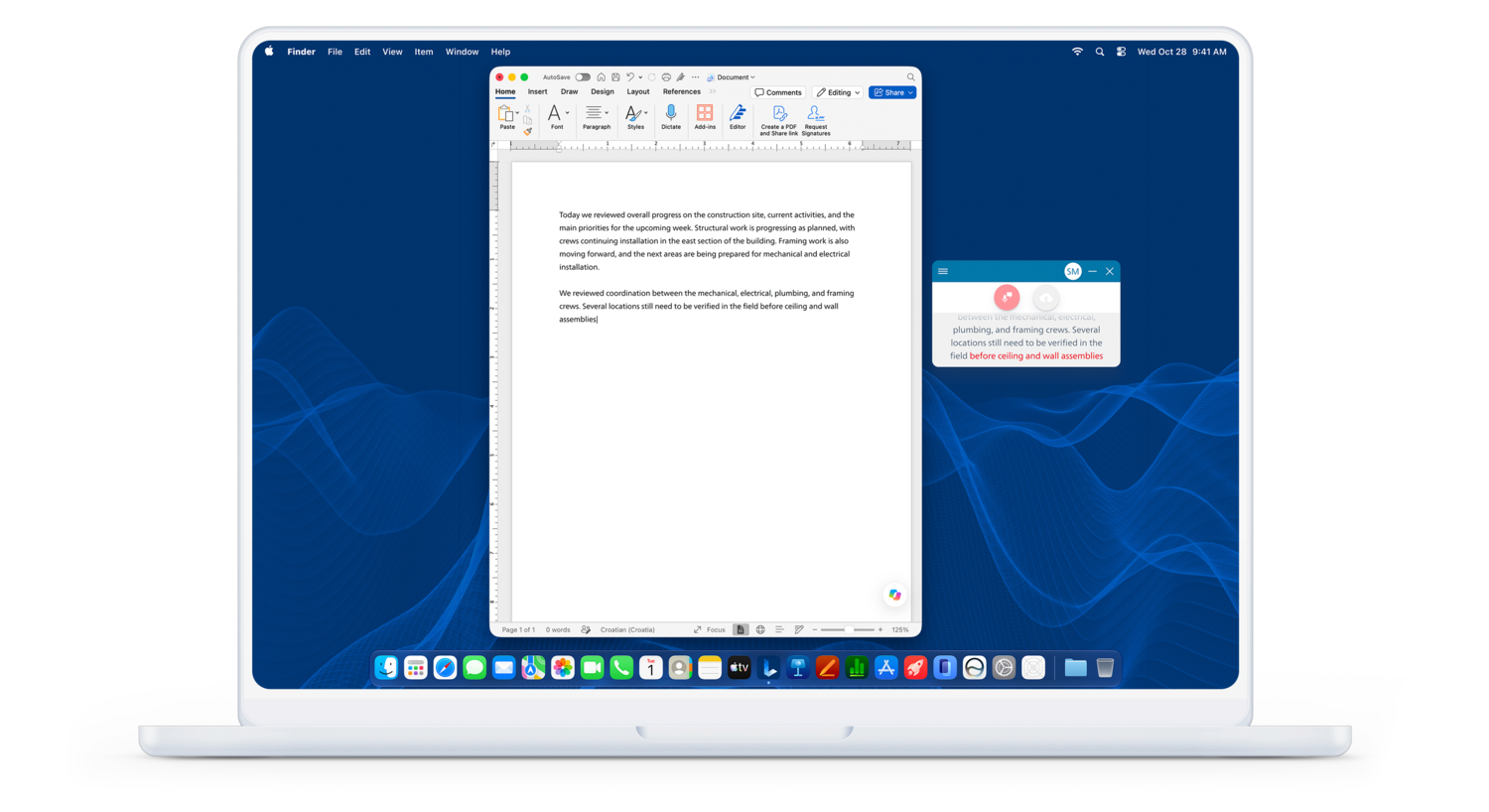
Speak a sentence and see it appear at your cursor. With Philips SpeechLive Direct, you can write a report, email or client letter in your own words. You can also record a dictation for later and send it to a typist or have SpeechLive transcribe it.
Add speech recognition to SpeechLive Pro or Enterprise for the people who need it. Choose the edition that fits the language of your work.
Which SpeechLive Direct edition suits your work?
SpeechLive Professional Direct
Dictate an inspection report, a client update or a proposal. Add the names, abbreviations and specialist terms you use in your business.
Open your document, place the cursor and dictate. The SpeechLive Desktop App types as you speak on Windows or Mac. Use voice commands to edit and format your text.
Away from your desk? Dictate in the SpeechLive Mobile App on your phone. You can also dictate directly in the SpeechLive web recorder.
Deferred speech recognition
Record observations on your phone or digital recorder while the details are fresh. Send the recording to SpeechLive for background transcription, then review the text alongside the audio.
You can record in your browser too. If a typist usually prepares the document, assign the recording to them in the same SpeechLive account.
Want a structured first draft?
SpeechLive Direct types the words you dictate. A SpeechLive AI Assistant can also use a recording, notes or supporting documents to prepare a draft in your chosen template. Review it against the source before sharing it.
Try SpeechLive with the documents your team creates every day. VoiceX provides setup and support in Australia and New Zealand. Arrange a SpeechLive trial.