
Call Us: 1300 551 778
Use Dragon Medical One for specialist medical speech recognition directly at the cursor, then add Philips SpeechLive for mobile dictation, browser recording, professional dictation recorders, background medical speech recognition and Human-in-the-Loop review.
Doctors can work the way that suits them while medical secretaries and typists remain connected to the documentation process — with the original audio available alongside recognised text for checking and completion.
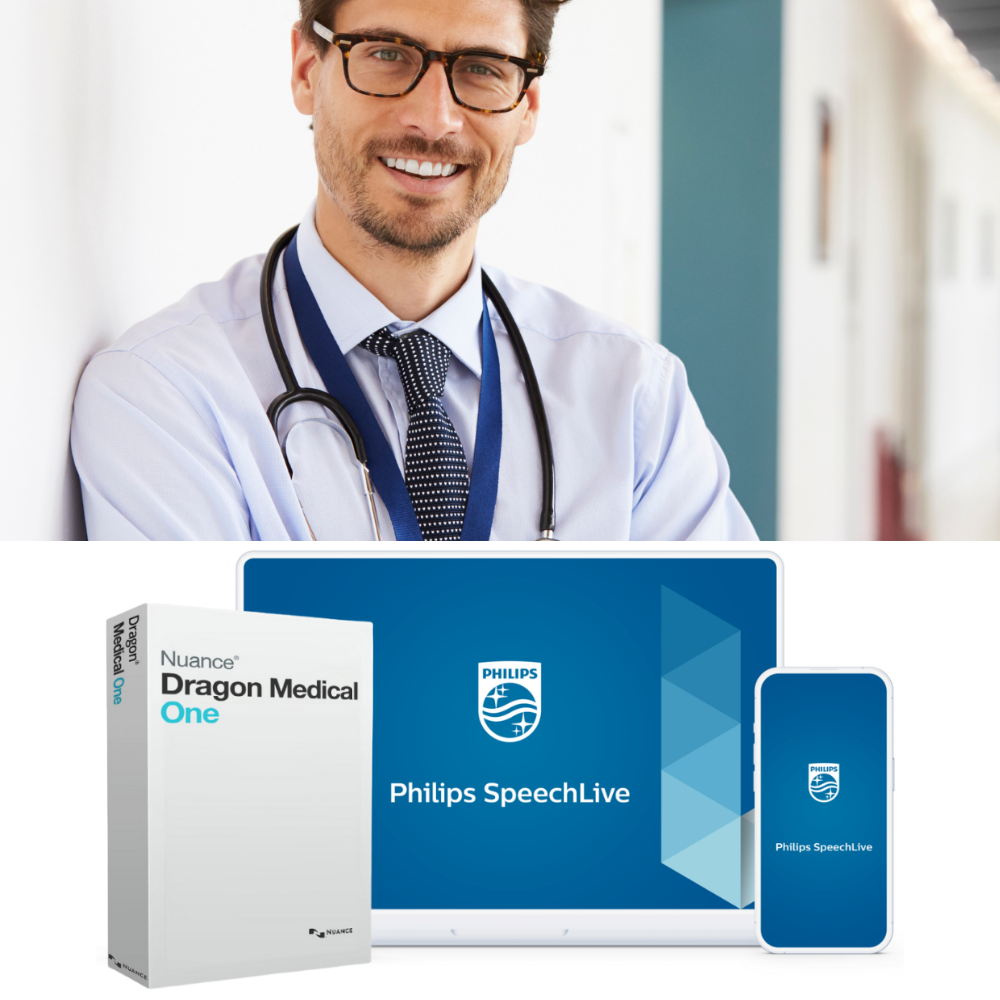
Dragon Medical One gives clinicians real-time medical speech recognition directly into their application.
SpeechLive extends Dragon Medical One beyond real-time speech-to-text by adding the ability to process pre-recorded dictations created on a dictation recorder, the included SpeechLive Mobile App ready for review, all accessible within the secure SpeechLive cloud dictation and transcription workflow.
Dictate directly into clinical systems, letters, reports, referrals, Word, Outlook and supported application fields using Dragon Medical One's specialist medical speech recognition.
Capture dictation on a phone, browser or professional recorder, submit the audio for Dragon Medical One background recognition, then review the recognised text with the original recording still available.
Use Dragon for realtime speech recognition when you are at the computer, or capture the dictation first and let Dragon Medical One convert it into text in the background ready for review.
Medical speech recognition directly at the cursor.
View feature →Dictate and send to SpeechLive for background recognition
View feature →Create recorded medical dictation directly in SpeechLive.
View feature →Allow doctors to dictate on their recorder and upload for recognition.
View feature →This is one of the key ways SpeechLive extends Dragon Medical One: clinicians can record first, send the dictation for background medical speech recognition, and keep the recognised text linked to the original audio for review.
Record using the mobile app, browser or compatible professional recorder.
Send the recorded dictation through SpeechLive to Dragon Medical One.
Dragon Medical One converts the medical dictation into text in the background.
Review recognised text against the original audio yourself or send it to support staff.
Dragon Medical One remains the specialist medical recognition engine. SpeechLive adds more ways to capture dictation, route work, review recognised text and complete the documentation process.
| Capability | Dragon Medical One | Dragon + SpeechLive |
|---|---|---|
| Real-time medical speech recognition | ✓ | ✓ |
| Specialist medical vocabulary and Dragon Auto-texts | ✓ | ✓ |
| Record medical dictation on a mobile device for later recognition | — | ✓ |
| SpeechLive browser recording | — | ✓ |
| Professional handheld dictation recorder workflow | — | ✓ |
| Background recognition from pre-recorded dictation | — | ✓ |
| Original audio retained for checking recognised text | — | ✓ |
| Medical secretary / typist workflow | — | ✓ |
| Classic dictation and human transcription option | — | ✓ |
| Optional SpeechLive AI Assistant for AI-assisted document creation using custom templates | — | ✓ |
Comparison refers to the standalone Dragon Medical One experience versus Dragon Medical One used with Philips SpeechLive.
Use the DragonBar for real-time medical speech recognition while working at the computer. Position the cursor in the required field or document and speak naturally.
Best used for: clinicians who want immediate medical speech-to-text while working at the computer.
Learn more about Dragon Medical One →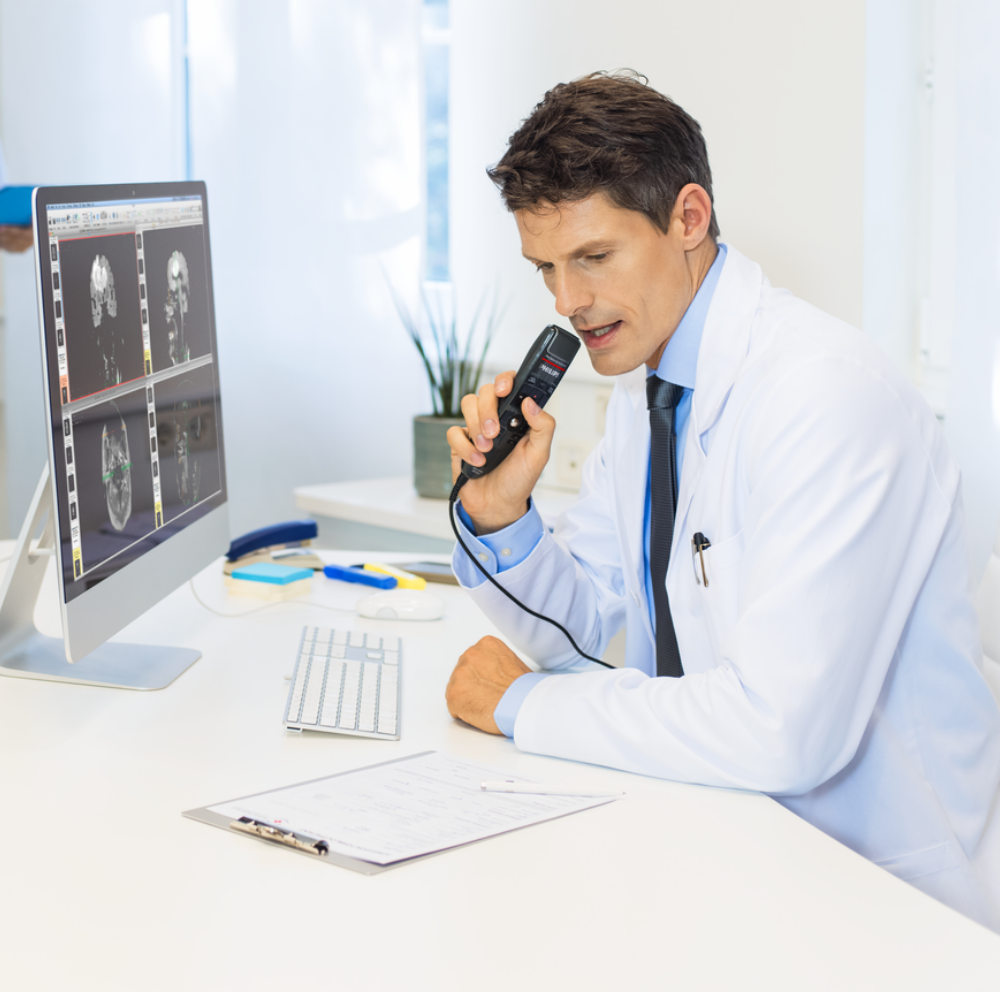
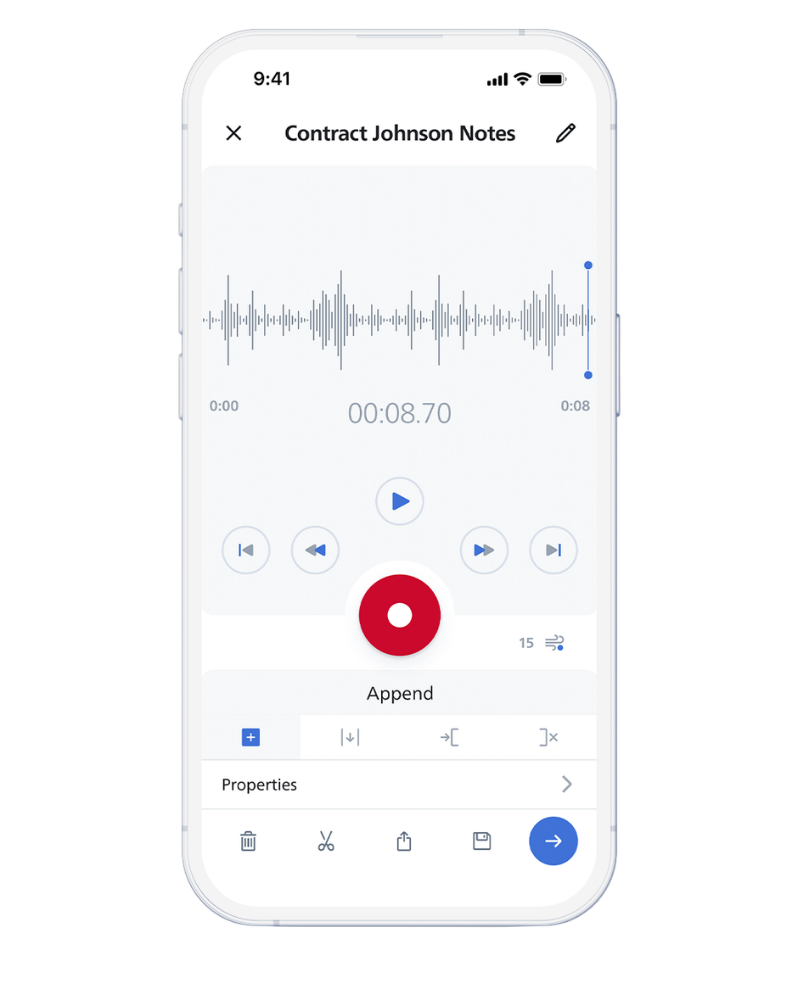
Turn the SpeechLive Mobile App into a professional medical dictation recorder. Capture the dictation between consultations, away from the consulting room or while working from another location, then submit it for Dragon Medical One speech recognition.
Best used for: specialists, visiting doctors and clinicians moving between consulting rooms, hospitals or practice locations.
Open SpeechLive in your browser and record the dictation without having to dictate the finished document directly at the cursor.
When the recording is complete, submit it for Dragon Medical One background speech recognition. The recognised text returns to the SpeechLive environment ready for checking and completion.
Best used for: clinicians who prefer traditional dictation but want Dragon to create the first-pass text automatically.
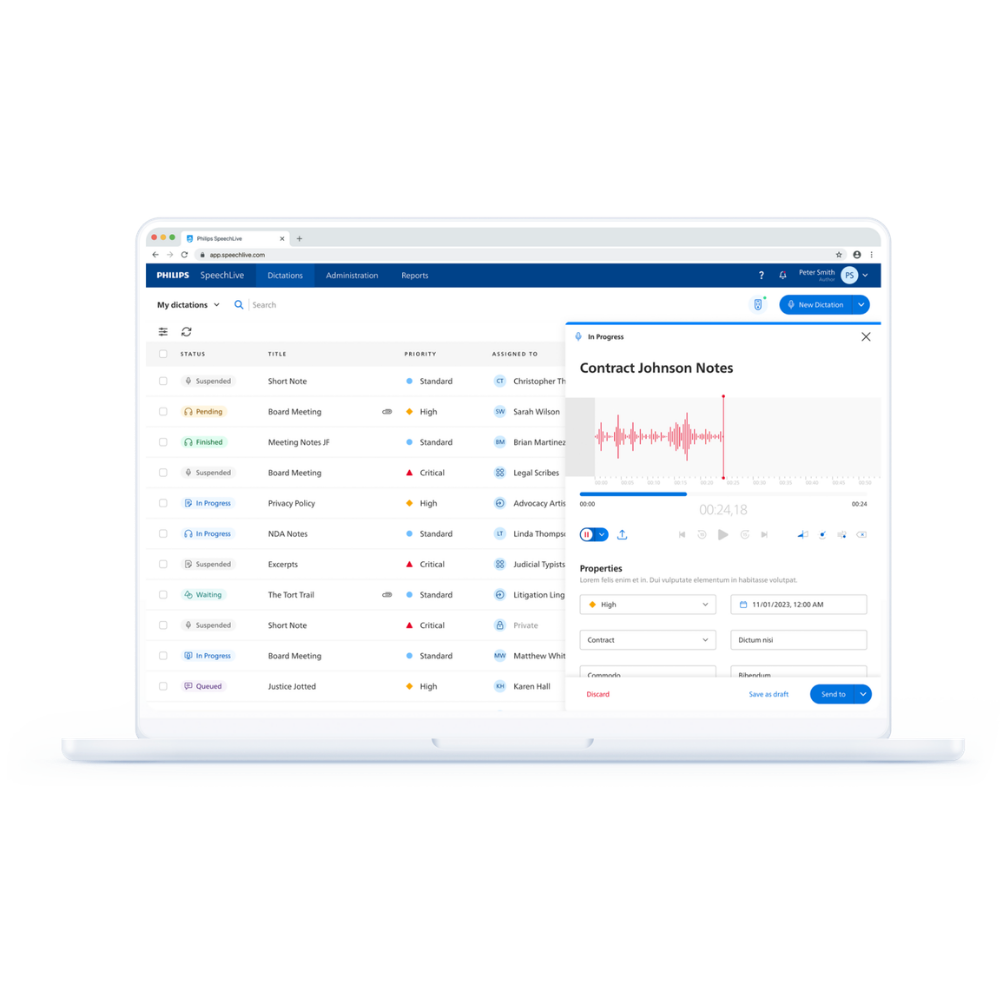

Moving to cloud medical speech recognition does not mean clinicians have to give up the dictation recorder they already prefer.
Doctors can continue using compatible Philips PocketMemo and Olympus / OM SYSTEM professional dictation recorders. Upload the recording into SpeechLive and submit it to Dragon Medical One for background recognition.
Best used for: established medical practices moving from traditional dictation and transcription to speech recognition without forcing every doctor to change how they work.
Dictation Recorders for Dragon Medical One + SpeechLive →
Speech recognition does not have to remove the medical secretary, typist or clinician from the documentation process.
When SpeechLive sends dictation to Dragon, it transcribes the recorded dictation in the background; the original audio remains available with the recognised text, so the document can be reviewed against what the doctor actually said.
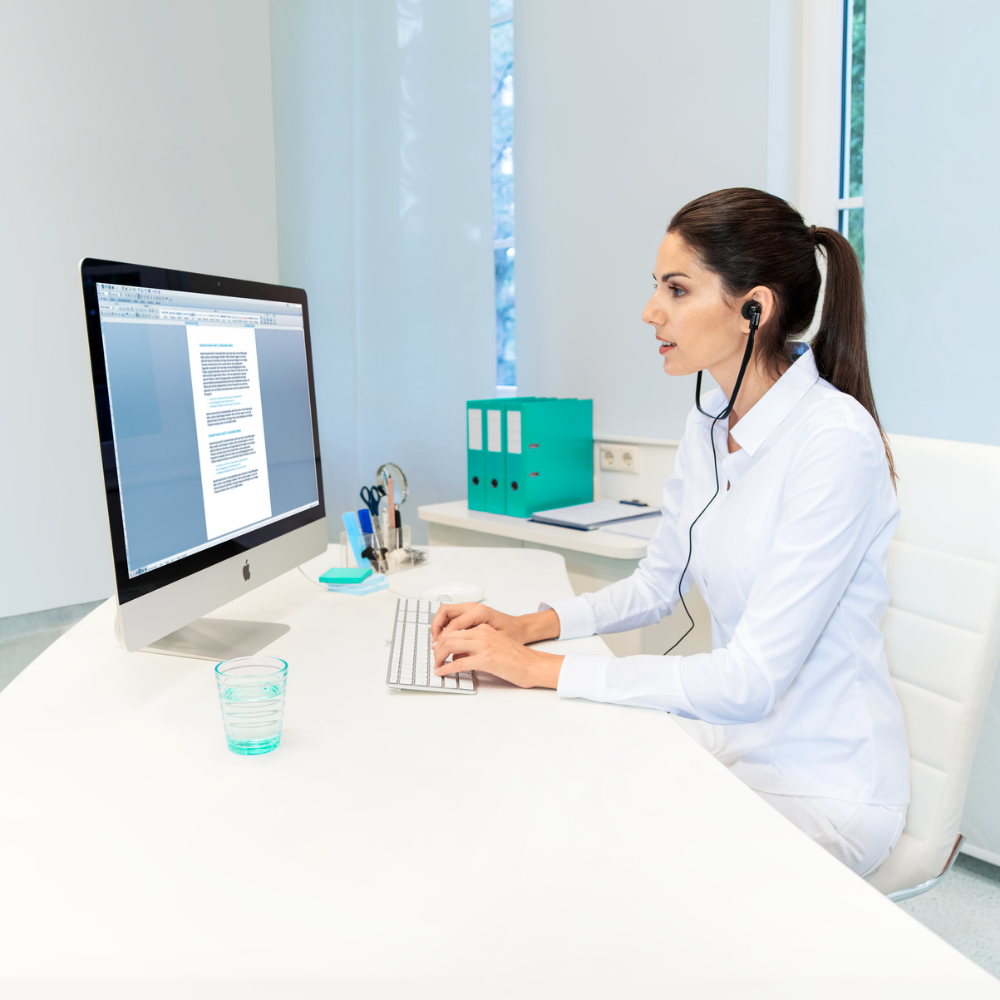
SpeechLive lets a medical practice support different documentation preferences without deploying completely separate systems for every user.
Dictates directly into the clinical application throughout the day. Responsible for immediate review.
Records letters between consultations and lets Dragon transcribe them afterwards.
Continues sending recorded dictation directly to the medical secretary for traditional transcription.
Receives recorded work, Dragon-recognised text and source audio for review, formatting and completion.
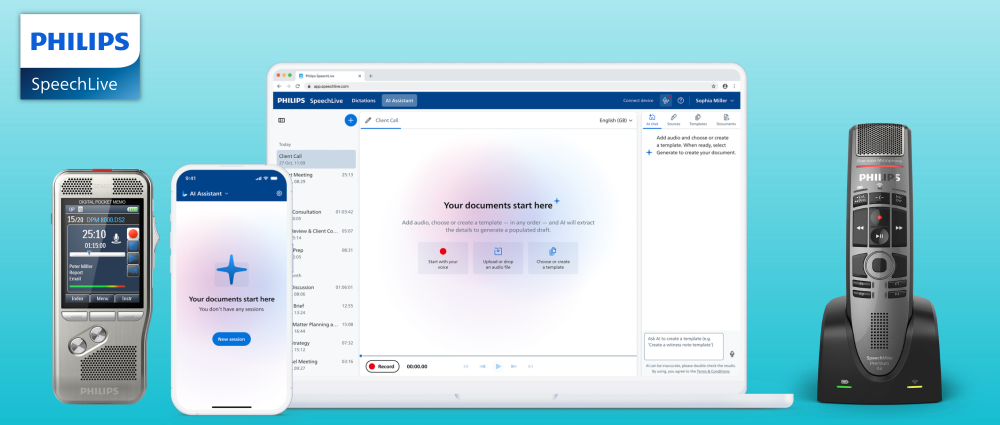
Speech recognition converts a clinician's spoken words into text. SpeechLive AI Assistant takes it to the next level by using recorded consultations, supporting documents, images and handwritten notes to create structured, formatted documents based on your firm's custom templates.
Documents such as patient letters, referrals, reports and SOAP notes can be reviewed by the typist or the doctor, with the associated audio and verbatim transcript available so you can confidently ensure accuracy.
SpeechLive AI Assistant can be added for any doctor in your SpeechLive workflow. Empower your clinicians with multiple options for how they create documents.
Classic Dictation & Transcription. Speech Recognition. Ambient AI Assistant.
All in one simple solution. SpeechLive.
SpeechLive Professional AI Assistant is the general professional AI solution and is not the dedicated SpeechLive Health AI Assistant available in selected markets.
Explore SpeechLive Professional AI AssistantYou do not need to replace an existing subscription to use the combined solution. VoiceX can help connect the component you already use and add the one you are missing.
Add SpeechLive Pro or Enterprise around your existing Dragon Medical One environment for mobile recording, browser dictation, professional recorder capture, background recognition and support-staff review.
Ask VoiceX about adding SpeechLive →Existing SpeechLive Pro and Enterprise environments can add Dragon Medical One for clinicians who require specialist medical vocabulary and advanced medical speech recognition.
Add Dragon Medical One →
Dragon Medical One is hosted on Microsoft Azure infrastructure in Australia. SpeechLive also provides Australian regional data storage and security controls for professional dictation and transcription.
VoiceX supplies, configures and supports both Dragon Medical One and Philips SpeechLive across Australia and New Zealand. We can build the solution around the way your doctors, medical secretaries and typists actually create documentation.
It combines Dragon Medical One specialist medical speech recognition with Philips SpeechLive cloud dictation and transcription. Doctors can dictate live at the cursor or submit recorded dictations through SpeechLive for background Dragon recognition and review.
SpeechLive extends Dragon Medical One beyond live desktop dictation by adding mobile recording, browser dictation, professional recorder workflow, background recognition, original-audio review and medical secretary or typist collaboration.
Yes. Existing Dragon Medical One users can add SpeechLive Pro or Enterprise and configure the Dragon Medical One integration rather than replacing their existing Dragon subscription.
Yes. SpeechLive Pro and Enterprise customers can add Dragon Medical One for selected clinicians requiring specialist medical speech recognition.
Yes. For recorded dictation processed through SpeechLive, the original audio remains available alongside the recognised text so the doctor, medical secretary or typist can check and correct the document.
Yes. SpeechLive can route recognised work to a medical secretary or typist who can review the text against the original dictation, make corrections and complete the document.
Yes. SpeechLive supports traditional author-to-typist dictation as well as Dragon Medical One speech recognition, allowing different doctors within the same practice to use different documentation methods.
Yes. Practices can also consider SpeechLive Professional AI Assistant for selected users who want AI-assisted document creation in addition to dictation, transcription and speech recognition. VoiceX can advise on the appropriate configuration.
Trial real-time medical speech recognition together with mobile dictation, recorded audio, background Dragon recognition and Human-in-the-Loop review.
Compare SpeechLive workflow plans and optional modules · View the Dragon Medical One + SpeechLive package · SpeechLive support