Call Us: 1300 551 778
Medical speech recognition that works where clinicians work
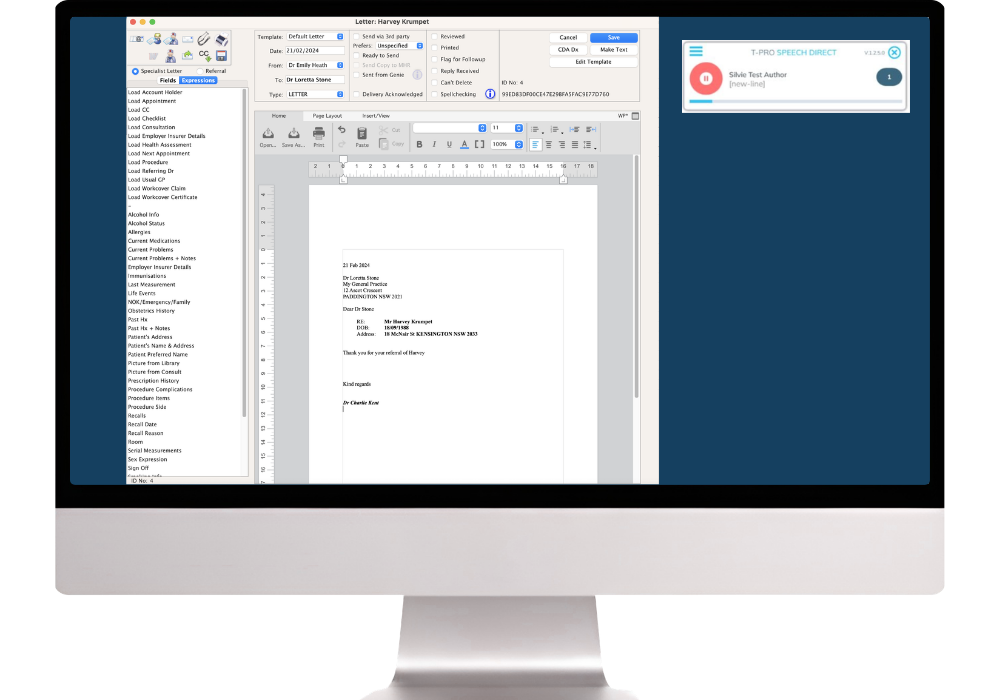
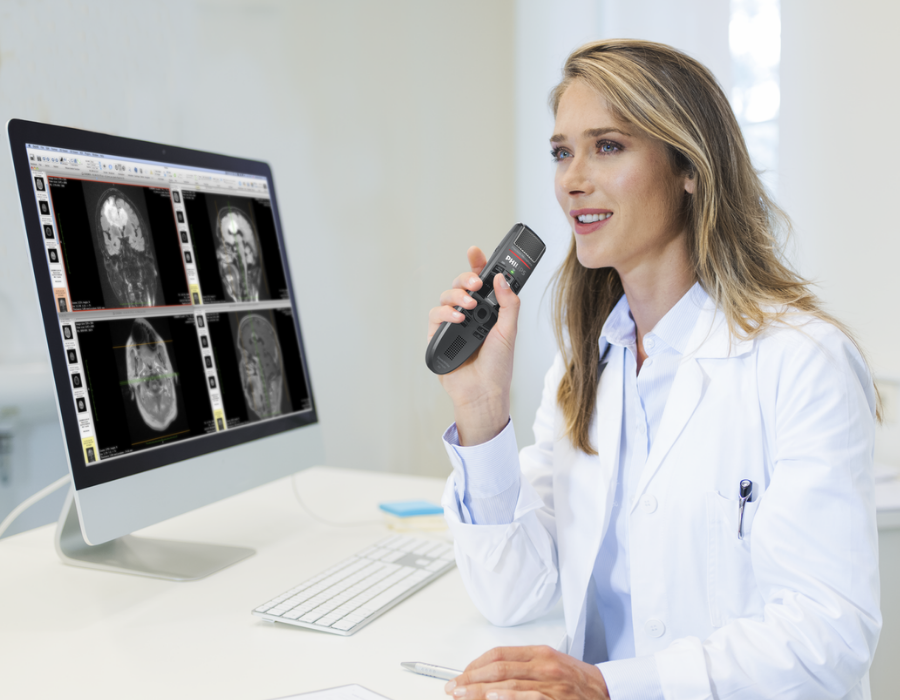
Speech Direct turns a clinician's spoken words into text in real time. Dictate directly into your clinical system, browser fields, reports, letters, emails and everyday Windows applications while keeping your wording, structure and final document in your hands.

Create clinical notes, referral letters, reports, patient summaries and correspondence directly at the cursor.
Dictate into compatible Windows software, Microsoft Word, Outlook, Google Chrome, Microsoft Edge and browser-based clinical systems.
Add specialist terms, preferred formatting, AutoTexts, commands, hotkeys and application settings to suit the clinician.
VoiceX supplies, configures and supports Speech Direct for Australian and New Zealand healthcare professionals.
What Speech Direct gives you
Speech Direct can be shaped around the language, applications and repeated documentation tasks that matter to each clinician.
Your Speech Direct profile is securely stored in the cloud, allowing you to access it via the simple Speech Direct desktop app and use speech recognition from any Windows computer, in any location.
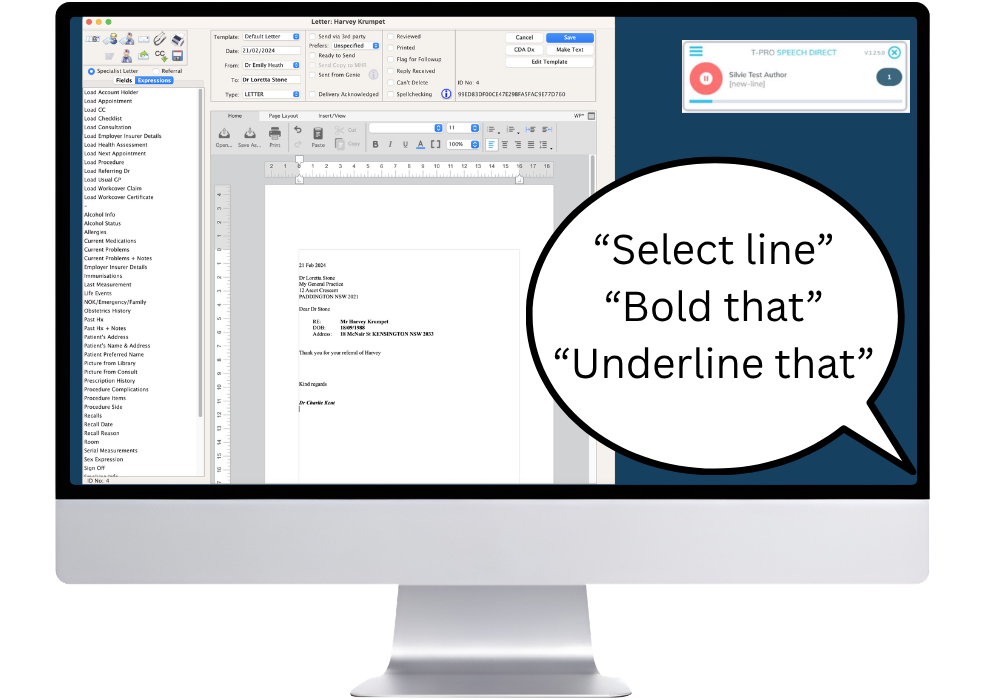
Speech Direct automatically recognises common dictation & navigation commands - including NEW LINE, BOLD THAT, COPY THAT, GO TO BEGINNING OF LINE - helping you dictate and navigate by voice.
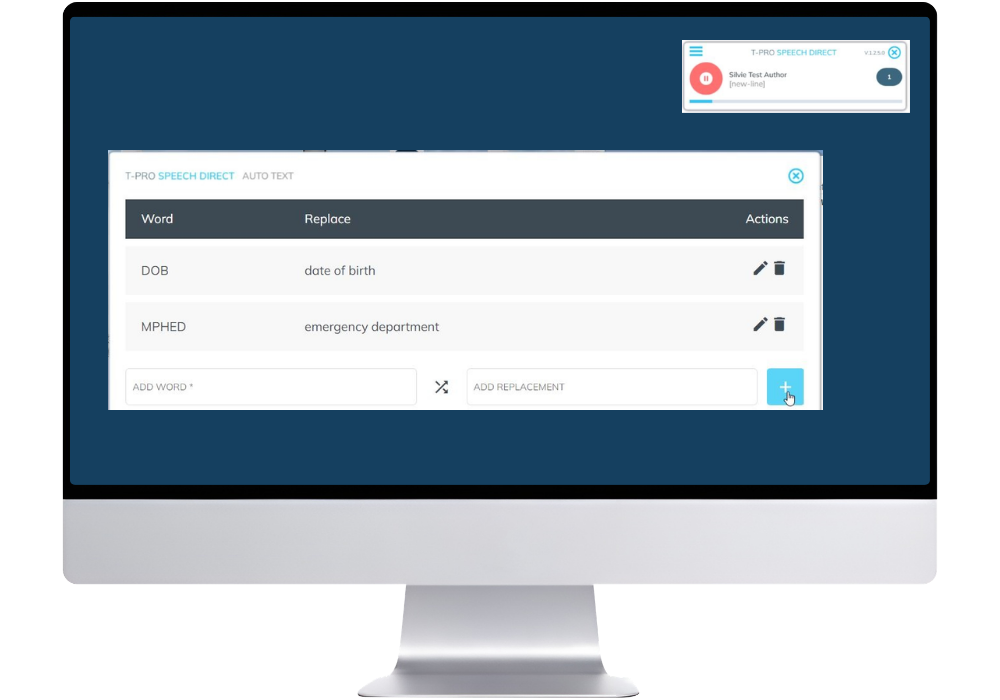
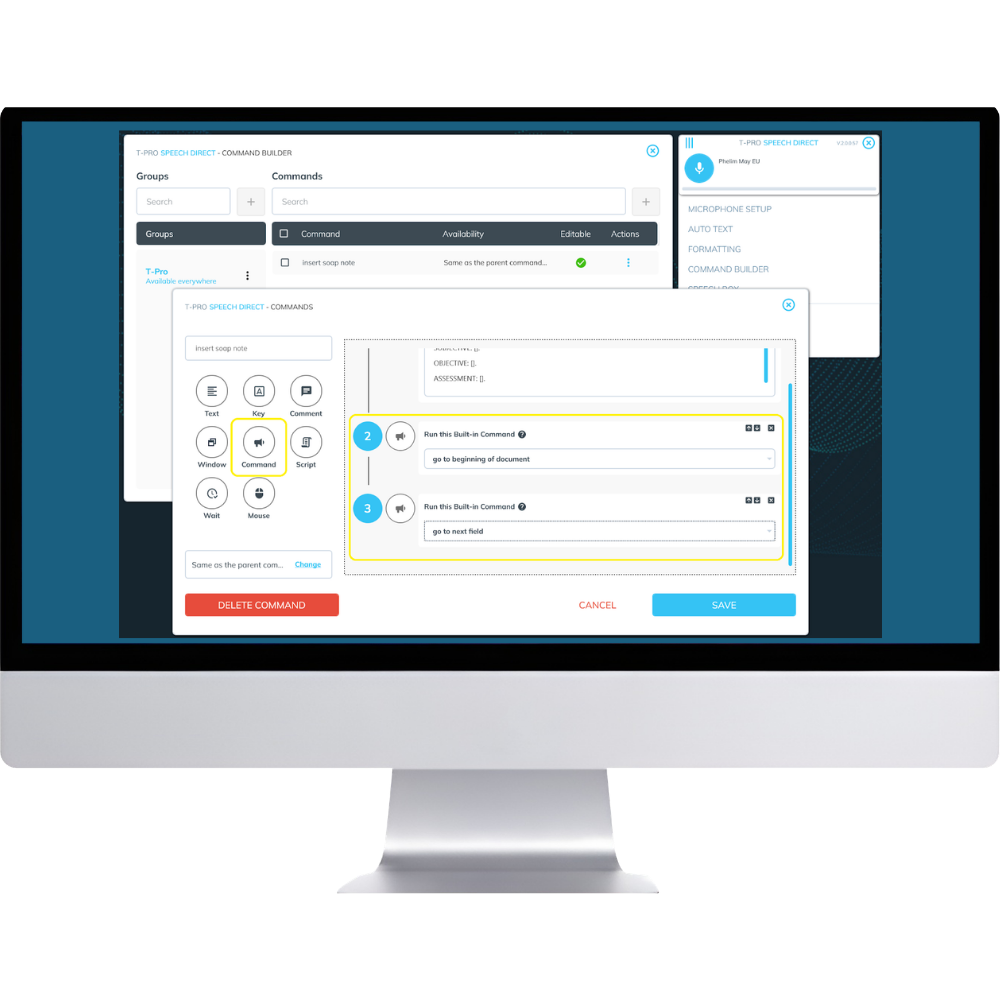
Create a library of custom AutoTexts and use Command Builder to combine text, keystrokes, built-in commands, window actions, scripts, mouse actions and wait steps into a repeatable spoken sequence—saving time and reducing repetition.
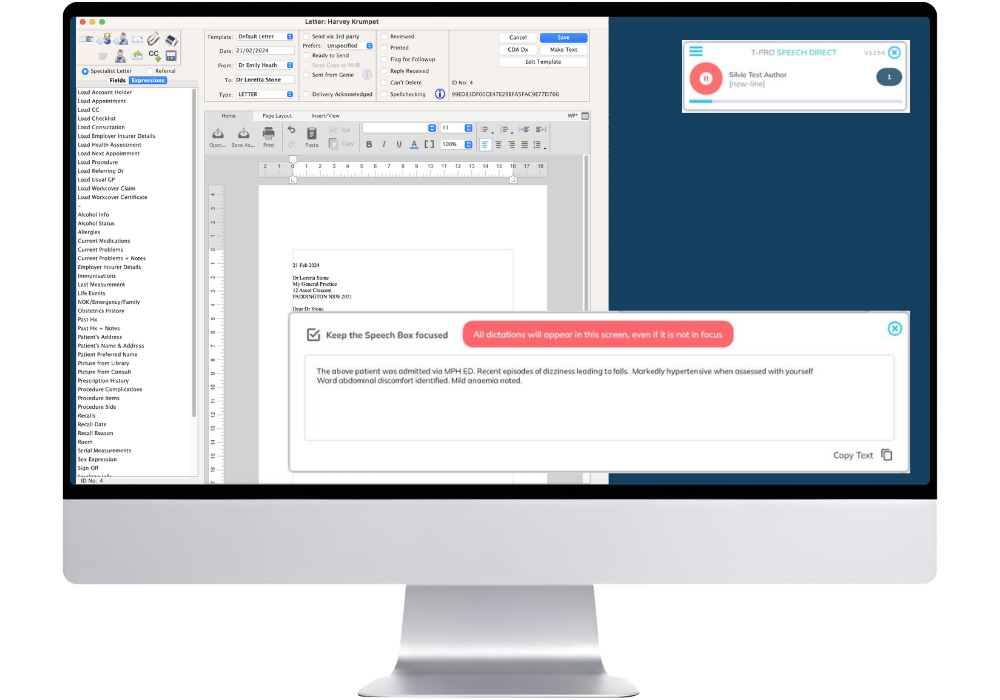
SpeechBox provides clinicians with a reliable platform for dictation and text review when speech recognition is not supported in an application.
Turn your iPhone or Android phone into a wireless microphone for Speech Direct—perfect for clinicians moving between consulting rooms and Windows devices.
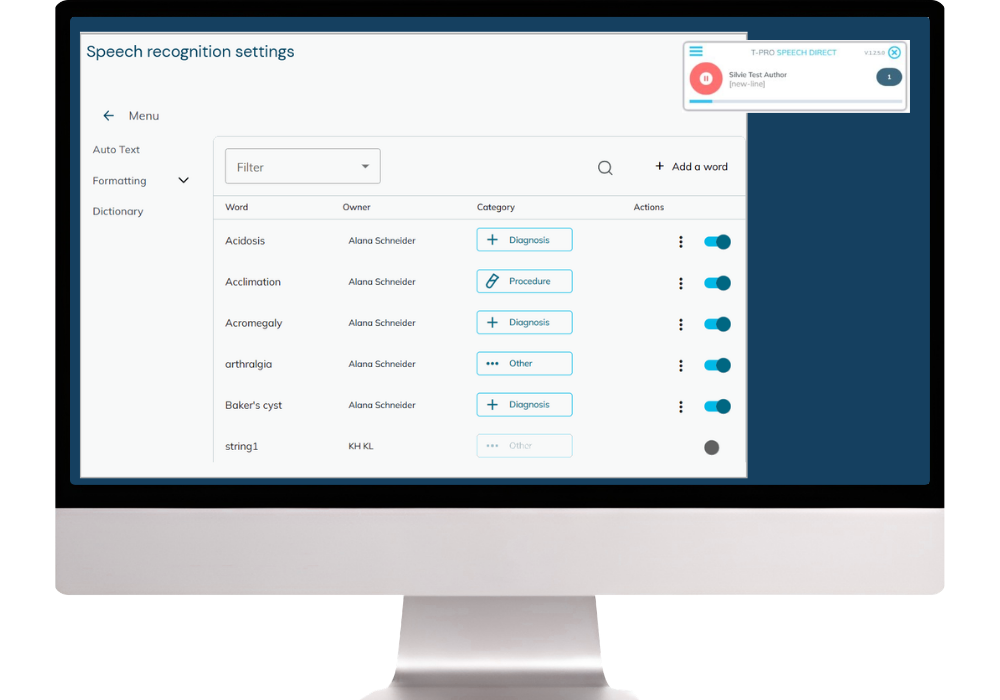
Speech Direct allows you to add custom words and phrases to the already expansive medical dictionary.
A small app with a clear job
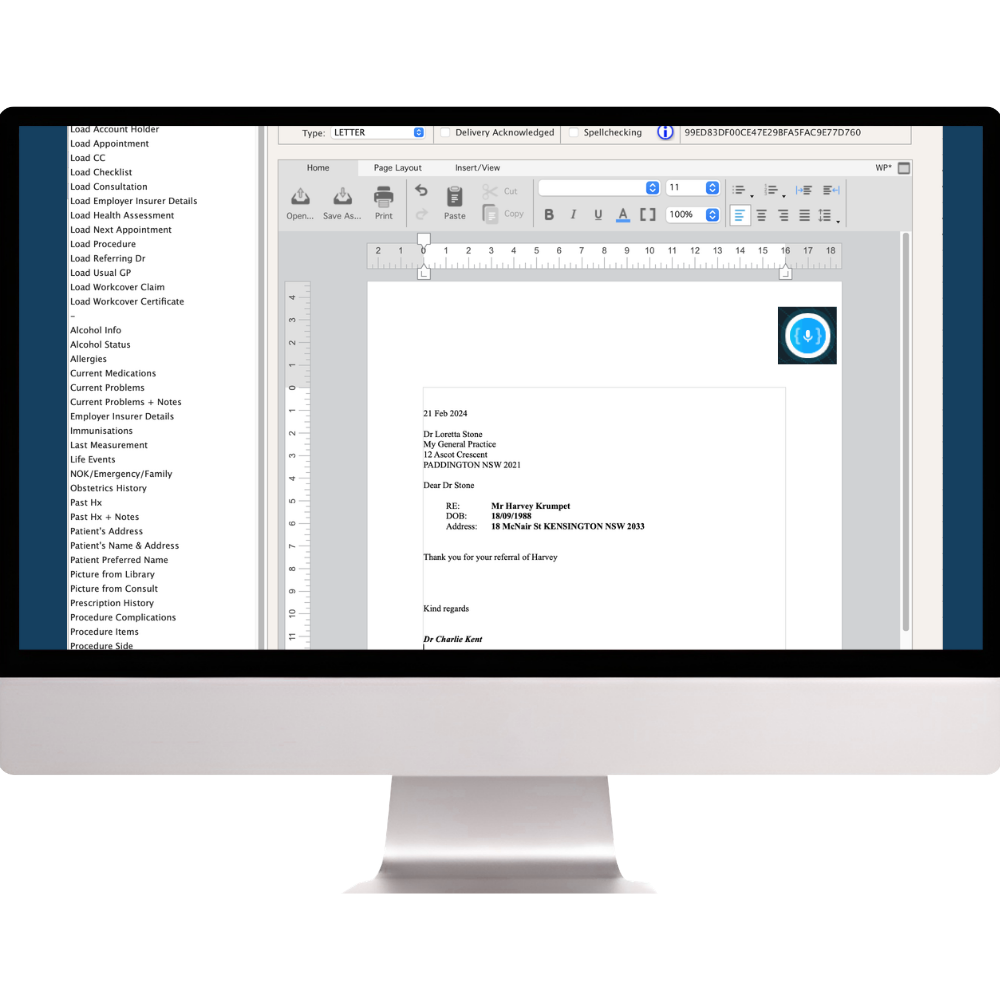
Speech Direct runs as a lightweight Windows application that can be reduced to a compact microphone control. Clinicians can move it to a convenient part of the screen, start or pause dictation with a click or hotkey, and continue working in the application where the text belongs.
The clinician's dictionary, AutoTexts, commands, formatting preferences and application settings remain connected to their authorised user profile.
Clinician-controlled documentation
Speech Direct supports a simple, visible process from spoken clinical detail to completed documentation.
Place the cursor in the clinical system, browser field, report, letter, email or document you want to complete.
Dictate the wording you want documented using a suitable microphone or paired mobile phone.
Use spoken punctuation, editing commands, formatting preferences and the keyboard or mouse when needed.
Review the final wording before it is saved, sent or finalised in the patient record.
Browser-based clinical systems
Speech Direct supports browser dictation through extensions for Google Chrome and Microsoft Edge. Clinicians can dictate into compatible web fields and use voice commands to move through forms, select fields and reduce repeated keyboard navigation.
Speech Direct is compatible with Windows 11, Genie, Cerner, Cliniko, CRIS, and connections via Citrix, VMware, and Microsoft Remote Desktop.
AutoText and Command Builder
Speech Direct can insert standard wording, build structured templates and trigger multi-step command sequences while the clinician remains in control of the final document.
Create reusable AutoTexts for normal examination findings, standard patient advice, report structures, common correspondence and preferred referral wording.
Use Command Builder to insert a structured note or report, place the cursor in the first field and move between variable sections with spoken commands.
Speech Remote Microphone
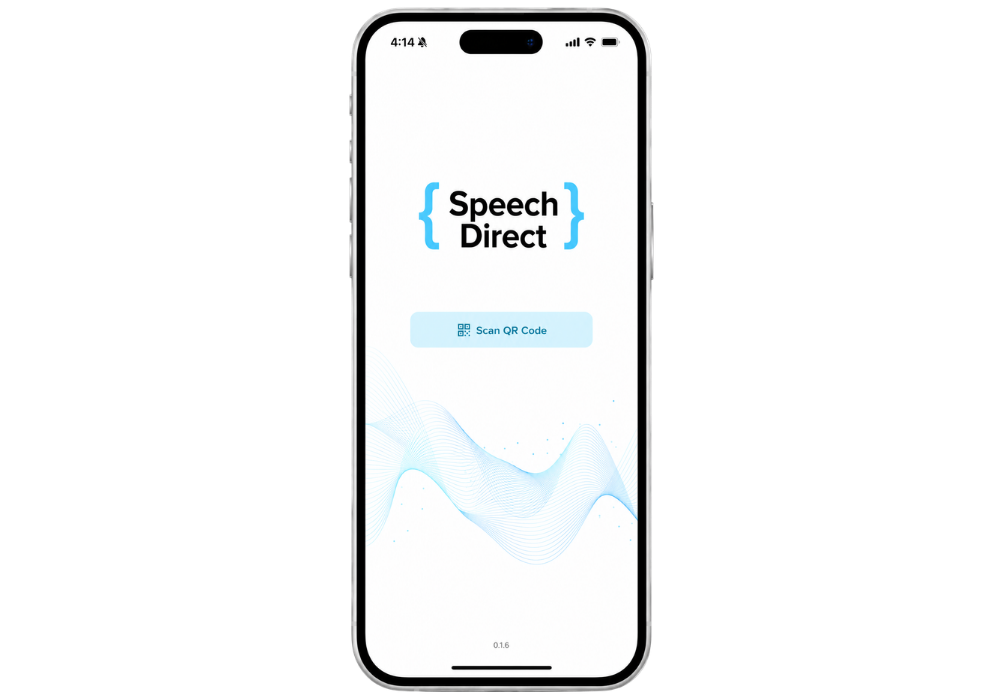
Speech Direct can pair with an iPhone or Android phone by scanning a QR code. Once connected, the phone acts as the wireless microphone for the authorised Speech Direct session running on the Windows computer.
This gives clinicians a practical option in consulting rooms, shared work areas and hot-desk environments. A professional USB microphone or headset can still be used where dedicated hardware is preferred.
Where Speech Direct fits best
Speech Direct suits healthcare professionals who want fast, direct control over clinical wording and practical tools that reduce repeated typing.
Create letters, reports, referrals and detailed clinical documentation using specialist terminology, standard text and reusable commands.
Reduce typing across patient notes, correspondence, care plans, emails and browser-based practice systems.
Dictate into compatible Chrome and Edge systems and use voice commands to move through web forms and repeated fields.
Support documented Citrix, VMware and Microsoft Remote Desktop environments, subject to application and network review.
Australian hosting and local support
Speech Direct is hosted in Australia for VoiceX customers and uses secure cloud connections, authorised user access and multi-factor authentication. VoiceX provides local setup, training and ongoing support.

Australian hosting supports healthcare organisations seeking local data residency for cloud-based medical speech recognition.
Speech Direct connects through secured network services for real-time recognition and user profile access.
User access is tied to authorised credentials, with multi-factor authentication available to strengthen account security.
VoiceX can assist with licensing, application testing, user setup, microphone selection, AutoText, dictionary configuration, commands, training and technical support.
System and environment requirements
VoiceX checks the intended computers, applications, browsers and network before trial or deployment.
Speech Direct supports Windows 10 and Windows 11 and requires Microsoft .NET Framework 4.8.
Browser extensions support dictation into compatible Google Chrome and Microsoft Edge web applications.
Speech Direct is compatible with Genie, Cerner, Cliniko, CRIS, and more. Plus, SpeechBox provides users the ability to use speech recognition with just about any clinical software.
Speech Direct supports documented Citrix, VMware and Microsoft Remote Desktop environments, subject to environment review and testing.

Speech recognition, not an AI scribe
Speech Direct is designed for clinicians who want to control the wording as they create it - verbatim transcription. Unlike an AI-scribe, it does not listen to a consultation in the background or generate a clinical note from the conversation.
With Speech Direct, the clinician dictates the content, and it is transcribed - verbatim - in real time, allowing it to be refined and reviewed before it is saved or added to the patient record.
If you are looking for a medical AI-scribe, explore our wide range of options.

Why VoiceX
Speech recognition works best when the application, microphone and user settings are considered together. VoiceX helps clinicians and healthcare organisations configure Speech Direct around the way they actually document.
Speech Direct FAQs
Practical information for clinicians, practice managers and IT teams considering Speech Direct.
Speech Direct is cloud medical speech recognition for real-time, clinician-controlled dictation into compatible Windows and browser-based applications.
No. Speech Direct converts the words the clinician dictates into text. It does not listen to a consultation and generate a note from the conversation.
Yes. Speech Direct supports compatible browser fields in Google Chrome and Microsoft Edge through its browser extensions. VoiceX can test the intended system before deployment.
SpeechBox provides a place to dictate, review and copy the text into the target application. Frequently used applications can also be whitelisted.
Yes. The custom dictionary supports specialist terms and exclusions, while AutoText inserts longer blocks of standard wording from a short spoken phrase.
Command Builder can combine text, keys, built-in commands, window actions, scripts, mouse actions and waits into spoken command sequences.
Yes. An iPhone or Android phone can be paired by QR code and used as the wireless microphone for the authorised Speech Direct session on the Windows computer.
Yes. Speech Direct is hosted in Australia for VoiceX customers and is supplied and supported locally by VoiceX.
Speech Direct is a Windows application and is not available natively on macOS. If you use a Mac, explore Dragon Medical One for Mac.
Yes. VoiceX can review the intended application, browser, workstation, remote environment and microphone before or during a trial.
VoiceX can arrange a trial, test your target applications and help configure Speech Direct around the way your clinicians create documentation.