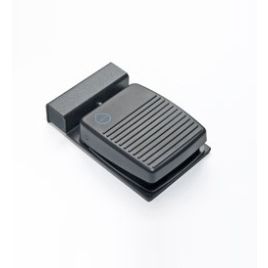
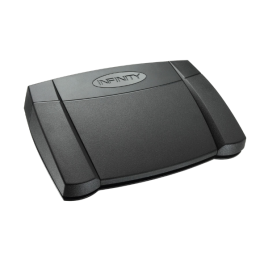
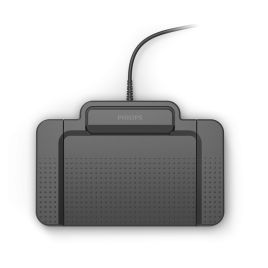
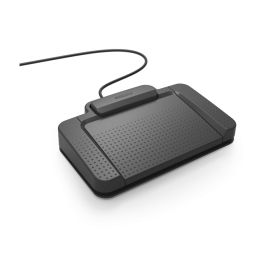
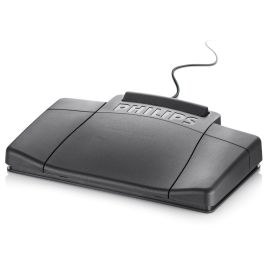
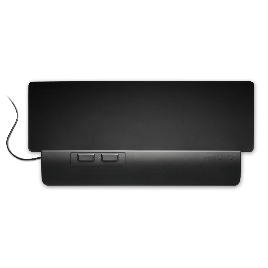
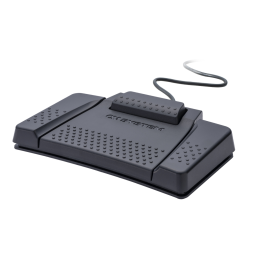
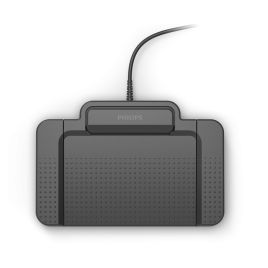
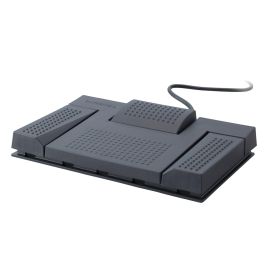
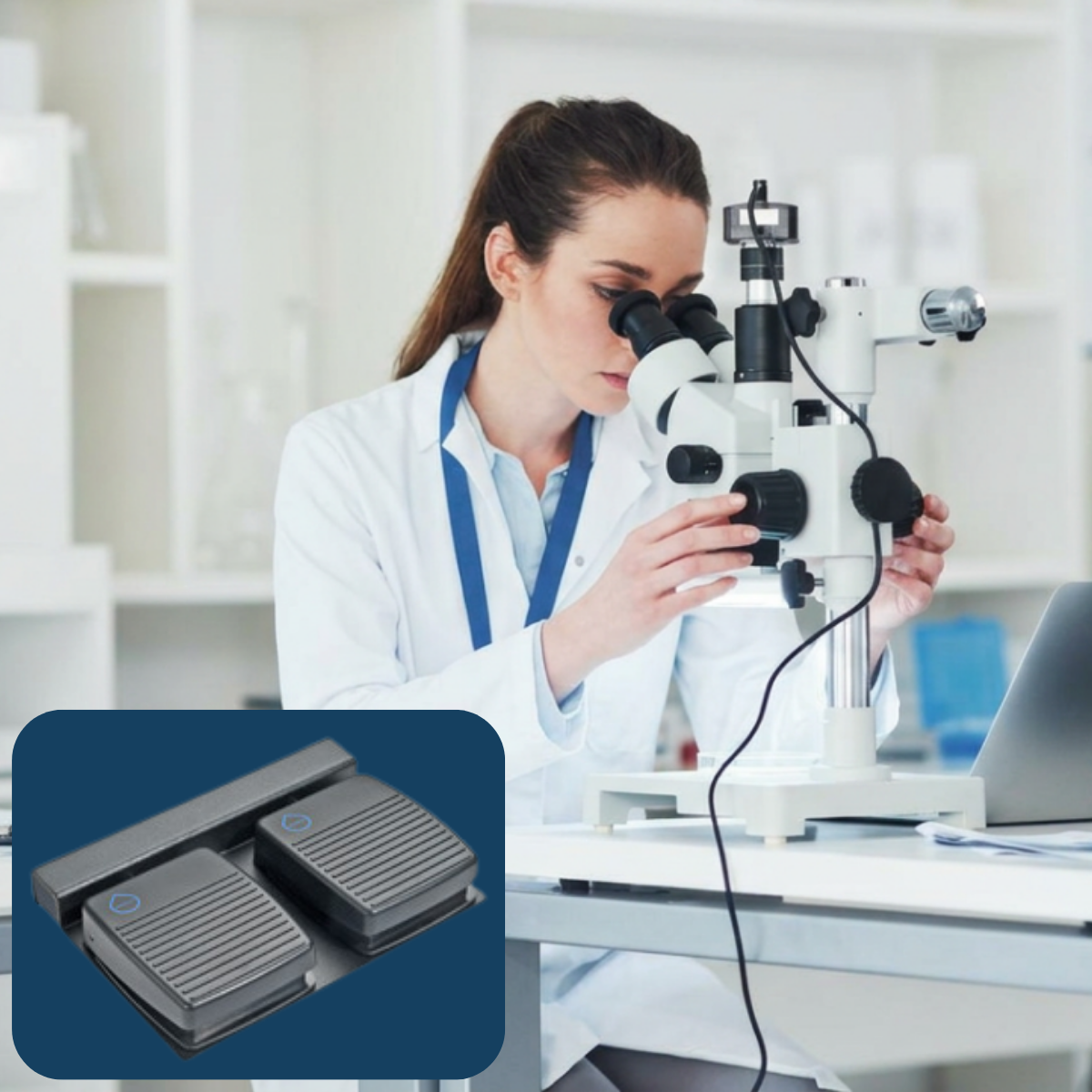
Shop professional USB foot controls and transcription foot pedals for typists, transcriptionists and hands-free dictation control.
Choose from Philips, OM SYSTEM (formerly Olympus), and Infinity foot controls for compatible transcription software, dictation workflow software, and selected speech recognition setups. Compatibility can vary by software, operating system, driver and configuration, so check your setup before ordering.
USB foot controls for transcription and hands-free dictation
A transcription foot control lets typists control audio playback without taking their hands away from the keyboard. In compatible transcription software, common pedal functions include play, pause, rewind, and fast-forward when preparing documents from recorded dictation.
Foot controls can also be useful for authors, clinicians and speech recognition users who want hands-free control of recording, microphone status or selected software commands. What a pedal can do depends on the software, foot-control model, operating system, and configuration.
VoiceX supplies Philips, Olympus, OM SYSTEM, Infinity and selected speciality foot controls for compatible transcription, dictation and speech recognition environments across Australia and New Zealand.
Transcription playback
For typists and transcriptionists who need hands-free audio control while typing. Common functions include play, pause, rewind, and fast-forward in compatible transcription software.
Hands-free dictation control
For authors who want hands-free control of recording or software actions in compatible dictation software such as SpeechExec, SpeechLive, ODMS Pro or ODMS Cloud.
Speech recognition control
For selected speech recognition setups where foot pedal control may help with microphone control, navigation or supported software commands.
Waterproof foot controls for clinical environments
Standard USB foot pedals are suitable for many office transcription setups. In clinical environments such as pathology cut-up rooms, laboratories and some medical work areas, a waterproof foot control may be a better choice.
Waterproof foot controls are designed for environments where equipment may need to withstand more demanding cleaning or working conditions than standard office pedals.
Choose by software and environment
The right USB foot pedal isn't just a brand choice. Start with the software you use, then consider where the pedal will be used and whether you need standard playback control, waterproof hardware or configurable pedal actions.
Standard USB foot pedals
A practical choice for office transcription, legal typing, medical rooms, admin teams and users replacing an existing USB transcription pedal.
Waterproof foot controls
A better fit for pathology cut-up, laboratories, clinical rooms and other environments where a standard office pedal may not be suitable.
Programmable Philips foot controls
Selected Philips foot controls can be configured using Philips SpeechControl / Device Control Center software, often referred to as PDC.
Check compatibility before buying
A USB foot control that works in one program may not automatically work in another. Compatibility can depend on the software name, software version, operating system, browser support, driver requirements, device mode and configuration.
If you are replacing an older Olympus, Philips, Infinity or VEC foot pedal, check the software and device compatibility before ordering.
SpeechExec or SpeechLive
ODMS Pro or ODMS Cloud
Dragon Medical One or Dragon Professional
Desktop or browser-based software
Driver or configuration tool
Standard or waterproof hardware
Complete your transcription setup
Foot controls are only one part of a dictation and transcription setup. These related Shop categories can help you build, replace or upgrade the rest of your system.
Dictation Workflow Software
Shop SpeechExec, SpeechLive, ODMS Pro and ODMS Cloud software options for authors and typists.
VoiceX can help match the foot control to your transcription software, dictation setup, speech recognition platform, working environment and preferred pedal layout.