
Call Us: 1300 551 778

SpeechExec Basic Transcribe V12 helps typists receive, prioritise and transcribe professional dictation on a Windows PC.
LFH4612 · 2-year licence. Licensed per concurrent user.
Hardware and SpeechLive services are separate. See the PC Requirements tab and SpeechExec Basic solution guide before choosing your setup.
Your licence will be processed and sent to you within 24 hours.
PHILIPS SPEECHEXEC BASIC TRANSCRIBE V12
Philips SpeechExec Basic Transcribe V12 gives typists and assistants a Windows desktop workspace for receiving, organising and transcribing professional dictation. Keep recordings, job status and completed work organised as you prepare documents.
LFH4612 · 2-year licence · Windows desktop software · Typist module
Explore the Basic solutionReceive dictations through your configured local network or email, or an optional SpeechLive connection. Complete, suspend or resume jobs as your team works through its queue.
Partner with SpeechExec Basic Dictate V12. Author and typist modules are separate purchases.
SpeechExec Basic suits a straightforward recorder-to-typist workflow. It does not include the direct SpeechMike recording or integrated Dragon speech recognition options available in SpeechExec Pro.
Explore SpeechExec Pro if you need additional recording and workflow tools, or compare Basic, Pro and Enterprise for a larger deployment.
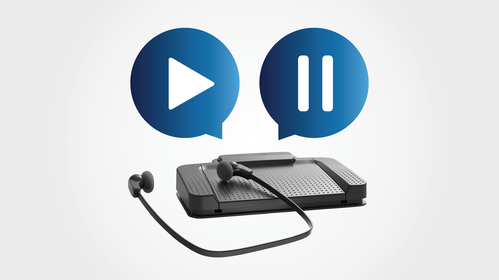
Use a compatible Philips ACC2300-series USB foot control, such as the ACC2330, for hands-free playback. A transcription headset can help you listen comfortably while keeping your hands on the keyboard. Hardware is sold separately unless expressly included in your selected package.
Local network and email integration depend on your server, email application and configuration. Confirm current compatibility with VoiceX before deployment rather than relying on requirements from older software versions.
SpeechExec is installed Windows software. A separately licensed SpeechLive connection can extend a supported setup. For browser access, Mac users or teams working across locations, compare Philips SpeechLive as your primary workflow.
SpeechExec Basic Transcribe V12 LFH4612 2-year licence. This is the transcriptionist module. Need a different term? Compare the 12-month SpeechExec Basic Transcribe V12 licence.
Choose from the installation and support options shown above. VoiceX can help confirm compatible hardware, network routing and your Windows environment before installation.
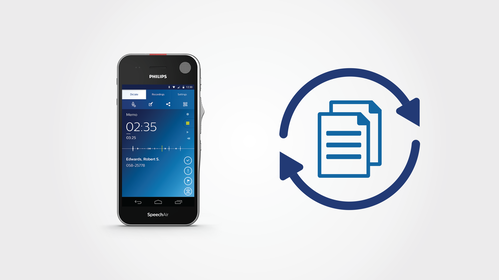
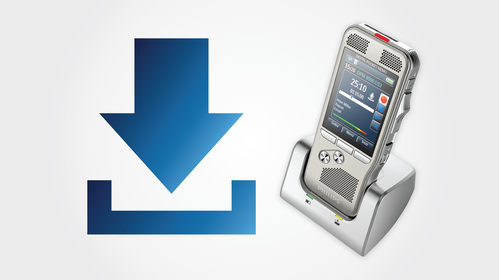
Explore SpeechExec BasicAsk VoiceX about your setupThese Philips illustrations show the wider author-to-typist workflow. Dictate, Transcribe and SpeechLive services are licensed separately.


Windows 10 is not supported by VoiceX: Windows 10 has reached the end of standard Microsoft support, and VoiceX does not support SpeechExec or other products running on Windows 10. Earlier SpeechExec V12 documentation lists Windows 10 compatibility, but this does not provide VoiceX support for that operating system. Use a supported Windows 11 environment. SpeechExec is not native Mac software; consider SpeechLive for Mac and browser-based workflows.
