Specialist legal dictation
SpeechLive Legal Direct combines legal speech recognition with text at the cursor and supported voice commands in compatible desktop applications.
Dragon Anywhere Discontinuation
Dragon Professional Anywhere and Dragon Legal Anywhere are being discontinued. VoiceX can continue supplying and renewing both products until 30 December 2026, with product support continuing until 30 December 2027.
Existing users do not need to move immediately. The right replacement depends on how each person currently uses Dragon — from straightforward at-cursor dictation through to advanced commands, legal vocabulary, recorded transcription or a move into AI-assisted document creation.
Purchase or renew through VoiceX
Until 30 December 2026
Product support continues
Until 30 December 2027
The remaining lifecycle gives organisations time to assess individual users, test suitable alternatives and migrate in stages rather than replacing every Dragon user at once.
Dragon Legal Anywhere
Legal users can move in several directions. Some firms want to retain familiar at-cursor dictation. Others can use the transition to introduce cloud transcription, recorded-audio processing or AI-assisted legal document creation.
All-in-one AI Document Creation Solution
AI-assisted drafting for legal documents using spoken input, source material and templates, with human review before the document is finalised.
Specialist legal speech recognition
Specialist legal speech recognition with real-time text at the cursor, legal vocabulary and supported voice commands. AI-assisted document drafting is available separately through SpeechLive Legal AI Assistant.
Dragon-like legal dictation in Windows & Mac
A legal-focused option for users whose priority is familiar, direct at-cursor speech recognition rather than a broader workflow or AI platform. Windows and Mac compatible.
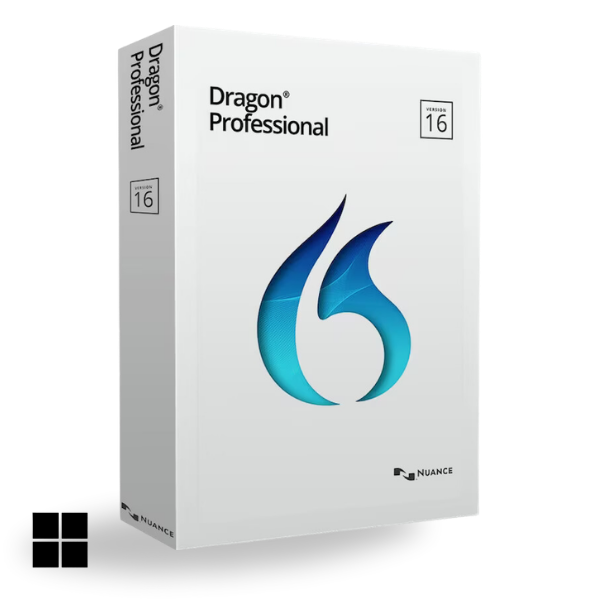
Stay with Dragon for advanced customisation & PC control
Familiar Dragon desktop speech recognition for Windows. It is locally installed rather than cloud-based and is not legal-specific. Supported in Windows 11.
| Recommended option | Best for | Why consider it |
|---|---|---|
| SpeechLive Legal AI Assistant → | Lawyers wanting the broadest legal document creation platform | Creates structured legal document drafts from captured information and templates. Choose this pathway for AI-assisted drafting and human review, alongside the SpeechLive dictation and transcription platform. |
| SpeechLive Legal Direct → | Lawyers wanting specialist legal dictation at the cursor | Dictate into compatible desktop applications using legal terminology, custom vocabulary and supported voice commands for editing and formatting. Connected SpeechLive dictation and transcription options support the wider document process. |
| Lexacom Echo Legal | Lawyers wanting familiar Dragon-like at-cursor dictation | A legal-focused speech recognition pathway for lawyers wanting familiar Dragon features, commands, dictation box and custom vocabulary plus support for multiple languages and the new Summarise That feature. |
| Dragon Professional v16 → | Existing Dragon users wanting to retain a familiar Dragon desktop environment | Locally installed Windows speech recognition with familiar Dragon vocabulary personalisation, AutoTexts, commands and Windows control. It is not legal-specific and relies on local workstation resources. |
For more detail about the existing product and legal migration options, view the Dragon Legal Anywhere transition guide →
Dragon Professional Anywhere
Professional users should choose their replacement according to how much they rely on traditional Dragon customisation and computer control versus cloud speech recognition, recorded transcription or newer AI-assisted document creation.
Familiar Dragon pathway
Best suited to Dragon power users who want to retain advanced desktop dictation, vocabulary, commands, scripting and Windows control.
Cloud speech recognition
Professional speech recognition with text at the cursor, organisation-specific terminology, abbreviations and auto-texts. Supported voice commands help you edit and format your dictation.
Dragon-like direct dictation
For users who mainly want direct, at-cursor speech recognition with familiar Dragon-like functionality rather than a wider workflow platform.
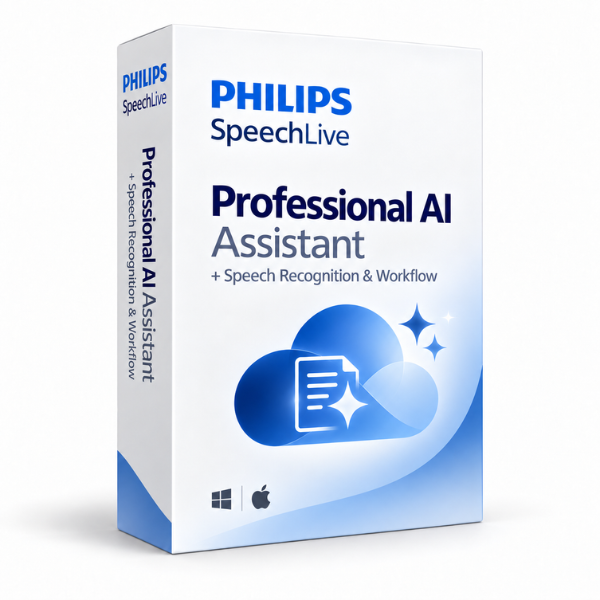
Beyond speech-to-text
For professionals ready to move beyond verbatim transcription and use captured information to help create structured document drafts for review.
| Recommended option | Best for | Why consider it |
|---|---|---|
| Dragon Professional v16 → | Users who rely heavily on Dragon commands, scripting and Windows control | The strongest traditional Dragon pathway for desktop dictation, vocabulary personalisation, AutoTexts, commands, scripting, application navigation and computer control. It is locally installed rather than cloud-based. |
| SpeechLive Professional Direct → | Organisations wanting flexible cloud speech recognition | Combines direct-at-cursor speech recognition with organisation-specific vocabulary, text replacements and supported voice commands in compatible desktop applications. AI document drafting is offered separately through SpeechLive Professional AI Assistant. |
| Lexacom Echo Professional | Users wanting straightforward Dragon-like at-cursor dictation | A professional speech recognition option for users whose main requirement is direct dictation and familiar Dragon-style functionality. Traditional dictation and transcription workflow can be added separately with Lexacom Workflow. |
| SpeechLive Professional AI Assistant → | Professionals ready to move beyond speech-to-text | Adds AI-assisted document creation for reports, notes, correspondence and other professional documents where captured information needs to be organised into a usable draft. |
For more detail about Dragon Professional Anywhere and the professional migration pathways, view the Dragon Professional Anywhere transition guide →
Compare by document task
SpeechLive Legal Direct combines legal speech recognition with text at the cursor and supported voice commands in compatible desktop applications.
SpeechLive Professional Direct supports your organisation's terminology, abbreviations and auto-texts for everyday correspondence and reports.
SpeechLive Legal AI Assistant and SpeechLive Professional AI Assistant offer a separate pathway for structured drafts built from captured information, followed by human review.
Dragon Professional v16 remains a locally installed Windows option for users whose priorities include Dragon vocabulary, commands and computer control.
For SpeechLive plan inclusions and optional subscriptions, compare SpeechLive Basic, Pro and Enterprise. VoiceX can help match the product and package to the way your team works.
Staying with Dragon
Dragon Professional v16 is a strong option for users who want to keep the traditional Dragon desktop experience, especially when custom vocabulary, AutoTexts, commands, scripting and Windows control matter.
Unlike Dragon Professional Anywhere or Dragon Legal Anywhere, Dragon Professional v16 is locally installed speech recognition software. Recognition uses local workstation resources, so consider Windows compatibility, available memory, processor performance and other applications running on the computer before deployment.
VoiceX can continue supplying and renewing Dragon Professional Anywhere and Dragon Legal Anywhere during the remaining sales period where the product still meets an immediate business requirement.
Australia & New Zealand
VoiceX can review your existing Dragon users, applications, vocabulary, commands and document requirements, then help test the most appropriate replacement before you migrate.