
Call Us: 1300 551 778
Dragon Professional Anywhere is cloud-based speech recognition for professional users who want to dictate directly into compatible Windows applications and see recognised text appear at the cursor as they speak.
Each authorised user has a personalised cloud profile containing their professional vocabulary, custom words, AutoTexts, commands and preferences, allowing Dragon to follow the user across supported Windows environments.
Dragon Professional Anywhere remains available during the transition period, but organisations should now treat it as a transition product rather than a long-term speech recognition platform. New sales end in December 2026, with product support continuing until December 2027.
There is no need to force every Dragon Professional Anywhere user into the same replacement. Some users need to retain advanced Dragon commands and Windows control. Others need a more flexible speech recognition platform, while some organisations are ready to move beyond transcription into AI-assisted document creation.
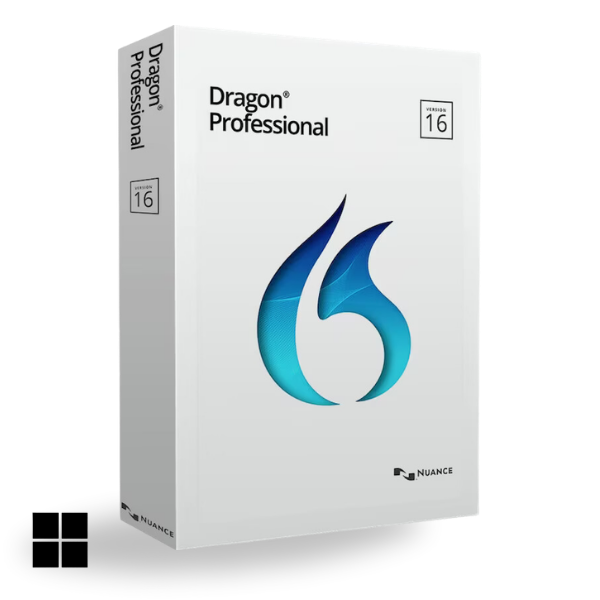
Best suited to Windows users who want to retain advanced Dragon dictation, commands, customisation, application navigation and computer control in a locally installed solution.
Explore Dragon Professional v16 →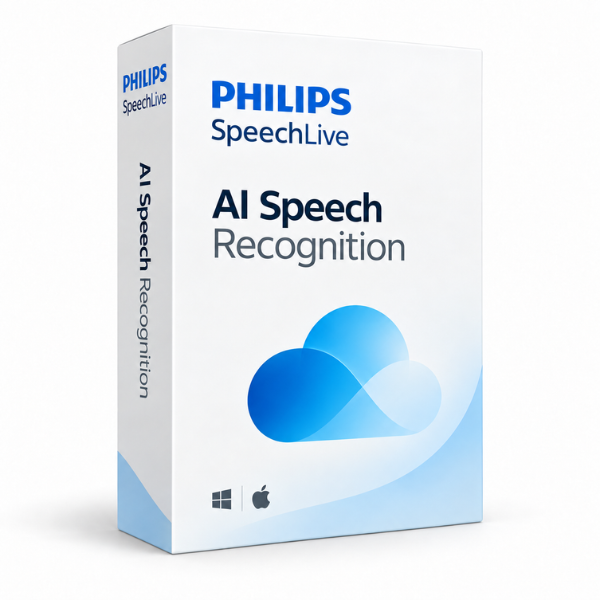
Retain real-time speech-to-text while adding Windows and Mac access, browser and mobile recognition, recorded-audio processing, multi-speaker transcription and traditional dictation and transcription workflow.
Explore SpeechLive AI Speech Recognition →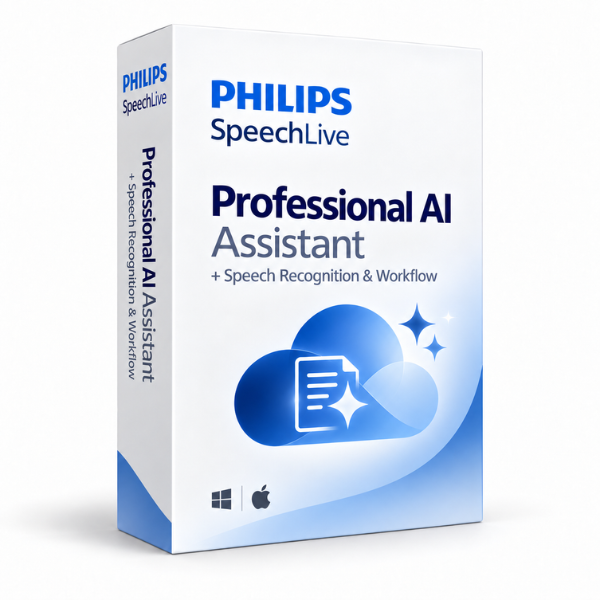
For organisations ready to move beyond speech-to-text. Dictate, record conversations or provide supporting information and use AI to create structured professional documents from selected or custom templates.
Explore Professional AI Assistant →Dragon Professional Anywhere is designed for professional users who want to compose documents in their own words and see recognised text appear immediately in compatible Windows applications. Position the cursor, start speaking and Dragon converts the user's voice into text as they work.
The software uses a general professional vocabulary suited to correspondence, reports, notes, emails and business documentation. Each authorised user has an individual cloud profile containing their personal vocabulary, custom words, AutoTexts, commands and preferences.
This makes Dragon Professional Anywhere particularly useful for users who rely on a personalised speech recognition environment that can follow them across supported Windows environments.
User-specific vocabulary, terminology, reusable text and commands are retained in the user's cloud profile.
For organisations with established Dragon users, these individual customisations are often just as important as the speech recognition itself when planning a future migration.
Existing Dragon Professional Anywhere users can continue working during the supported period, and the product can still meet an immediate requirement. The important change is that organisations should now begin planning what comes next rather than treating Dragon Professional Anywhere as a long-term speech recognition platform.
The transition period gives organisations time to identify the Dragon features each user genuinely relies on, test the available alternatives and move users to the most appropriate replacement without unnecessary disruption.
The right pathway depends on which parts of Dragon matter most. Some users need to preserve advanced Windows commands and computer control. Others need greater flexibility around where and how speech recognition is used. Some organisations are ready to move beyond transcription altogether and use spoken information to create the document.
Choose Dragon Professional v16 when advanced real-time dictation, custom commands, scripting, application navigation and Windows computer control remain essential. It is locally installed Windows software and uses the same type of broad professional vocabulary familiar to Dragon Professional Anywhere users.
Dragon v16 is particularly relevant for experienced Dragon users who have built their working environment around voice commands, reusable content and detailed Windows control.
Explore Dragon Professional v16 →Choose SpeechLive when users still need speech recognition but want more flexibility than traditional Dragon alone. SpeechLive supports real-time dictation at the cursor as well as browser and mobile recognition, recorded-audio processing, Windows and Mac environments, multi-speaker transcription and traditional author-to-typist review.
It is particularly well suited to organisations that want one speech recognition platform to support different ways of working rather than reproducing the Dragon Professional Anywhere experience exactly.
Explore SpeechLive AI Speech Recognition →Choose SpeechLive Professional AI Assistant when the goal is no longer simply to reproduce every spoken word. Users can dictate, record conversations and provide supporting information, then use selected or custom templates to create a structured professional document for review.
SpeechLive AI Speech Recognition and the broader SpeechLive dictation and transcription platform remain part of the solution, giving users access to traditional speech-to-text when that is still the right method.
Explore SpeechLive Professional AI Assistant →Use this as a quick reference when planning the next step for Dragon Professional Anywhere users.
| Capability | Dragon Professional Anywhere |
Dragon Professional v16 |
SpeechLive AI Speech Recognition |
Professional AI Assistant |
|---|---|---|---|---|
| Best suited to | Cloud at-cursor Dragon speech recognition with professional vocabulary | Advanced Windows speech recognition, commands and computer control | Flexible speech recognition across live dictation, recordings, mobile and multiple speakers | Speech recognition plus AI-assisted professional document creation |
| Platform & deployment | Cloud Australia-hosted |
Locally installed Windows |
Cloud Australia-hosted |
Cloud Australia-hosted |
| Real-time dictation at the cursor | ✓ | ✓ | ✓ | ✓ |
| Windows & Mac compatibility | ✕ Windows only |
✕ Windows only |
✓ | ✓ |
| Mobile speech recognition | ✕ | ✕ | ✓ | ✓ |
| Traditional dictation & transcription workflow | ✕ | + With SpeechExec |
✓ | ✓ |
| Multi-speaker transcription | ✕ | ✕ | ✓ | ✓ |
| AI-refined transcripts, summaries & insights | ✕ | ✕ | ✓ | ✓ |
| AI-assisted professional document creation | ✕ | ✕ | + Upgrade available |
✓ |
| Human review with retained source audio | ✕ | + With SpeechExec |
✓ | ✓ |
| Advanced Windows navigation & automation | ✓ Commands & navigation |
✓ Custom commands, macros & navigation |
Limited Reusable text commands No full computer control |
Limited Reusable text commands No full computer control |
This is a general comparison of the core solutions. Available functionality can vary by SpeechLive plan, configuration and additional products. VoiceX can confirm the appropriate setup for your users and organisation.
VoiceX can review existing Dragon Professional Anywhere users, applications, vocabulary, AutoTexts, commands and working requirements before recommending a migration pathway. Different users within the same organisation may ultimately be better suited to different replacement solutions.
Identify which users rely on simple dictation, advanced Dragon commands, recorded audio, mobile working or broader document creation.
Test the preferred replacement with representative users before changing the broader environment.
Configure the new solution, recreate important customisations where required and provide practical end-user training and Australian-based support.
Yes. You can purchase or renew Dragon Professional Anywhere in Australia and New Zealand through VoiceX until 30 December 2026, with product support continuing until 30 December 2027. Buy or renew Dragon Professional Anywhere →
No. Existing users can continue during the supported period. The transition window should be used to assess requirements, test the preferred alternative and plan the migration before support ends.
Dragon Professional v16 is a strong replacement for users who want to remain with traditional Dragon speech recognition and need advanced Windows commands, navigation and computer control. It is locally installed rather than cloud-based, so it is not a direct one-for-one replacement for every Dragon Professional Anywhere user.
Yes. SpeechLive AI Speech Recognition provides real-time speech-to-text while also adding Mac, browser and mobile access, recorded-audio processing, multi-speaker transcription and traditional dictation and transcription workflow.
SpeechLive Professional AI Assistant combines SpeechLive, AI Speech Recognition and AI-assisted document creation. It is designed for users who want to turn dictation, conversations and supporting information into structured professional documents rather than simply receiving a transcript.
VoiceX can help you maintain your current Dragon environment, assess your users and plan a supported transition to Dragon Professional v16, SpeechLive AI Speech Recognition or SpeechLive Professional AI Assistant.