
Call Us: 1300 551 778
Authors create dictations using the browser recorder or mobile app. If your subscription includes speech recognition, you can also turn speech into text.
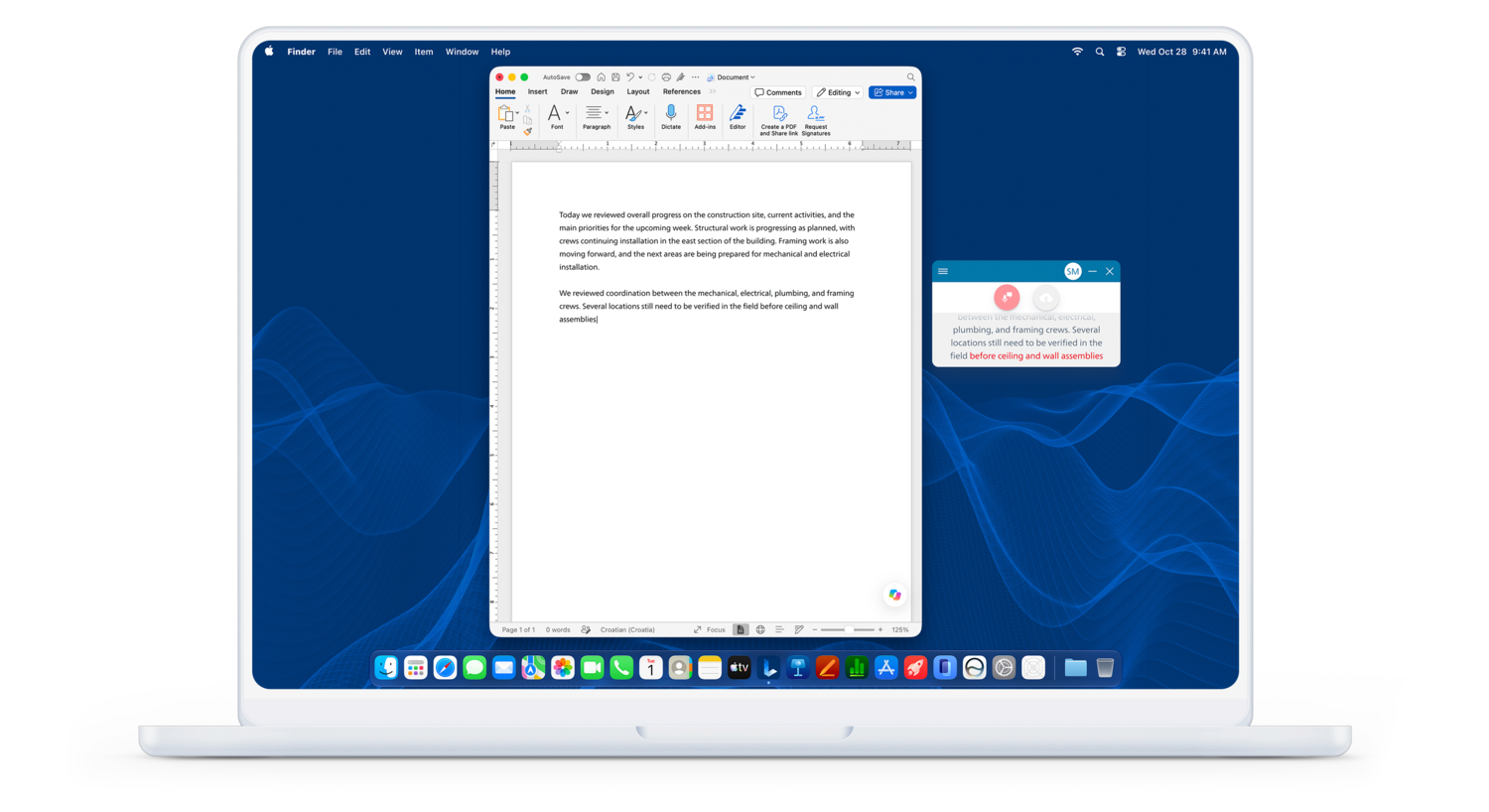
Use the SpeechLive desktop app, select your microphone and place the cursor in the document where you want your words to appear. Start with a short test sentence.
Philips desktop-app instructions
SpeechLive Legal AI Assistant and SpeechLive Professional AI Assistant include their corresponding Direct module. Choose the module assigned to your account and review the resulting draft before use.
All getting-started guides · Speech recognition help · Official Philips role guides
Contact VoiceX for SpeechLive support or training. Tell us which device you use, what you are trying to do and any error message you see.
Compare SpeechLive plans and modules · SpeechLive integrations